 TUTORIALS
What's the Difference Between Filzajailed Root and Jailbreak?
 03/02/2018
 8547
8547
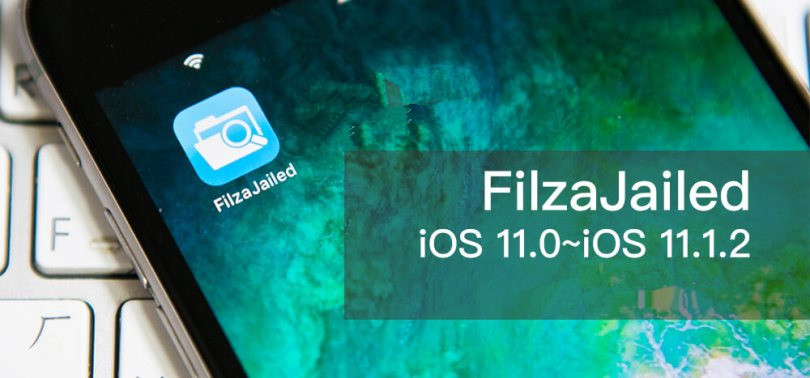
We introduced Filzajailed before, it can root and then modify the file system of iOS 11 - iOS 11.1.2. FilzaJailed utility couples the async_wake exploit with the Filza app and hence ports it to iOS 11.
What is jailbreak ?
Jailbreak is the process by which an iPhone firmware is modified to allow unsigned code to be run to gain access to files that Apple wouldn’t normally let you access. Jailbreaking adds unofficial application installers to your iPhone such as Cydia or Icy , which let you download many 3rd-party applications previously unavailable through the App Store.
What is Filzajailed Root?
It allows users to modify the file system of iOS 11- iOS11.1.2, it similar with adminstrator account on Windows. Before rooting, we can only view something under Apple's authorization on iOS, such as ringtone, software files,e-books, and photos. but other access right is hidden.
Rooting basically gives you access to more or less the entire operating system. You can access and even modify the core files of the iOS. As we posted:
How to Blur / Customize Icon Pattern Using FilzaJailed without Jailbreak?
What's the Difference?
1. Rooting is the first step of jailbreak, jailbreak is a whole process. Now the basic features of this initial jailbreak have been achieved.
2. After jailbreaking, it's easy to tweak your device by adding Cydia repository, while rooting requires users to access all files by themselves. For example, when you need to change font for your device,you should back up original iOS file,then relace it and restart.It could potentially cause problems if users mess the process up.
3. You could reset your iPhone to restore after rooting, while you should flash and upgrade (or use other tools) to remove jailbreak from your iPhone.
If you use root to modify file, please note:
1. Remember to back up original files.
Tip: you could rename and save the original file in same path, which is convenient for you to find back the file when you want to restore.
2. Please replace all files you have modified (eg: When modifying fonts, you need to add 3 font files to repalcace other three files you have deleted).
In a word, if rooting comes, can jailbreaking be far behind? We hope so.










