 TUTORIALS
How to Jailbreak iOS 11.0 – iOS 11.4.1 Using 3uTools?
 03/29/2019
 91653
91653
Update on Feb 12th: 3uTools adds support for iOS 11– iOS 11.4.1 Jailbreak
You should likely already know that the latest version of the Electra jailbreak is now out, which offers liberation for Apple’s device running firmware up to version iOS 11.4.1 If you want to jailbreak your 64-bit compatible iPhone or iPad using 3uTools, then here’s a tutorial to that effect.
Compatibility
The latest Electra Jailbreak supports the 64-bit devices running iOS 11.0-11.4. Check here to view the detail.
Supports all the iOS 11 versions including:
iOS 11, iOS 11.0.1, iOS 11.0.2, iOS 11.0.3
iOS 11.1, iOS 11.1.1, iOS 11.1.2, iOS 11.2,
iOS 11.2.1, iOS 11.2.5, iOS 11.2.6,
iOS 11.3, iOS 11.3.1
iOS 11.4, iOS 11.4.1
It does not support iOS 12 or later. We hope the recent exploits released for iOS 12 will help in developing an iOS 12 jailbreak. As always we will keep you posted as soon as there are any updates.
Supports all iOS 11 compatible iOS devices:
iPhone X, iPhone 8, iPhone 8 Plus, iPhone 7, iPhone 7 Plus, iPhone 6s, iPhone 6s Plus, iPhone 6, iPhone 6 Plus, iPhone SE, iPhone 5s
12.9-inch iPad Pro, 2nd generation 12.9-inch iPad Pro, 1st generation 10.5-inch iPad Pro, 9.7-inch iPad Pro, iPad Air 2, iPad Air, iPad
5th generation, iPad mini 4, iPad mini 3, iPad mini 2
iPod touch 6G
Important: We'll merge the menu in next the version, but you could try the jailbreak right now.
Operations
Step 1 Launch the latest version of 3uTools and connect your compatible device to the PC.
Step 2 Navigate to Flash & JB -> Jailbreak -> iOS 11.0 - 11.4.1Jailbreak, then 3uTools will install Electra on your device, please wait for several minutes.
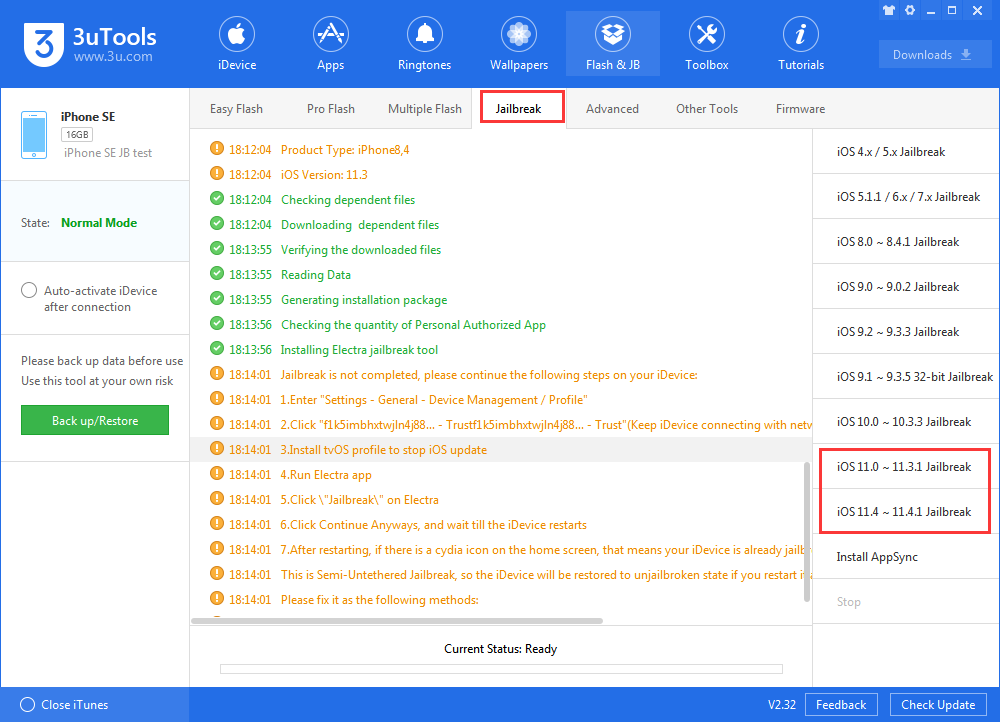
Step 3 On your device, find Settings >go to General > Device Management. Select the email and “Trust” the Electra app.
Step 4 Launch the app and tap Jailbreak. Remember, the exploits used in this jailbreak tool are unreliable and can take multiple tries to install Cydia. It is not uncommon at all for the app to require over a hundred tries.
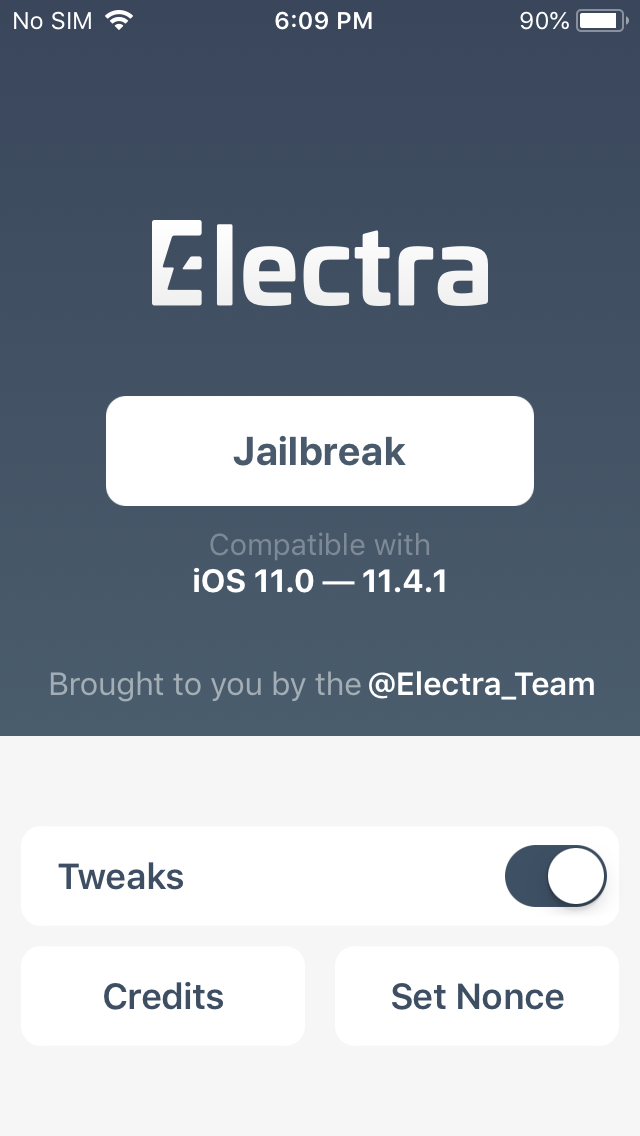
Step 5 When you run the app for the first time, your device will reboot two times. Electra needs to be re-run after the first reboot and then again after installing Cydia.
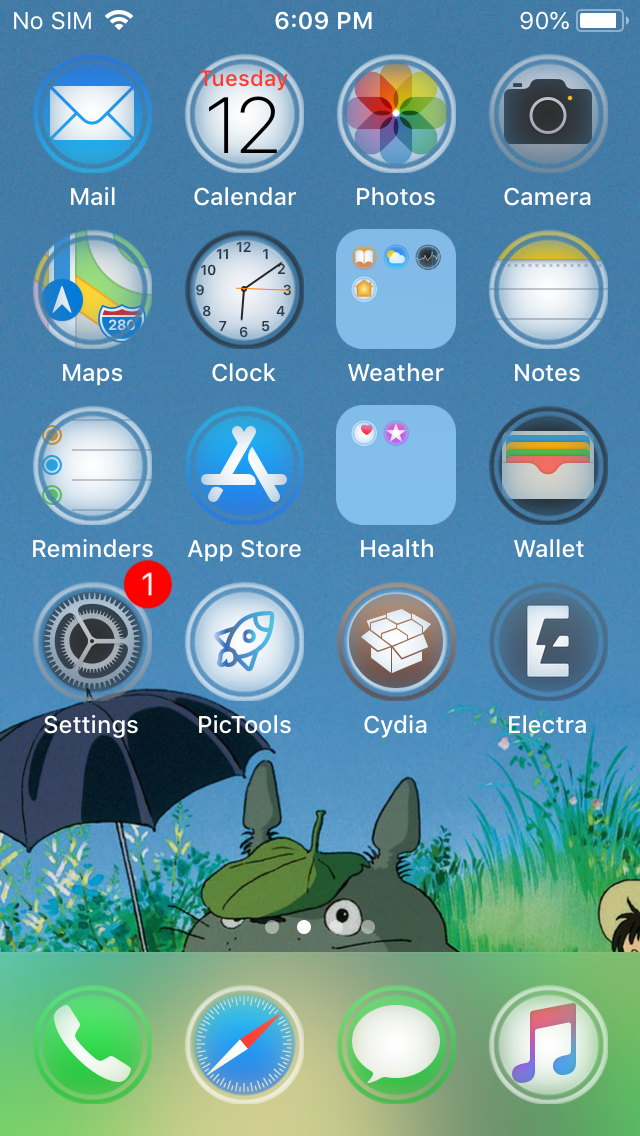
We made the video for you, enjoy your jailbreak.
After you jailbreak, if you want to get some interesting Cydia sources: Best Cydia Sources/Repos For iOS 11.3 Jailbreak Electra
If you meet error while jailbreaking: Roundup: iOS 11.3.1 Electra Jailbreak Errors and Fixes
If you want to access File System of jailbreaking, you need to install AFC2: How to Install AFC2 for iOS 11-11.3.1 to Access Jailbreak File System?










