 TUTORIALS
How do You Jailbreak Your iPhone 7?
 12/11/2017
 9631
9631
Do you know which iOS could be jailbreak on an iPhone 7 or 7Plus? 3uTools jailbreak for iOS 10-10.2 supports all 64-bit devices by installing yalu102, unfortunately the jailbreak is incompatible with iPhone 7/ 7 Plus.
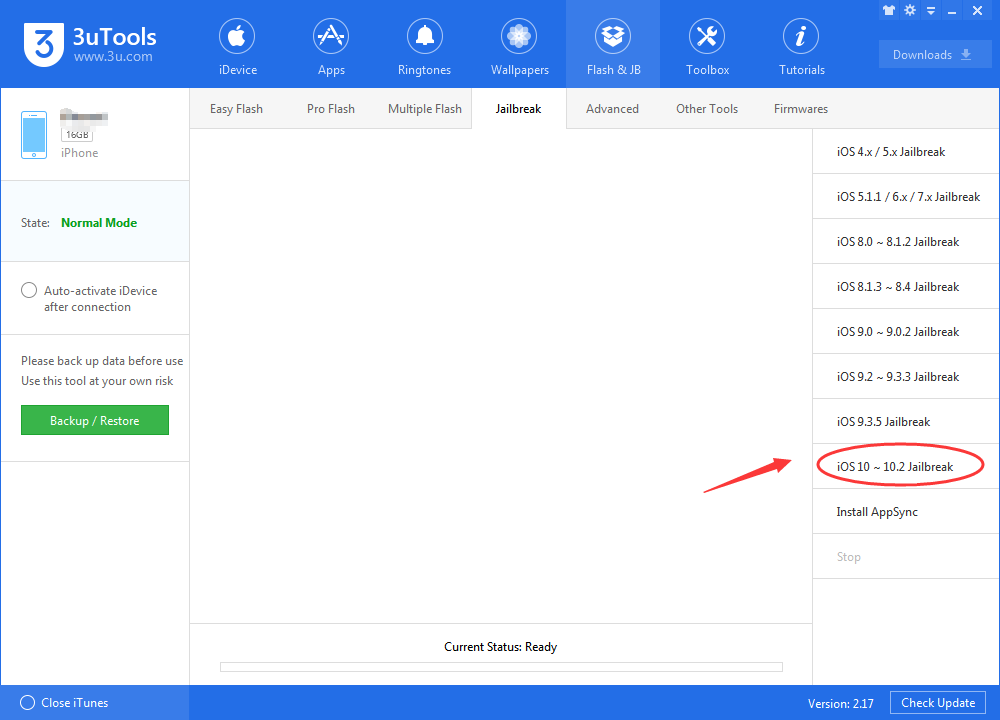
If you want to jailbreak your iPhone 7: confirm your iOS, and try out tools as below.
Jailbreaks for iPhone 7/7Plus:
1. mach_portal Jailbreak supports 10.1-10.1.1
iOS10.1 and iOS 10.1.1 jailbreak Beta version have been released by Luca Todesco based on Ian Beer’s Project Zero exploit. The latest version is beta 3 supports iPhone 7 and iPhone 7 plus.
Download Cydia Impotor: Click Here
Jailbreak Tool for iOS 10.1/10.1.1: Click Here(Updated Beta3)
3uTools advises you that this version is unstable, you may try to use this jailbreak if you are experienced user.
2. extra_recipe+yaluX (beta4) supports 10.0.1-10.1.1
Developer xerub has released an updated version of Ian Beer’s mach_portal exploit, entitled extra_recipe. This new iteration should resolve the stability issues which have been plaguing iPhone 7 and iPhone 7 Plus users on the iOS 10.1.1 jailbreak.
Yalu creator Luca Todesco has in turn picked up the extra_recipe code and paired it with his Yalu jailbreak, compiling the project into a downloadable .ipa to create extra_recipe+yaluX, which effectively replaces his previous yalu+mach_portal tool.
Head to Luca Todesco’s site and download an extra_recipe .ipa to use.
3uTools advises all iPhone 7 and iPhone 7 Plus users on iOS 10.0.0-10.1.1 should switch to extra_recipe from mach_portal.
Related: iPhone 7 Plus Running on iOS 10.1.1 Reboot Randomly After Jailbreak?










