NEWS

Apple’s ‘Assembled in USA’ Mac Pro is Made in China for International Customers

12/17/2019

2346

Apple’s ‘Assembled in USA’ Mac Pro is Made in China for International Customers


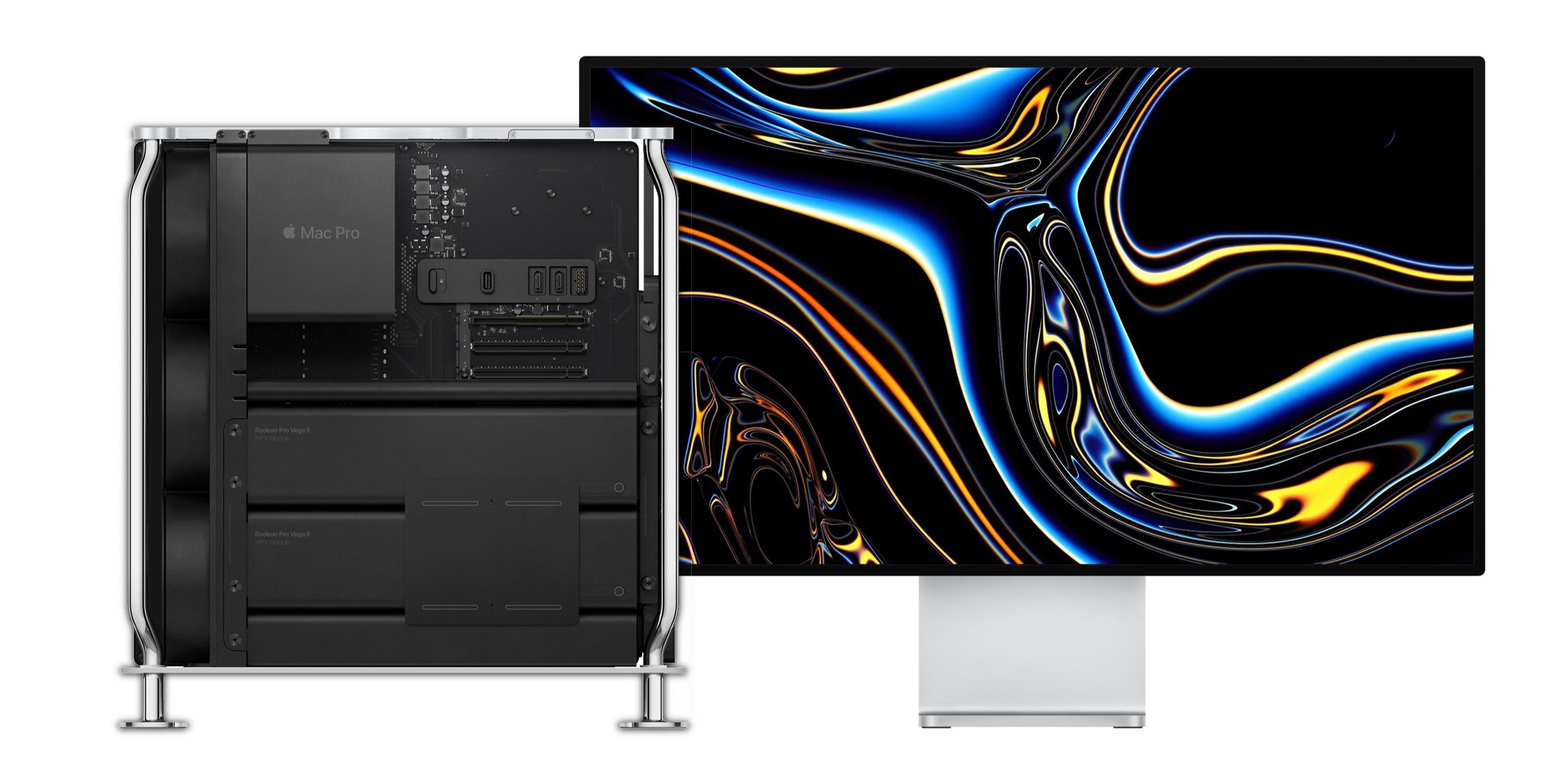
It’s been an interesting journey for Apple as it has figured out its manufacturing plans for the new Mac Pro. While the US factory that produced the 2013 Mac Pro in Austin, Texas is indeed handling the 2019 Mac Pro after all, that’s not the case for international customers.


Back in June, not too long after the Mac Pro was first unveiled, we heard that Apple was reportedly going to use its vendor Quanta to manufacture the pro desktop in China, marking a shift from the previous generation Mac Pro that was made in the US.


However, in September, Apple pivoted and officially announced that it would keep production of the Mac Pro in the US. That came in the midst of Apple working with the Trump administration on tariff waivers for the new professional desktop.


As Mac Pro production ramped up, Tim Cook gave President Trump a tour of the facility. The event caused a stir on a variety of fronts but most interesting may have been Trump confusing the factory as a brand new one when it’s the one that has produced Mac Pro since 2013.


Today, the Mac Pro is arriving to the first customers who ordered the new modular machine and MacGeneration (via Google Translate) received a picture from a reader that the Mac Pro for Europe is indeed made in China, not the US. Many speculated that this would be the case but this is the first official confirmation that not all Mac Pros will be manufactured in the US.


Source: 9to5mac

Windows
Mac OS
iOS
Linux
3uTools
Win 64-bit For this device
V9.0 2025-11-11
Download
Win 32-bit For this device
V9.0 2025-11-11
Download
3uTools
Intel Chip How to Identify Chip Type
V9.0 2025-12-02
Download
Apple Chip
V9.0 2025-12-02
Download
How to Identify Chip Type
1.  Click the Apple icon in the top-left corner of the screen and select About This Mac.
2.  Check the Processor or Chip field to determine if it is "Intel" or "Apple".
Please use the 3uTools PC client to install the iOS client:
1、 Install either the Windows or Mac version of 3uTools on your computer
2、 Open the PC client and connect your device to the computer via USB cable
3、 After the connection is successful, wait for the computer to automatically install the mobile app for the device, or locate “Install Mobile App” on the computer and manually click to install.
3uTools
deb file
V3.01 2025-11-20
Download
rpm file
V3.01 2025-11-20
Download
Windows
Windows
iOS
iOS
Android
Android
TV
TV
3uAirPlayer
Win 64-bit For this device
V6.0.2 2025-11-19
Download
Win 32-bit For this device
V6.0.2 2025-11-19
Download
iOS Device Mirroring (No App Required)
1、 Install 3uAirPlayer on the Windows PC
2、 Open Control Center and select Screen Mirroring
3、 From the list, choose your PC to start mirroring
4、 Or connect your iOS device to the PC via USB to begin mirroring
Scan to get "3uAirPlayer" App
3uAirPlayer TV V1.0.18
2025-11-28
TV System Requirements: Android 7.0 or later
Download the TV installation package, copy it to a USB drive, insert it into your TV or set-top box, then select the file from the home screen to install.