 NEWS
NEWS
Verizon to Soon Enable Dual-SIM Support For iPhone XS, XS Max, XR
 11/23/2018
 2627
2627
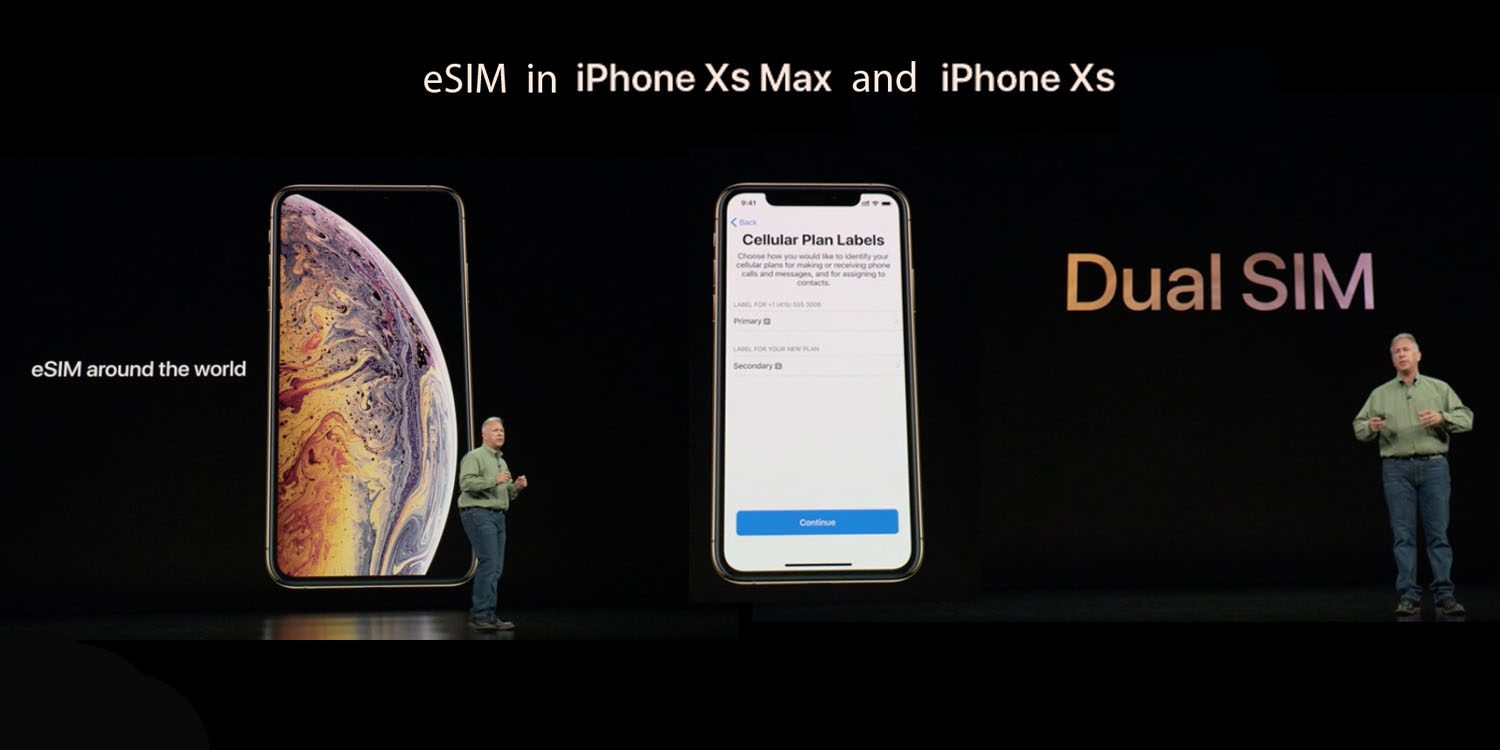
Dual SIM is one of the big new features for the iPhone XS and iPhone XR and it was technically enabled with iOS 12.1. However, the big US carriers held back on supporting Dual SIM activations due to various reasons.
In an internal memo shared with 9to5Mac, Verizon is telling its employees that it now expects to launch Dual SIM activations for eSIM and physical SIMs in early December.
Currently, the iPhone does not support high-speed Verizon service when used in a Dual SIM configuration, dropping down to the 2G CDMA network rather than LTE. This was especially problematic in certain geographies where Verizon has switched to offering LTE-only coverage.
As a result of these limitations, Verizon said it would not be activating service on any eSIM nor officially support Dual SIM activations.
At the launch last month, Verizon said they believed the software limitations would be resolved quickly with Apple’s cooperation. This latest memo indicates that it will stick to its promise and deliver eSIM and Dual SIM to iPhone XS and iPhone XR customers before the end of the year.
The ‘early December’ timeframe may also hint at when to expect iOS 12.1.1 to be released, which incorporates other features like Live Photos in FaceTime, assuming the software fix is rolled in as part of iOS firmware.
Despite initial support, AT&T also abruptly stopped endorsing Dual SIM usage as it found the iPhone Visual Voicemail feature would not work correctly when the phone had primary and secondary lines active. It also said that Apple was working on a fix for a future software update; it’s not clear if that problem will also be fixed in the same ‘early December’ timeframe.
Source: 9to5mac










