
NEWS

iPhone XS' Concept Video Showing Off Larger Size, Gold Finish

09/03/2018

2212

iPhone XS hype continues with concept video showing off larger size, gold finish.
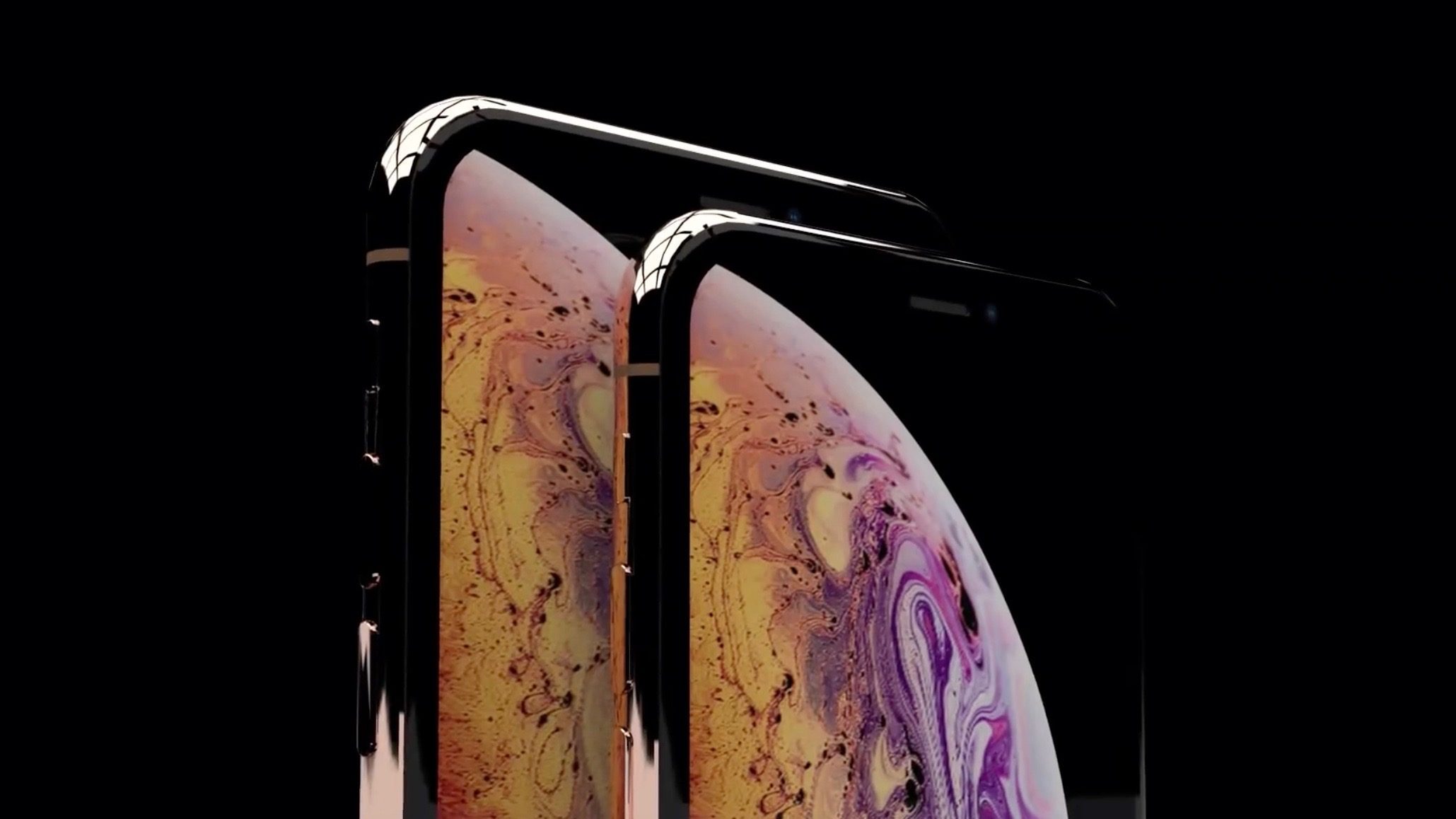

iPhone XS' Concept Video Showing Off Larger Size, Gold Finish


Following our first look at the new iPhone XS a few days back, the hype continues today with a new concept video based on our leak that shows off the new 6.5-inch model with its gold finish and more.


The dramatic video – which brands itself as a concept Apple advertisement – shows off the two iPhone XS models from various angles. The video takes our leak on Thursday and creates fresh concept images of the iPhone XS from different angles.


The iPhone XS is expected to be announced in less than two weeks at Apple’s September 12th ‘Gather round’ event. In addition to the iPhone XS, Apple is also expected to announce the Apple Watch Series 4, as well as a new 6.1-inch LCD iPhone model.


What’s important to keep in mind is that this video, while inspired by our iPhone XS marketing image leak, is centered around artist-created concepts. There could still be discrepancies between what this video shows and what Apple officially announces later this month.


Source: 9to5mac

Windows
Mac OS
iOS
Linux
3uTools
Win 64-bit For this device
V9.0 2025-11-11
Download
Win 32-bit For this device
V9.0 2025-11-11
Download
3uTools
Intel Chip How to Identify Chip Type
V9.0 2025-12-02
Download
Apple Chip
V9.0 2025-12-02
Download
How to Identify Chip Type
1.  Click the Apple icon in the top-left corner of the screen and select About This Mac.
2.  Check the Processor or Chip field to determine if it is "Intel" or "Apple".
Please use the 3uTools PC client to install the iOS client:
1、 Install either the Windows or Mac version of 3uTools on your computer
2、 Open the PC client and connect your device to the computer via USB cable
3、 After the connection is successful, wait for the computer to automatically install the mobile app for the device, or locate “Install Mobile App” on the computer and manually click to install.
3uTools
deb file
V3.01 2025-11-20
Download
rpm file
V3.01 2025-11-20
Download
Windows
Windows
iOS
iOS
Android
Android
TV
TV
3uAirPlayer
Win 64-bit For this device
V6.0.2 2025-11-19
Download
Win 32-bit For this device
V6.0.2 2025-11-19
Download
iOS Device Mirroring (No App Required)
1、 Install 3uAirPlayer on the Windows PC
2、 Open Control Center and select Screen Mirroring
3、 From the list, choose your PC to start mirroring
4、 Or connect your iOS device to the PC via USB to begin mirroring
Scan to get "3uAirPlayer" App
3uAirPlayer TV V1.0.18
2025-11-28
TV System Requirements: Android 7.0 or later
Download the TV installation package, copy it to a USB drive, insert it into your TV or set-top box, then select the file from the home screen to install.




