 NEWS
NEWS
Apple Faces Class Action Lawsuit over Failing MacBook Butterfly Keyboards
 05/14/2018
 3168
3168
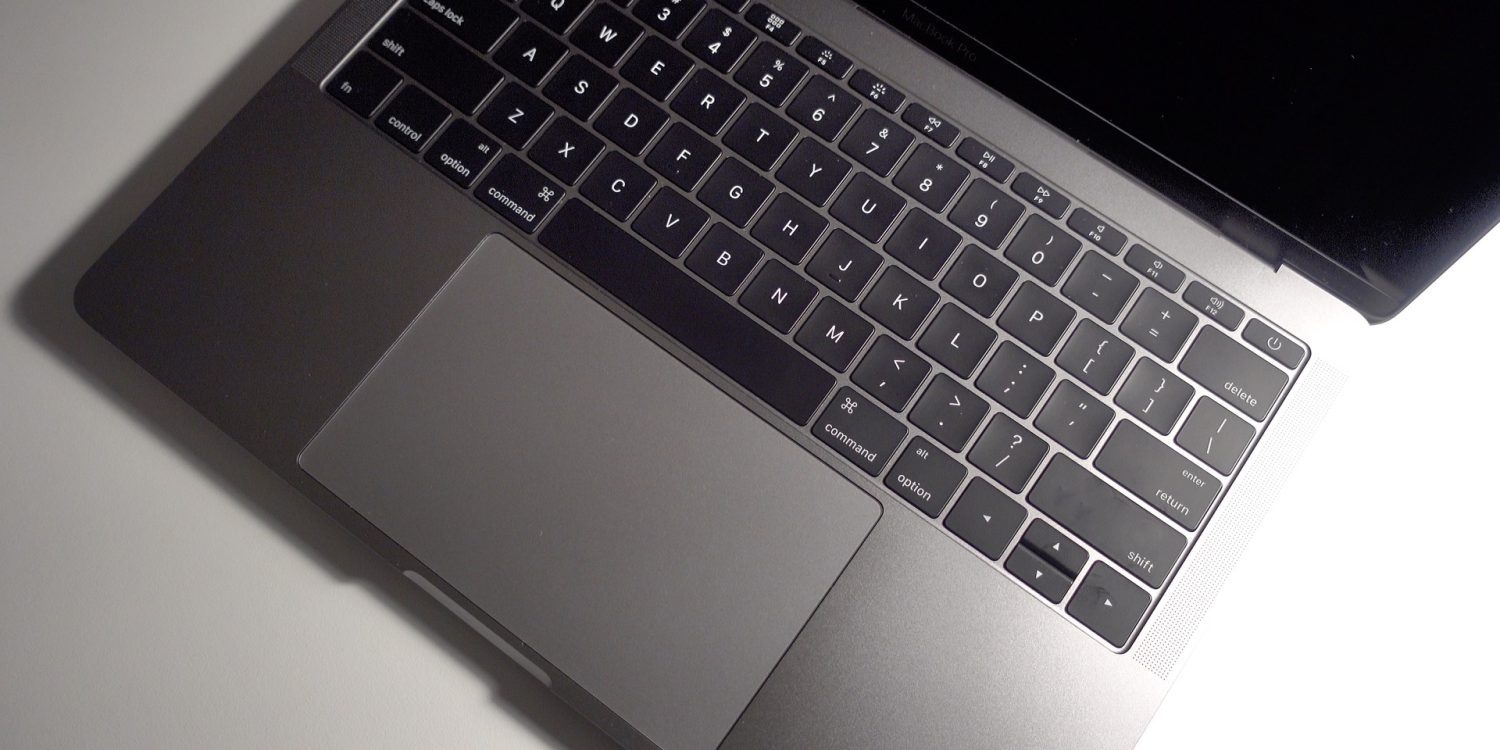
Apple’s polarizing butterfly keyboard design is now causing the company some legal issues. A new class action lawsuit has been filed against Apple, alleging that the company knew about the reliability issues of the design before launch, yet released it anyway…
As outlined by AppleInsider, the lawsuit was filed in the Northern District Court of California and includes both the 12-inch MacBook and the MacBook Pro.
The lawsuit alleges that “thousands” of users have suffered from problems with the butterfly keyboard device that render it ultimately useless. The lawsuit says that even “minimal amounts of dust or debris” causes the keyboard to fail, thus rendering one of the “core functions” of the MacBook broken. This makes the device “inoperable and unsuitable for its ordinary and intended use.”
"Apple’s butterfly keyboard and MacBook are produced and assembled in such a way that when minimal amounts of dust or debris accumulate under or around a key, keystrokes fail to register. The keyboard defect compromises the MacBook’s core functionality."
"As a result of the defect, consumers who purchased a MacBook face a constant threat of non-responsive keys and accompanying keyboard failure. When one or more of the keys on the keyboard fail, the MacBook can no longer serve its core function: typing. Thus, when this defect manifests in the MacBook, the computer becomes inoperable and unsuitable for its ordinary and intended use."
The lawsuit goes on to allege Apple “knew that the MacBook is defective at or before” the release. Furthermore, it knew of the issues uses of the 12-inch MacBook were having, yet still brought the butterfly keyboard to the MacBook Pro and sold it at “premium prices.”
Additionally, the suit takes issues with Apple’s marketing – which touts that the butterfly keyboard offers “four times more key stability than a traditional scissor mechanism.”
The 1-year warranty Apple offers to users is acknowledged in the lawsuit, but it argues that “Apple routinely refuses to honor its warranty obligations,” instead instructing MacBook users to “try self-help remedies that it knows will not result in permanent repair.
Ultimately, the lawsuit seeks damages, legal fees, and alls for Apple to disclose the keyboard flaws and replace defective units, including reimbursement for the initial laptop purchase.
This certainly isn’t the first time Apple has come under fire for its butterfly keyboard mechanism. Earlier this month, a petition called for Apple to recall and replace defective MacBook keyboards – that petition has since accumulated over 17,000 signatures.
Source: 9to5mac











