NEWS

Electra 1.0.2 Jailbreak for iOS 11.1.2 Released to Fix APT 0.7 Strict Error

02/28/2018

2832

Electra 1.0.2 Jailbreak for iOS 11.1.2 Released to Fix APT 0.7 Strict Error

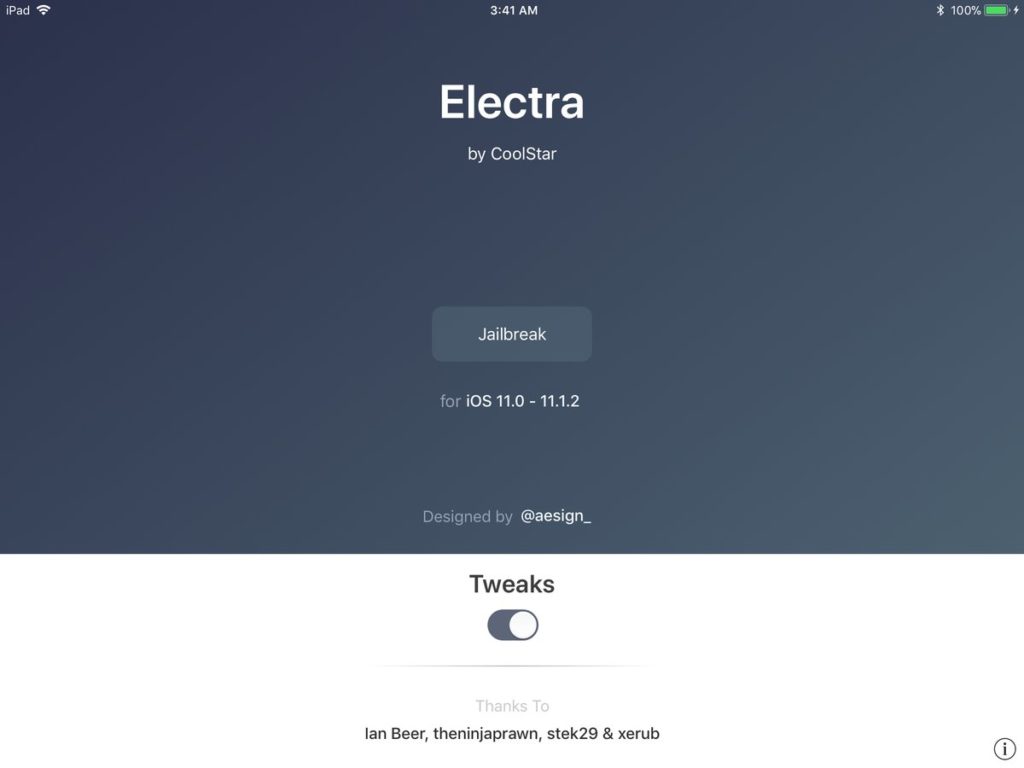
Coolstar has released Electra 1.0.2 jailbreak to fix the APT 0.7 strict (lib) error that was affecting many jailbreakers. The issue seems to have occurred as Jay Freeman aka saurik released an APT update which broke Cydia on devices that were jailbroken using Electra jailbreak.


Here’s the complete changelog of the latest version:

  1. Fix false positives where Electra would think topanga was installed when only liberiOS was

  2. Prevent loading pacakges from saurik’s repo (since Cydia can’t be patched to remove it)

  3. Fix APT 0.7 Strict (lib) on devices that may have already updated to the broken copy from saurik’s repo


coolstar has also mentioned on Twitter that “on Electra 1.0.2, Saurik’s repo will fail to load with “Connection Refused. This is normal.” He also goes on to add that “if Saurik’s repo appears empty on Electra 1.0.2 and there’s an error loading Saurik’s repo, this is normal. This is a feature. Not a bug.“.


You can download Electra 1.0.2 IPA from the official website. You will need to use Cydia Impactor to sideload the Electra IPA and then run the process to jailbreak your iOS device. It will also install Cydia for iOS 11 during the jailbreak process.


Source: iphonehacks


Windows
Mac OS
iOS
Linux
3uTools
Win 64-bit For this device
V9.01 2025-12-27
Download
Win 32-bit For this device
V9.01 2025-12-27
Download
3uTools
Intel Chip How to Identify Chip Type
V9.01 2025-12-31
Download
Apple Silicon
V9.01 2025-12-31
Download
How to Identify Chip Type
1.  Click the Apple icon in the top-left corner of the screen and select About This Mac.
2.  Check the Processor or Chip field to determine if it is "Intel" or "Apple".
Please use the 3uTools PC client to install the iOS client:
1、 Install either the Windows or Mac version of 3uTools on your computer
2、 Open the PC client and connect your device to the computer via USB cable
3、 After the connection is successful, wait for the computer to automatically install the mobile app for the device, or locate “Install Mobile App” on the computer and manually click to install.
3uTools
deb file
V3.01 2025-11-20
Download
rpm file
V3.01 2025-11-20
Download
Windows
Windows
iOS
iOS
Android
Android
TV
TV
3uAirPlayer
Win 64-bit For this device
V6.0.2 2025-11-19
Download
Win 32-bit For this device
V6.0.2 2025-11-19
Download
iOS Device Mirroring (No App Required)
1、 Install 3uAirPlayer on the Windows PC
2、 Open Control Center and select Screen Mirroring
3、 From the list, choose your PC to start mirroring
4、 Or connect your iOS device to the PC via USB to begin mirroring
Scan to get "3uAirPlayer" App
3uAirPlayer TV V1.0.18
2025-11-28
TV System Requirements: Android 7.0 or later
Download the TV installation package, copy it to a USB drive, insert it into your TV or set-top box, then select the file from the home screen to install.