
NEWS

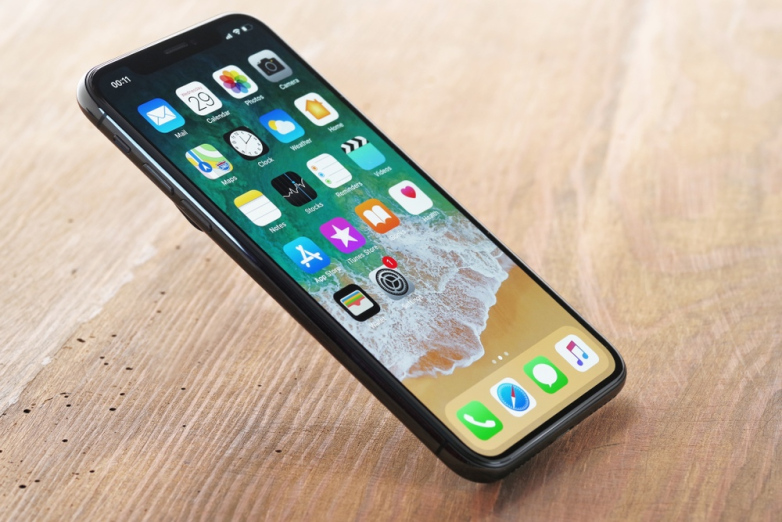
Woz Explains the One Aspect of the iPhone X Design He Can't Stand

02/01/2018

3453

Apple co-founder Steve Wozniak — a bona fide legend in Silicon Valley — has never been afraid to give the masses his unfiltered opinion on all things tech related. And though Woz made his name and fortune developing both the Apple I and Apple II decades ago, he has never been shy about calling out Apple whenever it thinks it veers too far off course.

Woz Explains the One Aspect of the iPhone X Design He Can't Stand


An iPhone aficionado going all the way back to 2007, Woz late last year said that the iPhone X would be the first new iPhone model he wouldn't buy.


"I'd rather wait and watch that one,” Woz told CNBC a few months ago. “I'm happy with my iPhone 8 — which is the same as the iPhone 7, which is the same as the iPhone 6, to me.”


After hearing Woz's remarks, Apple CEO Tim Cook sent Woz a free iPhone X. By December, Woz was fully on board with the device, noting that he "kinda liked it" during an appearance at the 2017 Pivot Summit.


About 7 weeks later, Woz seems to have experienced a change of heart. While speaking at the Nordic Business Forum last week, Woz — in statements transcribed by Business Insider — explained why one aspect of the iPhone X design goes against the intuitive user experience Apple is renowned for.


"The power button on the side does different things if you click it quickly, or if you click it twice, and a different thing if you click it a third time,” Woz explained. “And if you push it with the volume button it does another thing. And if you push and hold the volume button it does another thing. Just, ugh!”


Source: bgr

Windows
Mac OS
iOS
Linux
3uTools
Win 64-bit For this device
V9.0 2025-11-11
Download
Win 32-bit For this device
V9.0 2025-11-11
Download
3uTools
Intel Chip How to Identify Chip Type
V9.0 2025-12-02
Download
Apple Silicon
V9.0 2025-12-02
Download
How to Identify Chip Type
1.  Click the Apple icon in the top-left corner of the screen and select About This Mac.
2.  Check the Processor or Chip field to determine if it is "Intel" or "Apple".
Please use the 3uTools PC client to install the iOS client:
1、 Install either the Windows or Mac version of 3uTools on your computer
2、 Open the PC client and connect your device to the computer via USB cable
3、 After the connection is successful, wait for the computer to automatically install the mobile app for the device, or locate “Install Mobile App” on the computer and manually click to install.
3uTools
deb file
V3.01 2025-11-20
Download
rpm file
V3.01 2025-11-20
Download
Windows
Windows
iOS
iOS
Android
Android
TV
TV
3uAirPlayer
Win 64-bit For this device
V6.0.2 2025-11-19
Download
Win 32-bit For this device
V6.0.2 2025-11-19
Download
iOS Device Mirroring (No App Required)
1、 Install 3uAirPlayer on the Windows PC
2、 Open Control Center and select Screen Mirroring
3、 From the list, choose your PC to start mirroring
4、 Or connect your iOS device to the PC via USB to begin mirroring
Scan to get "3uAirPlayer" App
3uAirPlayer TV V1.0.18
2025-11-28
TV System Requirements: Android 7.0 or later
Download the TV installation package, copy it to a USB drive, insert it into your TV or set-top box, then select the file from the home screen to install.




