 NEWS
NEWS
Apple Has Purchased Battery Cell Life-Cycle Machines
 05/10/2017
 3178
3178
Tesla’s battery research partner has announced that it has doubled the battery lifetime of Tesla products 4 years before due time. Apple appears to have been suitably impressed by the same and the company has now purchased machines that have been developed by the same firm.
Jeff Dahn is a very well known battery researcher. He has been deeply involved with the development of Lithium-ion batteries. Some of his research is now being deployed by a host of companies in their personal electronic devices and electric vehicles. He also leads Tesla’s research partnership through his Dalhousie University battery research group.
The group has recently undergone a major transition wherein, it shifted from its 20 year research agreement with 3M to an association with Tesla This was done through the NSERC/Tesla Canada Industrial Research. The research group also received substantial investment under the terms of the agreement and Tesla also put in funds into a new research lab close to Dahn’s group near Halifax, Nova Scotia.
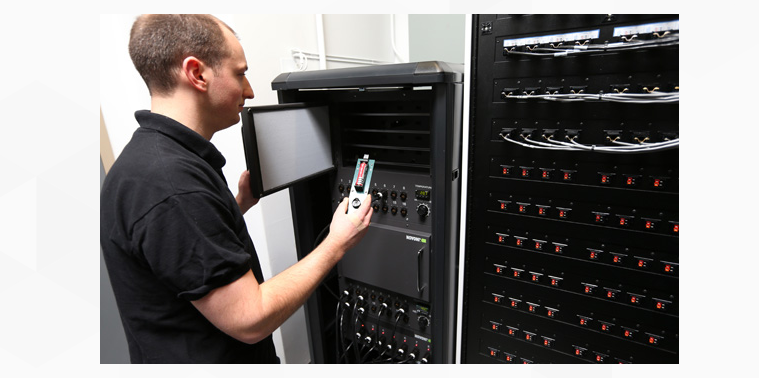
Dahn is currently working on extending battery life. Along the same, the company also worked upon the development of new equipment which could be used to monitor celss during charging and discharging cycles with a greater degree of accuracy. This also helps in identifying and fixing causes of battery degradation.
There are two main researchers involved with the project. While one of them has been working with Tesla’s in-house battery cell research group, the other has kicked off a company to commercialize these battery cell testing machines. These systems are integrated with 40 channels of ultra high precision chargers.
Source: thetechportal









