 NEWS
NEWS
Apple Buys Sleep Tracking Firm Beddit
 05/10/2017
 4295
4295
Beddit, known for its sleep tracking hardware and software, this week announced it has been purchased by Apple for an undisclosed sum.
The acquisition was quietly announced through an update to Beddit's privacy policy on Monday. Users were alerted to the change on Tuesday when Beddit rolled out an update for its iOS app.
Beddit has been acquired by Apple. Your personal data will be collected, used and disclosed in accordance with the Apple Privacy Policy.
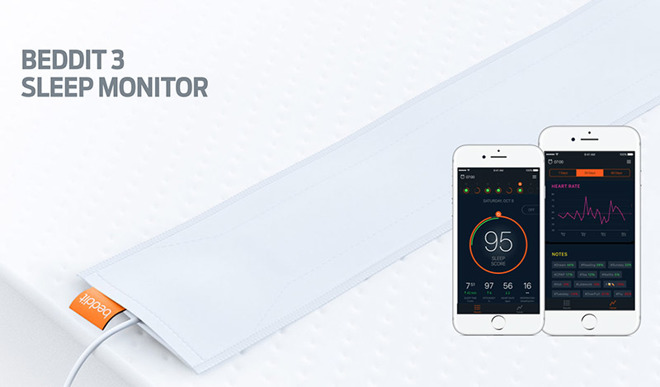
Beddit also integrates with HealthKit for comprehensive health tracking and data viewing via Apple's Health app and Apple Watch.
Apple sells Beddit's latest offering, the $150 Beddit 3, through its online and brick-and-mortar stores.
While Apple has yet to comment on the purchase, Beddit and its team are likely bound for the tech giant's growing biomedical engineering group. It can be speculated that Apple plans to integrate some form of sleep tracking functionality into Apple Watch, the company's flagship wearable platform. As it stands, Apple Watch's battery life precludes the device from all-day wear, though future versions might improve uptime to the point where users can wear it during sleep.
Apple has increased focus on health and wellness products since the launch of HealthKit and Apple Watch in 2014, going so far as to position the new Apple Watch Series 2 as a do-all fitness device. Most recently, a report last month claimed Apple is working on noninvasive glucose sensors for tracking blood sugar levels, technology widely considered to be a "holy grail" of modern medical science
Source: appleinsider










