 NEWS
NEWS
Leaked Apple iMac Specs Point to Up to 64GB RAM, And Thunderbolt 3 At Last
 04/07/2017
 3142
3142
Hot off of Apple reminding the world that yes, it still makes iMacs and yes, there will be a new one this year, it appears the refreshed all-in-one computer will be getting more than just a metaphorical new coat of paint.
The 2017 iMac is expected to feature AMD graphics, Intel Xeon E3-1285 v6 processors, and 16GB to 64GB of ECC RAM. Additionally, support for Thunderbolt 3 and USB-C connection were also teased, along with a 2TB SSD.
Intriguingly, the source mentions too that the new iMac's AMD graphics can "support VR and Pro apps," which could be huge if taken as a sign that Apple is stepping into virtual reality.
(The blog's source also teased an 8K display intended to pair with the overhauled Mac Pro, as well as a not-so-miniature Mac mini model to come.)
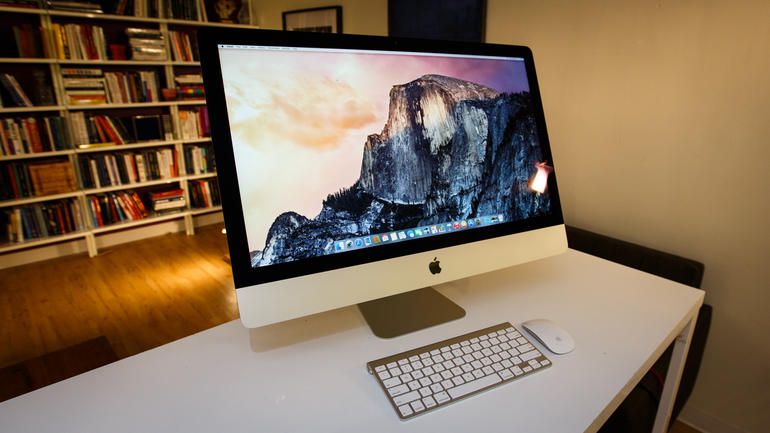
iMac is iBack
The report also mentions a new keyboard coming to the new iMac, which fuels previous reports that Apple may be able to take the Touch Bar from last year's MacBook Pro and augment future keyboards with it.
Now, even the leaked source adds a disclaimer that light skepticism should be used when it comes to speculating on Apple rumors, and we happen to agree – especially given that the report refers to its tipster as "little bird" who's "usually pretty accurate."
Still, we do know Apple is planning a significant change to its iMac lineup very soon, and with competitors stepping into once-undisputed Apple turf with all-in-ones like the Microsoft Surface Studio, it's in the iPhone maker's best interest to come out swinging.
Source: techradar











