 NEWS
NEWS
Man Sues Apple for iPhone 6 Battery Explosion Caused by Alleged Defect
 05/07/2021
 2286
2286
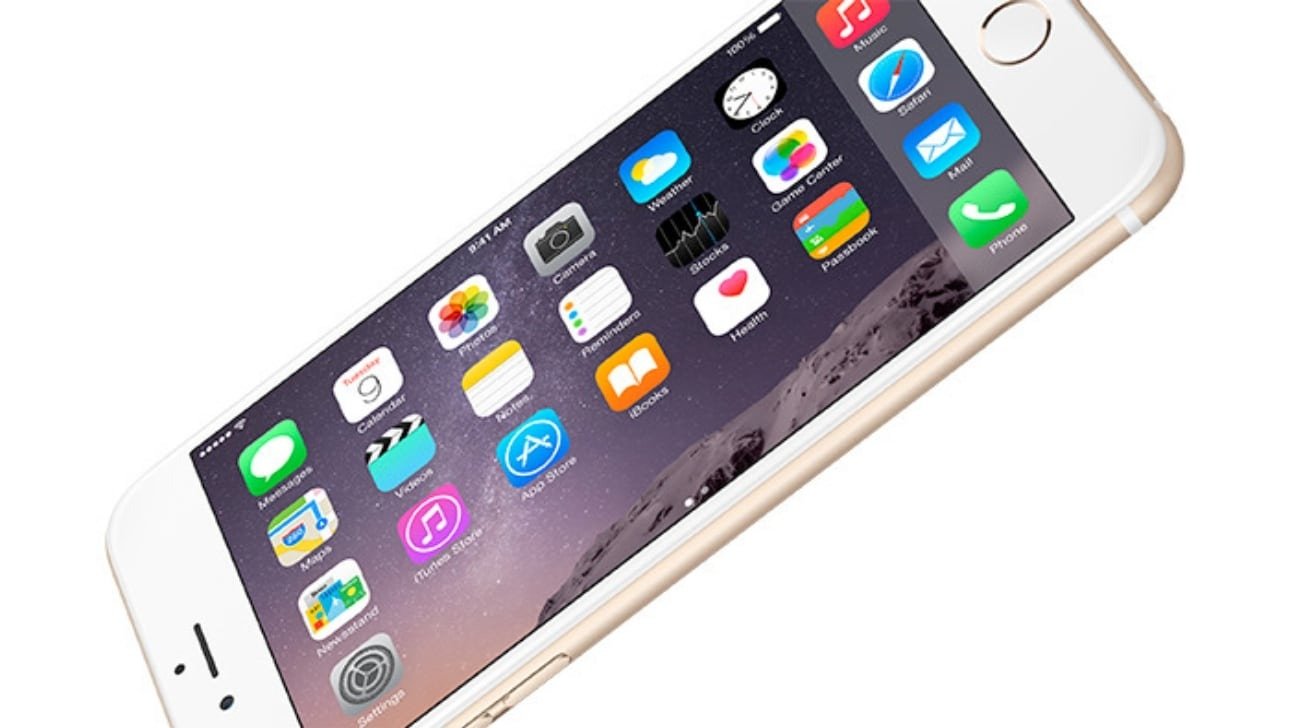
A Texas man is seeking a class action suit against Apple for allegedly selling defective batteries and violating its warranty promises after his iPhone exploded in his face in 2019.
The lawsuit, lodged Thursday in the U.S. District Court for the Eastern District of Texas, claims that the iPhone 6's battery "contains a defect which makes it unable to reliably perform its function." It goes on to allege that the defect "creates a danger of explosion and fire."
According to the complaint, plaintiff Robert Franklin of Hopkins County, Texas had his iPhone 6 device explode in August 2019. "Robert Franklin was listening to music on his iPhone 6, when he noticed the music playing on his iPhone began to skip," the lawsuit reads. "As he picked up his iPhone to investigate, [it] suddenly exploded and caught fire in his face."
The complaint goes on to say that the plaintiff suffered injuries to his eyes and wrist as a result of the incident. The latter injury occurred because the fire caused him to fall, during which Franklin used his hand to brace himself.
"With a defective battery, Plaintiff's iPhone 6 was unsafe to operate and was destroyed by the explosion," the complaint says.
The plaintiff reportedly suffered economic loss because of the incident. Costs included those to replace the iPhone, plus medical treatment for his injuries.
According to the lawsuit, Apple is in violation of Texas law because it sold a un-merchantable product. It alleges that Apple's warranty, which claims that the iPhone 6 would be free from defects, turned out to be untrue.
Exploding iPhones are rare, and normally occur because of user-caused damage to a device after it has been sold. There is no rash of exploding iPhone batteries now, or in 2019, when the plaintiff's battery burst. Lithium-ion battery liquid is flammable, and damage to a device containing a battery can cause the battery to swell, rupture, or otherwise fail.
The iPhone 6 was first sold in 2015, and the plaintiff reportedly purchased his in 2018 — about a year before the incident occurred. It isn't clear what condition the phone was in prior to the explosion, where he bought the device, or if he bought it new or used.
The lawsuit seeks class action status and a jury trial. It asks for damages for the allegedly defective iPhone 6 and its battery, incidental damages for replacement devices, and attorneys' fees and court costs.
Source: Appleinsider









