 NEWS
NEWS
Apple Releases iOS 14.5 and iPadOS 14.5 With Apple Watch Unlock, App Tracking Transparency
 04/27/2021
 2327
2327
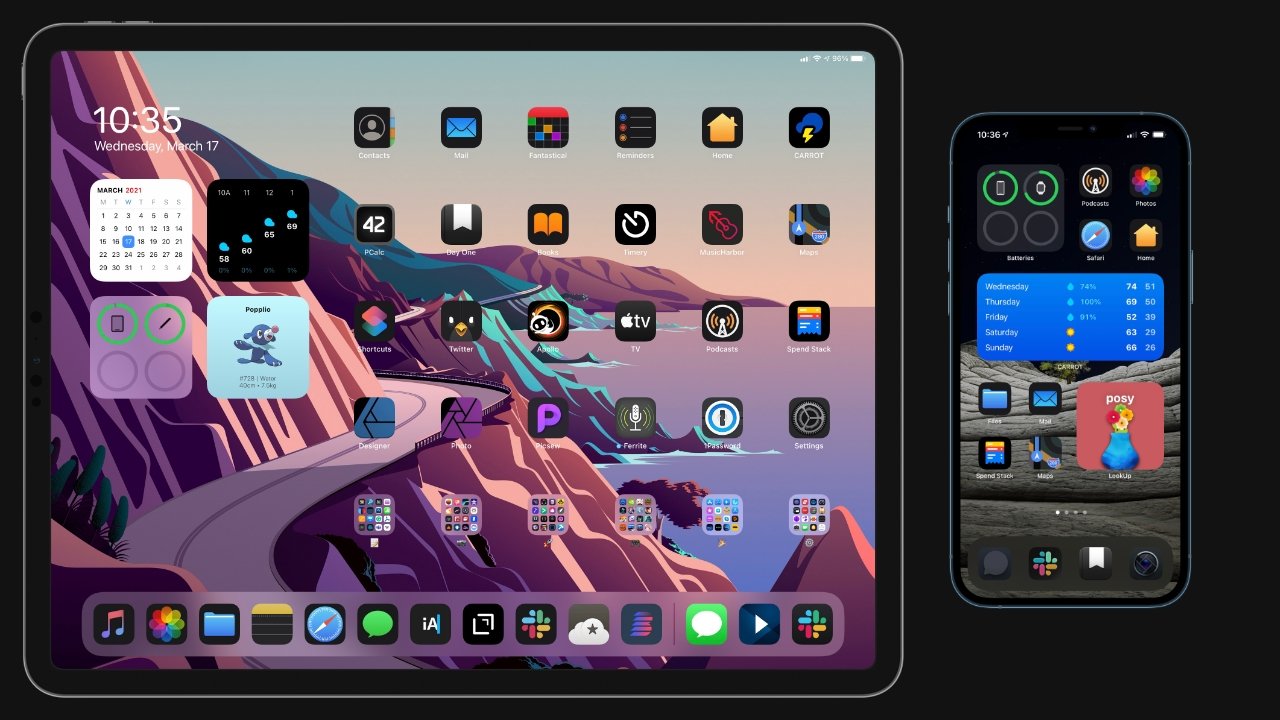
Apple has released iOS 14.5 and iPadOS 14.5, with some of the biggest new features including App Tracking Transparency and easier iPhone unlocking when wearing a mask.
iOS 14.5 and iPadOS 14.5 has seen a sporadic beta period over the past few weeks, but is now available to the public. These updates contain important user-facing features and major changes to privacy control.
While it is available as an automatic update, users can also elect to install the latest version of iOS and iPadOS manually. To do so, users can open the Settings app then select General followed by Software Update to check for the update's availability.
App Tracking Transparency
After months of testing and public debate, Apple has released the App Tracking Transparency feature. It enables users to opt-in to advertiser tracking across apps and websites.
When enabled, users will be prompted with a dialog stating that the app or website would like to track them. Facebook has openly attacked Apple over the feature and warns advertisers of substantial profit loss.
Siri voice changes
Apple released an update to Siri alongside the sixth beta of iOS 14.5. Users will be able to choose from two new English voices, for a total of four, when setting up Siri.
Siri will no longer default to a specific voice during initial setup. Instead, users will choose from the list of voices. Apple also removed the gendered labels of each voice to remove social bias from the user's choice.
Face ID assistance via Apple Watch
Another long-awaited feature has arrived — the ability to unlock the iPhone while wearing a mask. This is accomplished by having an unlocked Apple Watch running watchOS 7.4 or later.
If the iPhone detects a mask, it will authenticate using the Apple Watch, but only when it is nearby.
Other Changes
The rest of the updates in iOS and iPadOS are much smaller than those standout features, but they are still useful. This includes support for the PlayStation 5 DualSense and Xbox Series X game controllers, expanding the iPhone and iPad's controller support.
Apple Fitness+ has been updated to enable AirPlay 2 casting support. Apple Music has some additional refinements to the interface, while users will also be able to take advantage of more than 200 new emoji in messaging applications.
There are also Apple's customary bug fixes and under-the-hood performance improvements.
THIS RELEASE ALSO FIXES THE FOLLOWING ISSUES:
Messages at the bottom of the thread may be hidden by the keyboard under certain circumstances
Deleted messages may still appear in Spotlight search
Messages may persistently fail to send texts in some threads
Mail would not load new emails for some users until restarting the device
Call blocking and identification section may not appear in Phone settings
iCloud Tabs may not appear in Safari
iCloud Keychain could be prevented from turning off
Reminders created via Siri may be unintentionally set for early morning hours
Battery health reporting system will recalibrate maximum battery capacity and peak performance capability on iPhone 11 models to address inaccurate estimates of battery health reporting for some users (https://support.apple.com/HT212247)
Optimization to reduce the appearance of a dim glow that may appear at reduced brightness levels with black backgrounds on iPhone 12 models
AirPods audio routing to incorrect device for Automatic Switching
AirPods Automatic Switching notifications might be missing or duplicated
For information on the security content of Apple software updates, please visit this website.
Earlier Updates
The original iOS 14 and iPadOS 14 update made changes refreshing the Home screen and app interface at launch, tweaked Messages and Safari, overhauled Siri, added elements to Apple Maps, introduced Sound Recognition alerts, and offered CarKey support, among other changes.
The iOS 14.2 and iPadOS 14.2 updates added eight new wallpaper options, new emoji, and improved iconography across the operating system, as well as other smaller changes.
The iOS 14.3 and iPadOS 14.3 updates brought support for newly released Apple hardware and software. Apple Fitness+ launched, AirPods Max released, and Apple ProRAW became available in this release. The controversial privacy "nutrition labels" were also released.
The iOS 14.4 and iPadOS 14.4 updates focused on bug fixes and added a new "Find My Items" menu to the Find My app.
Stay on top of all Apple news right from your HomePod. Say, "Hey, Siri, play AppleInsider," and you'll get latest AppleInsider Podcast. Or ask your HomePod mini for "AppleInsider Daily" instead and you'll hear a fast update direct from our news team. And, if you're interested in Apple-centric home automation, say "Hey, Siri, play HomeKit Insider," and you'll be listening to our newest specialized podcast in moments.
Source: Appleinsider









