 NEWS
NEWS
Apple Commemorates 10th iPhone Anniversary
 01/09/2017
 4576
4576
This year marks the 10-years anniversary of the iPhone and Apple is getting a head start on the celebrations. A decade ago from tomorrow, Apple’s Steve Jobs unveiled the first ever iPhone and Apple today has shared a look back at just how revolutionary the device has been.
In a press release, Apple relives the iconic phrase Jobs used when he took the stage at Macworld 2007 in San Francisco, touting the iPhone as “a widescreen iPod with touch controls, a revolutionary mobile phone and a breakthrough internet communications device.”
From there, Apple says that the iPhone has continued revolutionizing the smartphone industry with the device, bragging that it has sold over one billion units and spawned new hardware categories such as the iPhone and Apple Watch.
Furthermore, Apple points to the millions of apps that have become essential to people’s daily routine thanks to iPhone and the App Store.
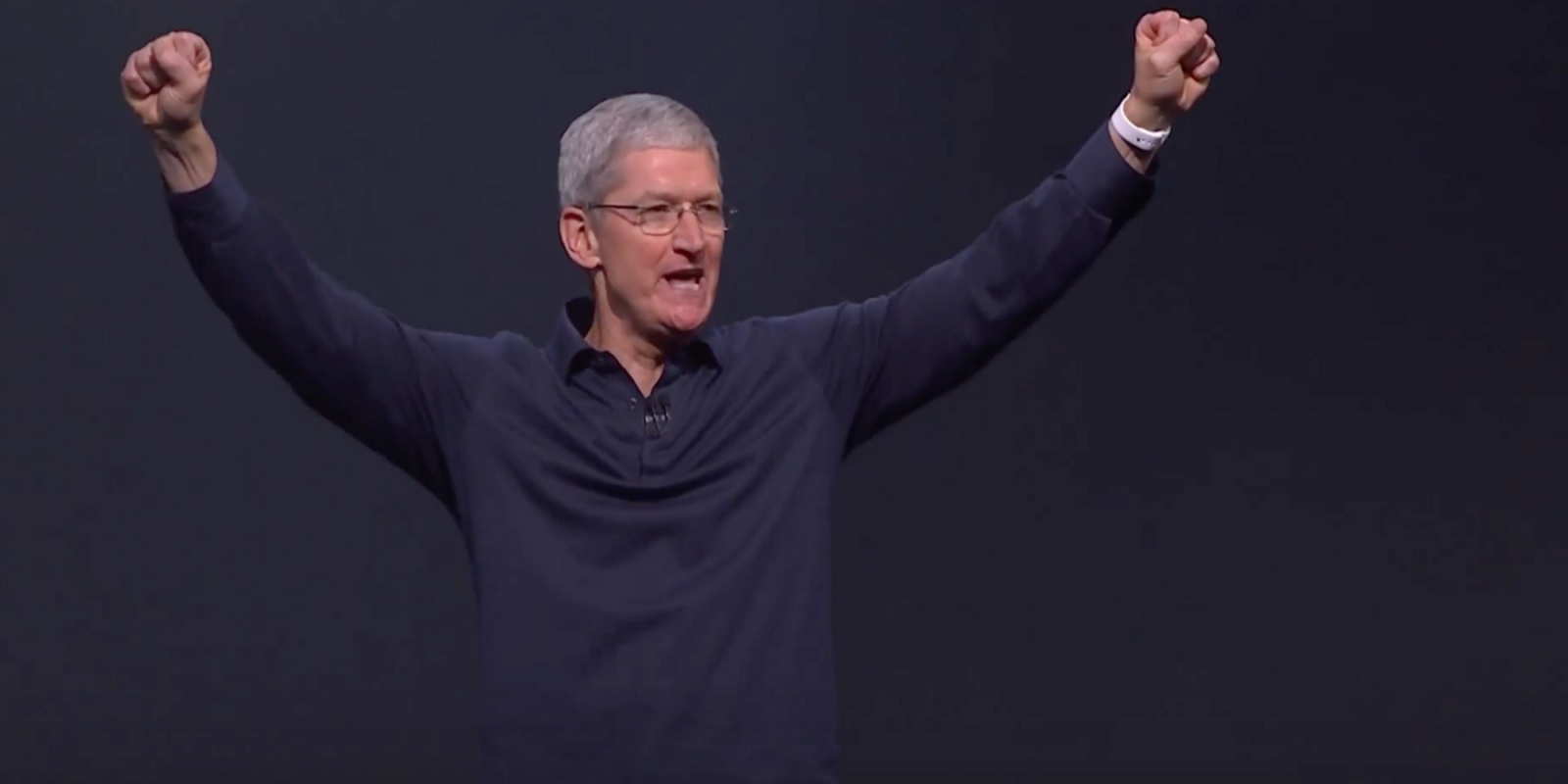
CEO Tim Cook remarks in the press release that the more than ever, the iPhone is redefining how consumers live, work, communicate, and entertain. In typical Cook language, he also teased that “the best is yet to come” for iPhone.
“It is amazing that from the very first iPhone through to today’s newest iPhone 7 Plus, it has remained the gold standard by which all other smartphones are judged. For many of us, iPhone has become the most essential device in our lives and we love it,” said Philip Schiller, Apple’s senior vice president of Worldwide Marketing.
The iPhone’s 10th anniversary is officially tomorrow in terms of announcement, but the device was released on June 29th 2007. 2017 is expected to be a big year for the device, read everything we currently know about it here.
Source: 9to5mac










