 NEWS
NEWS
iPhone XS Owners Complaining About Mobile Data Connectivity Issue After iOS 12.1.1 Update
 12/13/2018
 5128
5128
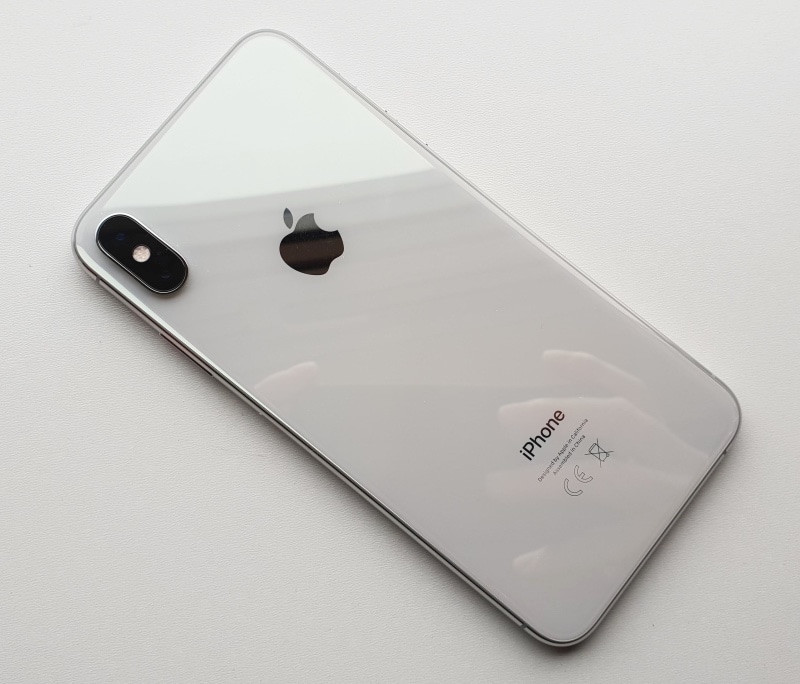
With the iPhone XS and iPhone XS Max, Apple has switched entirely to sourcing modem from Intel. And that might be the reason behind the numerous Wi-Fi and data connectivity issues that most iPhones owners have been reporting right since launch. Apple did fix most mobile data and Wi-Fi issues with a minor point release iOS 12 but it looks like iOS 12.1.1 update reintroduces some of that issues.
Plenty of iPhone XS and iPhone XS Max owners are reporting mobile data and Wi-Fi connectivity issues after updating their device to iOS 12.1.1. Users report that despite having full mobile network connectivity, certain apps and websites refuse to open on their iPhone XS or iPhone XS Max. Others report that their device simply refuses to connect to mobile data after updating to iOS 12.1.1.
Most users reporting the issue are facing it on Reliance Jio’s network in India.
Apple Support on Twitter is recommending users to update their carrier settings after updating to iOS 12.1.1. This seems to be solving the issue for some users while others are not reporting any success with it.
If you are on the same boat as others, you can try resetting the network settings of your iPhone and then try doing a carrier settings update to see if that solves the issue or not.
Source: iphonehacks










