
TUTORIALS

How to Manage Reused Passwords in iOS 12?

01/23/2019

7244

Since Apple released iOS 12 to the public, there's been a lot of cool new stuff that we can do on our iPhones and iPads. There are other neat hidden features that everyone should know about too.

How to Manage Reused Passwords in iOS 12?


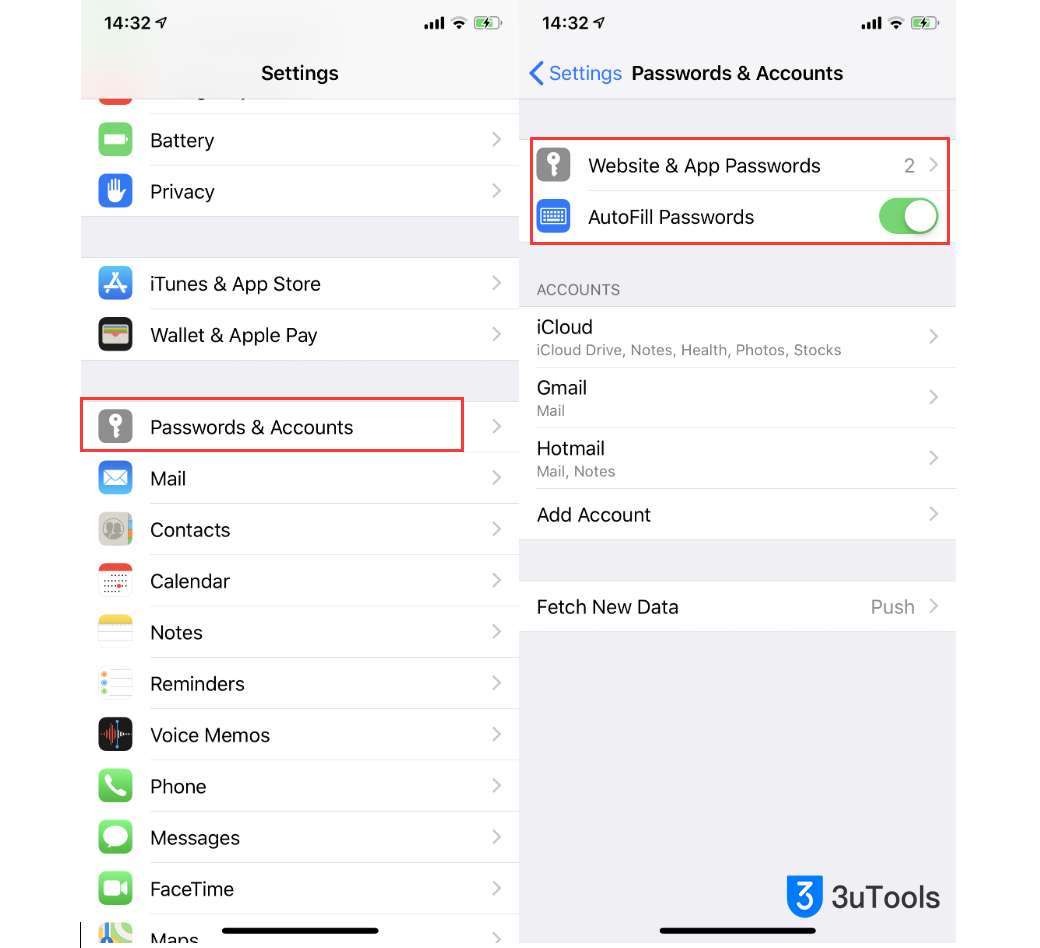
Launch Settings on your iPhone or iPad.

Go to Passwords & Accounts.

Tap on Website & App Passwords.

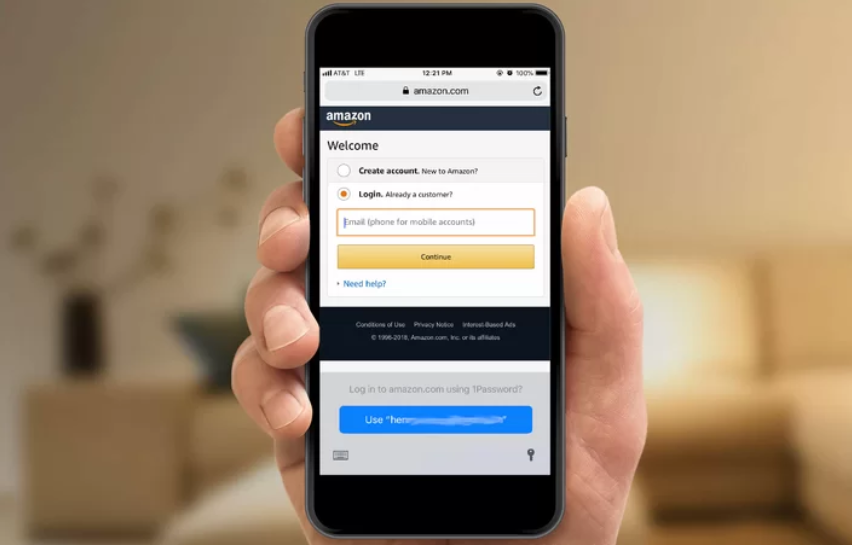
Enable AutoFill Passwords could bring a huge convenience when you input the verification code next time. 

How to Manage Reused Passwords in iOS 12?


Related tips: How to Use the AutoFill Passcode Feature in iOS 12?


Look for passwords with the triangular warning symbol and select them.

Tap Change Password on Website to open that webpage and make the necessary change.


This is optional, but it's highly recommended to change repeated passwords so that all of your accounts have a unique password. If someone happens to get a hold of that reused password, they can take it and try and force their way into your other accounts if it uses the same password.


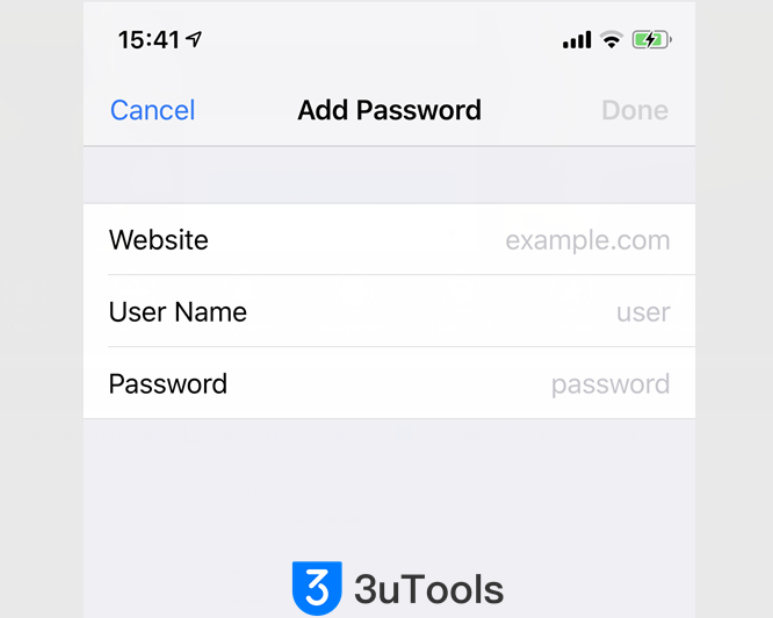
You can edit the passwords you have saved, or you can add a new password.

How to Manage Reused Passwords in iOS 12?

Windows
Mac OS
iOS
Linux
3uTools
Win 64-bit For this device
V9.0 2025-11-11
Download
Win 32-bit For this device
V9.0 2025-11-11
Download
3uTools
Intel Chip How to Identify Chip Type
V9.0 2025-12-02
Download
Apple Chip
V9.0 2025-12-02
Download
How to Identify Chip Type
1.  Click the Apple icon in the top-left corner of the screen and select About This Mac.
2.  Check the Processor or Chip field to determine if it is "Intel" or "Apple".
Please use the 3uTools PC client to install the iOS client:
1、 Install either the Windows or Mac version of 3uTools on your computer
2、 Open the PC client and connect your device to the computer via USB cable
3、 After the connection is successful, wait for the computer to automatically install the mobile app for the device, or locate “Install Mobile App” on the computer and manually click to install.
3uTools
deb file
V3.01 2025-11-20
Download
rpm file
V3.01 2025-11-20
Download
Windows
Windows
iOS
iOS
Android
Android
TV
TV
3uAirPlayer
Win 64-bit For this device
V6.0.2 2025-11-19
Download
Win 32-bit For this device
V6.0.2 2025-11-19
Download
iOS Device Mirroring (No App Required)
1、 Install 3uAirPlayer on the Windows PC
2、 Open Control Center and select Screen Mirroring
3、 From the list, choose your PC to start mirroring
4、 Or connect your iOS device to the PC via USB to begin mirroring
Scan to get "3uAirPlayer" App
3uAirPlayer TV V1.0.18
2025-11-28
TV System Requirements: Android 7.0 or later
Download the TV installation package, copy it to a USB drive, insert it into your TV or set-top box, then select the file from the home screen to install.





