 NEWS
NEWS
What to Expect from Apple’s Education Event?
 03/23/2018
 3787
3787
The rumor mill backs some of this up, too — Apple recently won regulatory approval for two new iPad models in Europe, and there have been rumors from Digitimes that Apple is looking to release a $259 budget iPad model this year.
ClassKit
First reported by 9to5Mac by Apple firmware hunter Guilherme Rambo, Apple apparently leaked the existence of a new “ClassKit” framework in one of the iOS 11.3 betas. According to Rambo, ClassKit will give developers new options for creating educational apps, including the ability to distribute quizzes and tests through iPads to students and have answers reported directly to the teacher. Given the education focus of the event, ClassKit seems almost guaranteed to show up here.

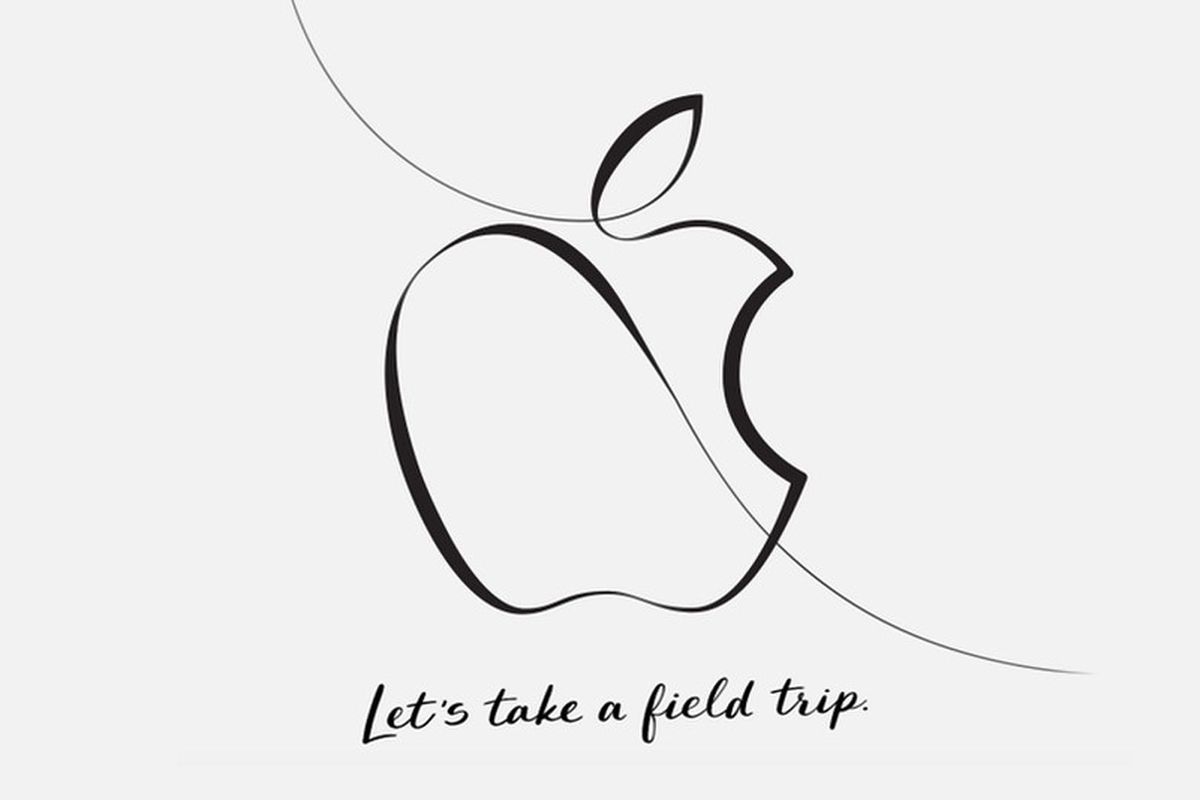
Apple surprised everyone when it announced an education-focused event about “creative new ideas for teachers and students” in Chicago on March 27th at 10am ET. But in traditional Apple form, the company isn’t giving many hints as to what to expect aside from the phrase “let’s take a field trip.”
But even if Apple won’t give us any clues, we’ve still got a few ideas as to what could happen during the event on Tuesday. Here’s everything to expect:
New iPad(s)
This seems like the most obvious bet, given Apple already pushes the iPad hard as an education device, especially as a classroom tool. A new, cheaper iPad that cuts out some of the more premium features on the iPad Pro in favor of a lower price point (maybe adds a “smart connector” for hooking up a keyboard case) could be great for students.
It’s also possible that Apple will remember the iPad Mini, which hasn’t been updated since 2015. With the smaller screen, Apple would be able to reach a price point even lower than the $329 2017 iPad, and the reduced size might make it more manageable for younger students.
New Macbook / Macbook Air
The other big hardware rumor for the education event is a new MacBook or MacBook Air. There are conflicting rumors about what Apple may be planning — KGI Securities analyst Ming-Chi Kuo says that Apple will release a cheaper version of the existing budget 13.3-inch MacBook Air (which the company hasn’t updated specs on in years, down to the ancient 1,440 x 900 resolution display). Also, Digitimes claims that Apple has a new entry 13-inch MacBook model planned that will feature the same Retina display as the existing 13.3-inch MacBook Pro. It’s possible that both these rumors are talking about the same updated product, that Apple has two new budget computers planned, or that neither is correct.
New Apple Pencil
The current Apple Pencil isn’t exactly an education device — it’s a pricey, $99 accessory, and it only works with the iPad Pro. But the event invitation does look an awful lot like an Apple Pencil drawing, and there’s a chance that Apple could have a cheaper version of the Pencil planned to pair with those rumored new iPad(s).
iBooks / Books
The last time Apple held an education event, it was to announce iBooks 2 and a new iBooks Author app in 2012 to make it easier to create textbooks. It stands to reason that Apple could announce updates to its bookstore at this event too. Plus, Apple is also already said to be working on an overhauled iBooks app, according to a report from Bloomberg, which adds credence to the possibility.

Additional Educational Features
Apple has previously added features to iOS with a focus on education — it’s still the only place that the company has allowed for multi-user support for iPads, added back in iOS 9.3 — and it’s possible we could see more functionality in that regard that will make it easier for teachers and students to use iPads in classrooms.
While things like ClassKit and iBooks will give third-party companies and developers better ways to create tools for education on the iPad, Apple might have some deeper, OS-level features that could be announced too.
Airpower and iOS 11.3 dates
Sure, the event invitation may say that it’s focused on education, but Apple could give some updates on other things, too. We’re still waiting for the AirPower wireless charging mat that was announced back in September (Apple only promised a 2018 release window), and iOS 11.3 has been in beta for weeks now. The event could serve as a good place to announce release dates for them, even if they’re not super related to school technology.
Surprises
If there’s one thing we know about Apple events, it’s that it’s incredibly hard to predict Apple events. And sometimes just when you think you’ve covered every angle, Apple shows up with something completely unexpected. New AirPods? An iPhone SE 2? The return of the Newton? Anything could happen come Tuesday, and whatever Tim Cook does announce, we’ll make sure to have all the details here on The Verge.
Source: the verge










