 NEWS
NEWS
Apple Just Hired The Star of Stanford's Digital Health Efforts
 06/27/2017
 3801
3801
Apple has quietly scooped up Dr. Sumbul Desai, the executive director of Stanford Medicine's center for digital health, who led a groundbreaking telemedicine project there and has been overseeing a project to promote health uses for the Apple Watch.
Desai will serve in a senior role at Apple in the growing health team but will continue to see patients at Stanford, said people familiar with the move.
It's unclear whether Desai will oversee the company's existing digital health efforts, such as its software frameworks ResearchKit, HealthKit and CareKit, or head up an unannounced project. Either way, the people said, it demonstrates that Apple is taking its health ambitions seriously.
At Stanford, Desai was involved in a number of digital health projects with big tech companies and start-ups, including Apple. At Stanford's digital health center, she worked with Silicon Valley technology companies to test and develop new tools in collaboration with the university's medical experts.
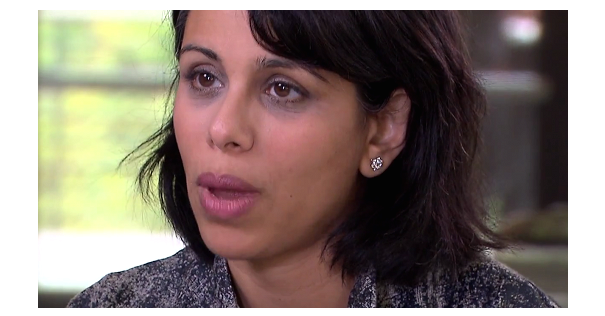
Her research interests involve finding new ways to use technology to improve the patient experience in health care, which overlaps with Apple's strategy in the space.
Desai isn't the first high-profile doctor scooped up by the iPhone maker. Stanford pediatric endocrinologist Rajiv Kumar joined the team in June of last year, alongside the medical team from a start-up called Gliimpseby way of acquisition. And Apple's vice president of medical technology Michael O'Reilly is a trained anesthesiologist.
Prior to going to medical school, Desai worked as a strategist at The Walt Disney Company and a public policy research fellow at Kaiser Family Foundation.
Source: cnbc










