 NEWS
NEWS
Apple Watch & ResearchKit Epilepsy Study Concludes, Gleans Insight on Seizure Triggers
 02/23/2017
 3979
3979
Over the course of the 10-month survey, participants tracked their seizures with an app custom built for the study. When participants felt a "aura" for the seizure building, they opened up the app, with then commanded the Apple Watch to record heart rate sensor and accelerometer data from the Apple Watch, plus gyroscope data from the iPhone for 10 minutes.
During the 10 minutes, the app promoted users to respond for reflex and awareness testing. Following conclusion of the seizure, study participants were surveyed about seizure type, aura, loss of awareness and possible seizure triggers.
Nearly 1500 seizures were recorded during the testing process.
Stress was linked to 37% of the seizure activity, with sleep deprivation accounting for 18%, menstruation for 12%, and over-exertion for 11%. Other notable triggers included diet, missed medications and fever or infection.
Defying conventional wisdom on epilepsy, seizure triggers did not depend on the type of seizure the participants reported.
"The data collected will help researchers better understand epilepsy, while helping people with epilepsy keep a more complete history of their seizures," said study author Gregory Krauss, MD. "The app also provides helpful tracking of seizures, prescription medication use and drug side effects —activities that are important in helping people manage their condition."
"Our eventual goal is to be able to use wearable technology to predict an oncoming seizure," added Krauss. "This could potentially save lives as well as give people with epilepsy more freedom. The data collected in this study helps us take a step in that direction."
The study was originally announced in 2015, in conjunction with Johns Hopkins University and developer Thread Research. It launched in Sept. 2015, with 598 people ultimately coming on board with the study.
The full study will be published presented at the American Academy of Neurology's 69th Annual Meeting in Boston, April 22 to 28, 2017. AppleInsider has requested a copy of the research following its publication for further examination.
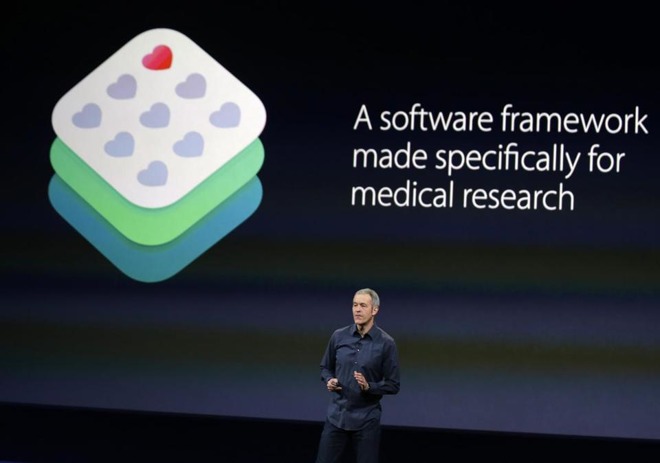
ResearchKit was introduced in March 2015 as an iOS-based tool with which medical researchers can expand candidate pools and achieve more accurate results. One of the first integrations, a cardiovascular study conducted by Stanford University, saw more than 10,000 participants sign up less than 24 hours after its debut, a feat that would have taken a year under normal circumstances.
Source: appleinsider










