 NEWS
NEWS
iOS 10.3 Jailbreak Tool Release Unlikely; Experts Suggest Sideloading
 04/14/2017
 3949
3949
There are a lot of iOS users who are still hoping that popular hackers will release an iOS 10.3 jailbreak soon. We know that Luca Todesco has made it clear that he is done with jailbreaking, and there have been recent news claiming that a jailbreak tool is in the works. However, experts now claim that an iOS 10.3 jailbreak tool is unlikely.
Todesco announced that he is making his exit from jailbreaking. In a Twitter post, he told his followers to save blobs, and if you are currently on it, stay on 10.2.1 if you want to jailbreak. Lastly, he said: "I am done with jailbreaking." A lot of people have been counting on him to release a stable tool, but now that he's clearly not on it anymore, many are disheartened.
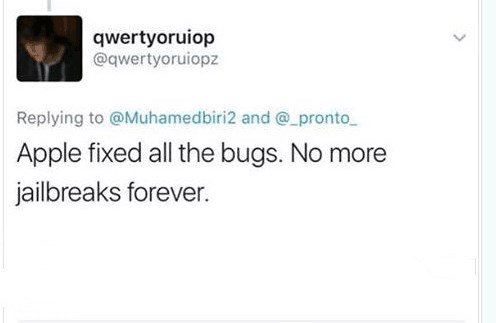
Here's worse news for jailbreak enthusiasts. Apple is doing its best to make sure that their OS is close to being foolproof, making it even harder for hackers to penetrate, and a reliable iOS 10.3 jailbreak tool is not happening anytime soon. But there's still an option. iOS users may try sideloading.
"iOS sideloading" is the act of moving data or applications from one device to another. This is the opposite of uploading to or downloading from the internet. It has been available since 2015, and the process used to be complicated, but sideloading has come a long way since then. There are tools developed for this purpose, and the most popular one is Cydia Impactor.
Cydia Impactor is a tool that does not require a jailbroken device. You only need Cydia Impactor itself, an IPA file for the tweaked app, and a computer with the latest version of iTunes. Through Cydia Impactor, iOS users do not need the Xcode installed to sideload IPA apps to your iOS device.
Source: travelerstoday










