TUTORIALS
Android Device Connects Normally but Cannot Mirror the Screen
 03/13/2026
 234
234
Android device connects normally but cannot mirror the screen?
Solution: Check the data cable and connection settings
1. First, confirm that the USB cable you're using supports data transfer. Some cables only provide charging functionality and cannot meet the data transfer requirements for screen mirroring.
2. Unplug the currently connected USB cable and reinsert it into a USB port on the back of your computer's main chassis (rear ports offer more stable power supply and stronger transfer compatibility).
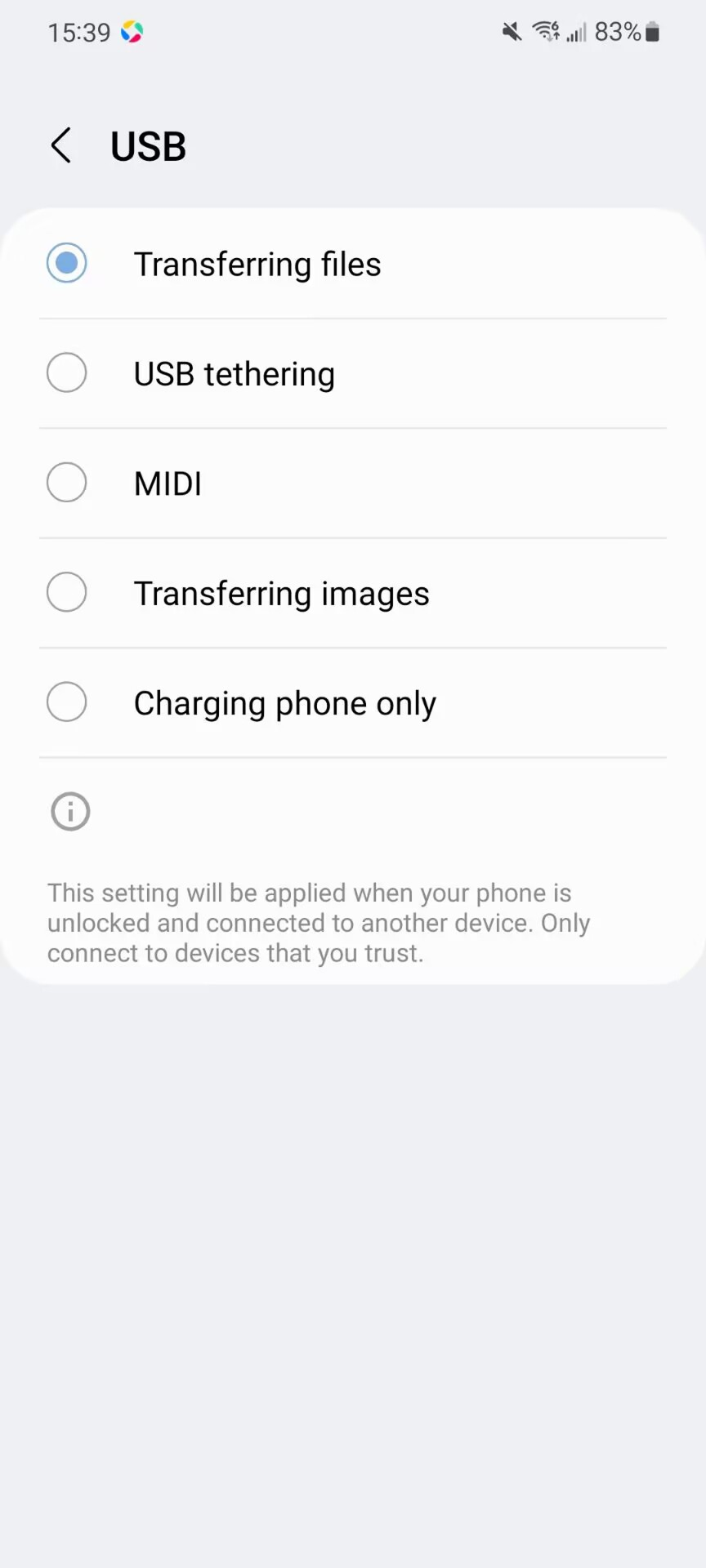
3. If a pop-up appears after connecting your phone, select “File Transfer” mode to ensure a data connection is established between your device and computer.
4. If connection issues occur frequently, enable Developer Mode and the corresponding USB connection permissions on your phone permanently to prevent screen mirroring failures caused by permission expiration.