
TUTORIALS

How to Force Full-Screen iPhone X Support for Any iOS App?

03/08/2018

8601

A tweak called FullScreenX show up. The tweak is by the developer Yerushalayim now this is this developers first package in Cydia. 


This tweak does one thing and one thing only – take non-optimized apps and make them work in all their full-screen glory on an iPhone X. That’s about all there is to it.
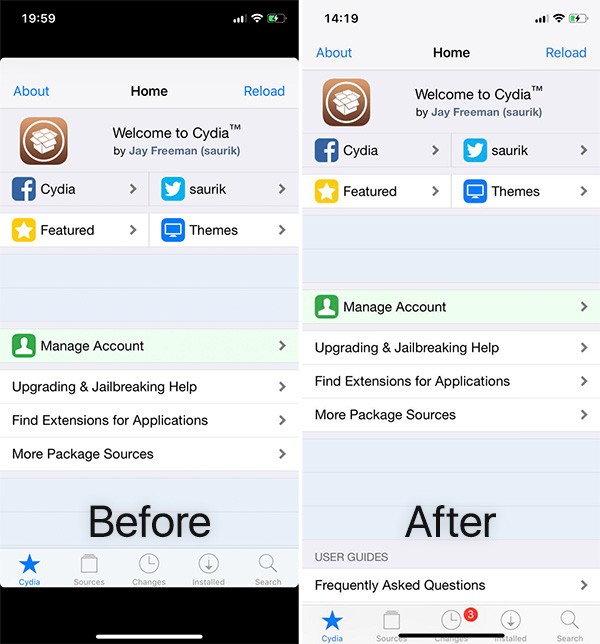

How to Force Full-Screen iPhone X Support for Any iOS App?


Once installed, users simply need to activate FullScreenX by flipping one toggle and then respringing their device. From here, all apps that would previously only fill part of the screen will do what their developers should have made them do already – run fill screen.


This is, of course, all well and good, but if you are not using a jailbroken iPhone X, then you are still unfortunately in a position of having to wait for your favorite app’s developer and as we all know, that can be a long wait indeed. Some apps will never receive an update to add full-screen iPhone X support.



Windows
Mac OS
iOS
Linux
3uTools
Win 64-bit For this device
V9.0 2025-11-11
Download
Win 32-bit For this device
V9.0 2025-11-11
Download
3uTools
Intel Chip How to Identify Chip Type
V9.0 2025-12-02
Download
Apple Silicon
V9.0 2025-12-02
Download
How to Identify Chip Type
1.  Click the Apple icon in the top-left corner of the screen and select About This Mac.
2.  Check the Processor or Chip field to determine if it is "Intel" or "Apple".
Please use the 3uTools PC client to install the iOS client:
1、 Install either the Windows or Mac version of 3uTools on your computer
2、 Open the PC client and connect your device to the computer via USB cable
3、 After the connection is successful, wait for the computer to automatically install the mobile app for the device, or locate “Install Mobile App” on the computer and manually click to install.
3uTools
deb file
V3.01 2025-11-20
Download
rpm file
V3.01 2025-11-20
Download
Windows
Windows
iOS
iOS
Android
Android
TV
TV
3uAirPlayer
Win 64-bit For this device
V6.0.2 2025-11-19
Download
Win 32-bit For this device
V6.0.2 2025-11-19
Download
iOS Device Mirroring (No App Required)
1、 Install 3uAirPlayer on the Windows PC
2、 Open Control Center and select Screen Mirroring
3、 From the list, choose your PC to start mirroring
4、 Or connect your iOS device to the PC via USB to begin mirroring
Scan to get "3uAirPlayer" App
3uAirPlayer TV V1.0.18
2025-11-28
TV System Requirements: Android 7.0 or later
Download the TV installation package, copy it to a USB drive, insert it into your TV or set-top box, then select the file from the home screen to install.



