 TUTORIALS
Download Meridian Jailbreak IPA for iOS 10 – 10.3.3 (64-bit)
 01/19/2018
 21363
21363
Meridian is a new jailbreak for iOS 10 – 10.3.3 released by developer iBSparkes. It supports 64-bit devices (iPhone, iPad, iPod touch) The jailbreak shipped with Cydia but not Substrate.
Firmwares that compatible with Meridian: iOS 10.x, iOS 10.1.x, iOS 10.2.x, iOS 10.3.x.
We would recommend waiting for the jailbreak to become stable before using it. For those who have previously used g0blin, the developer suggests staying with g0blin, at least until Substrate is updated and Meridian is finished.
Get ready to jailbreak with Meridian
1. Download the latest version of Meridian.
2. Connect your iPhone or iPad to a computer.
3. Open Cydia Impactor.
4. Drag and drop Meridian-pb.ipa into Cydia Impactor.
5. Enter your Apple ID and password.
Once the sideloading process is done, you should see the app’s icon on your home screen.
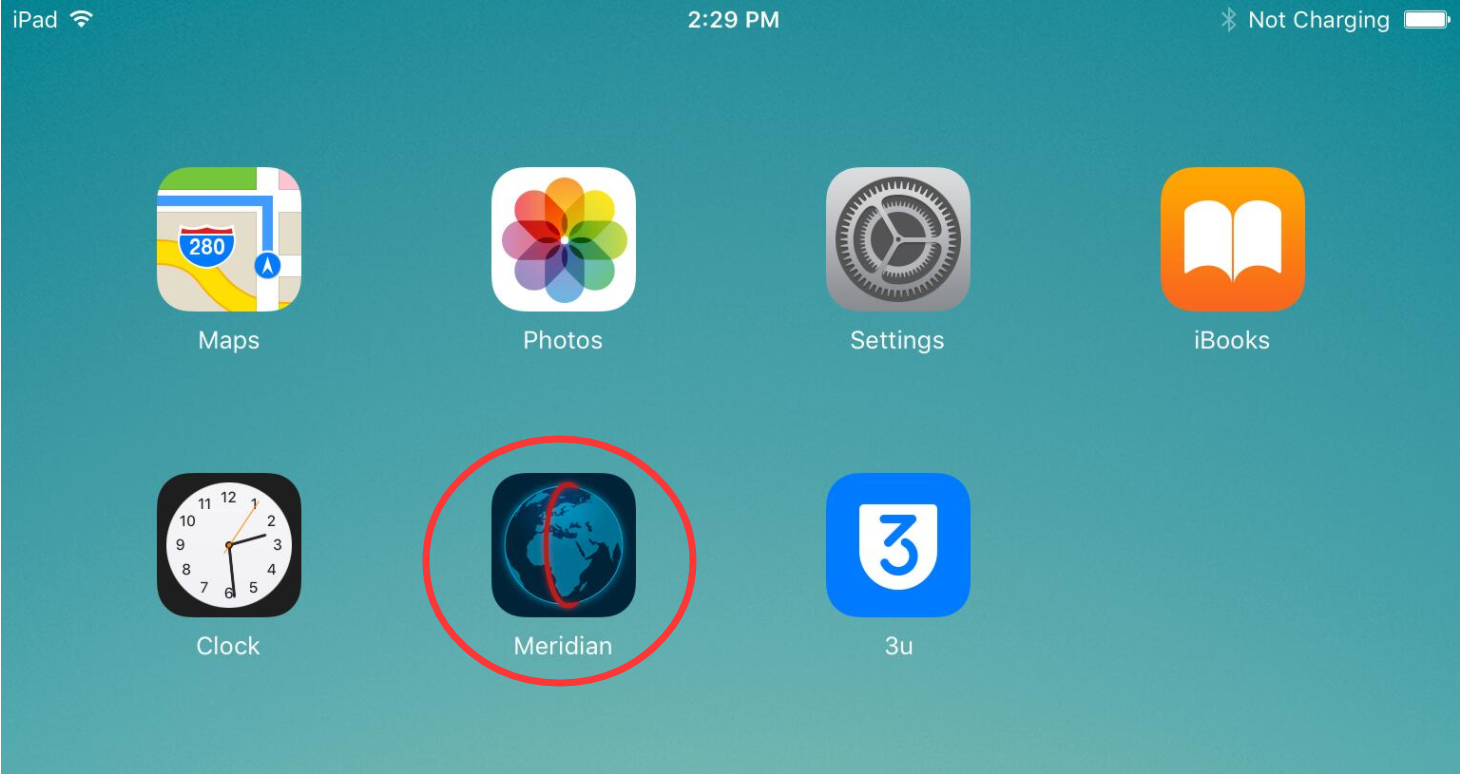
The app can’t be opened yet. You will have to verify it first. Go to the Settings app > General > Device Management. Look for Meridian’s profile and tap Trust.
You just knocked down the installation process. Now that the Meridian jailbreak is installed on your iOS device, it’s time to launch it.
To run the jailbreak, tap on the “go” button.
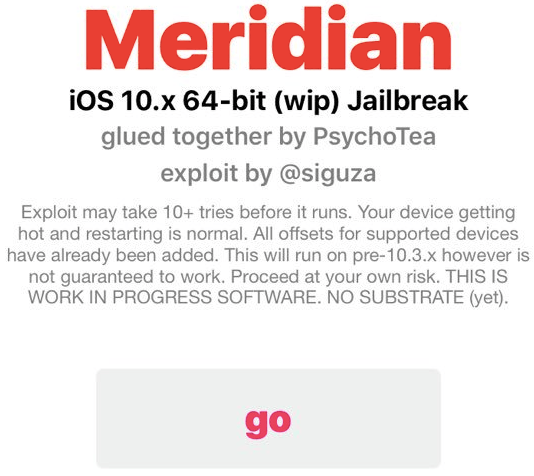
Meridian will inject exploits onto your device.
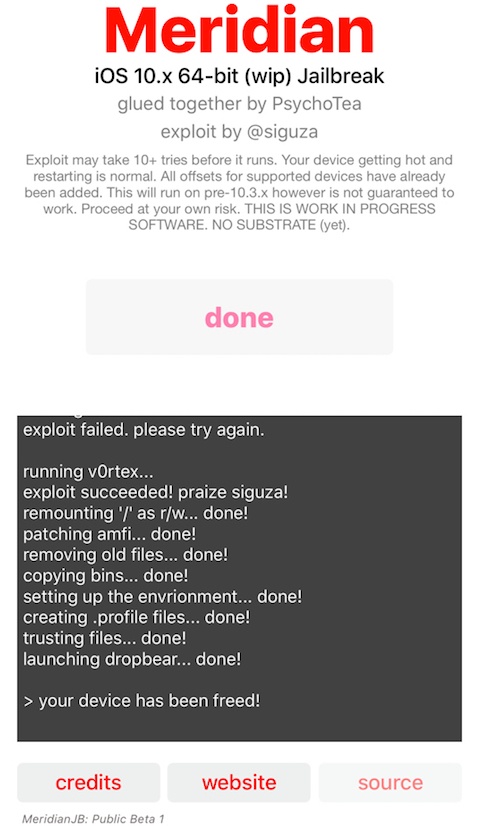
Cydia will be installed shortly after.
If the jailbreak isn’t working for you, please read the following notes:
Exploit may take 10+ tries before it runs. Your device is getting hot and restarting is normal. All offsets for supported devices have already been added. This will run on pre-10.3.x however is not guaranteed to work. Proceed at your own risk. THIS IS WORK IN PROGRESS SOFWARE. NO SUBSTRATE (yet).
Basically, if you ran the Meridian jailbreak and nothing happens, it’s recommended that you try again. As explained by the developer, it could take multiple attempts for the jailbreak to work.
Cydia doesn’t want to open
If the jailbreak is working, but you still can’t open Cydia, run the following command in SSH.
tar -xf /meridian/bins/dpkg.tar -C /
After that, you should be able to launch the app.
#Update
Meridian beta 4 fixed Cydia issue, you don't need to run SSH.
After you jailbreak with beta 4, Cydia will flash back after rebooting. You need to launch Meridian again, click "done" -> "Extra Dpkg", you will be able to launch Cydia. However, Cydia can not work at present.










