 NEWS
NEWS
Apple Sending Replacement AirPods With Unreleased Firmware, Rendering Them Unusable
 04/09/2020
 3387
3387
Customers who require a replacement AirPod from Apple have in some cases been receiving an AirPod running 2D3 firmware, which is not a version of the AirPods firmware that's been publicly released.
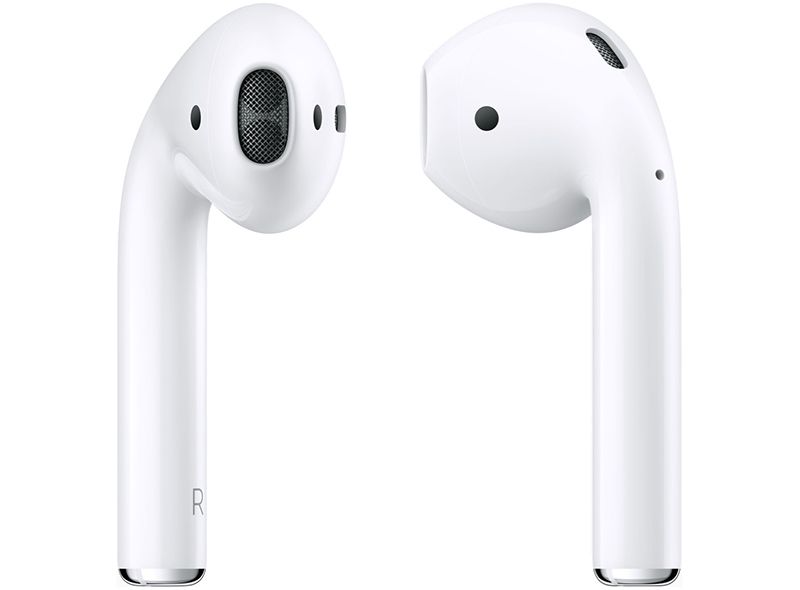
As described on the MacRumors forum and Reddit (via iMore), customers who get an AirPod with the 2D3 firmware are unable to pair it with the existing unreplaced AirPod, leaving the AirPods unable to be used together.
Apple has apparently been shipping these AirPods running the unusable firmware since March 25 or earlier, so some customers have been without a functional set of AirPods for a few weeks. From Reddit: Having the same problem. Had the left replaced originally and that came with 2D3. Apple then replaced the right and that came with 1A673. I could get them to pair individually, but that's ridiculous.
I eventually got through to a senior advisor yesterday who used screen sharing to take a look for himself; he was totally confused and handled it great so far. He made himself the assignee for my case and I'm expecting a call back today after he left me with some tips from engineering. Those tips didn't work and now it appears both AirPods are fried. I can no longer get any AirPod to pair with my phone. The case is fine since I can pair my wife's AirPods with my phone using my case.
The advisor did admit that I'd never be able to get these to pair since the lesser versioned AirPod wouldn't be able to update to a non-public version. He even said there's little documentation on it, and that what likely happened is when it was made, 2D3 was about to be released but ended up not coming out because of bugs.
Apple's support staff has been unable to help customers, and even after multiple AirPods shipments, customers have been unable to get a working set. From MacRumors reader blue_marzipan: I have the same problem and have spent the last 2 days trying to get Apple to help. The issue is the firmware 2D3 is not available for update yet. I finally got to a Senior Adviser and he said he could not help me other than send me another set but could not check the firmware before shipping so may or may not match. They have sent me 2 left ones, both with the 2D3 firmware which of course won't sync with the other one and cannot be updated. The adviser wasn't helpful at all. He said if many people report the problem (in my case it took 48hrs to get to him), then engineers might look at it. Otherwise there was nothing he could do for me.
According to a person on Reddit who spent 10 hours talking to Apple's support staff over the course of a week, the 2D3 AirPod problem appears to be somewhat widespread, and given that Apple's teams are working from home right now, there's no available word on when the new 2D3 firmware might be released to solve the problem.
There will be no solution until the new firmware is released, but in some cases, Apple's support team has been replacing affected replacement AirPods with new, functional sets that are running older firmware. This doesn't appear to be universal, though, and there are still some who are struggling to work out the problem.
This appears to be an issue that is primarily impacting customers who own the second-generation AirPods, but there have been a few reports from customers who own AirPods Pro that have been affected.
Source: Macrumors









