 NEWS
NEWS
Apple is Reportedly Working on Touch ID Support For the Apple Watch
 03/30/2020
 3111
3111
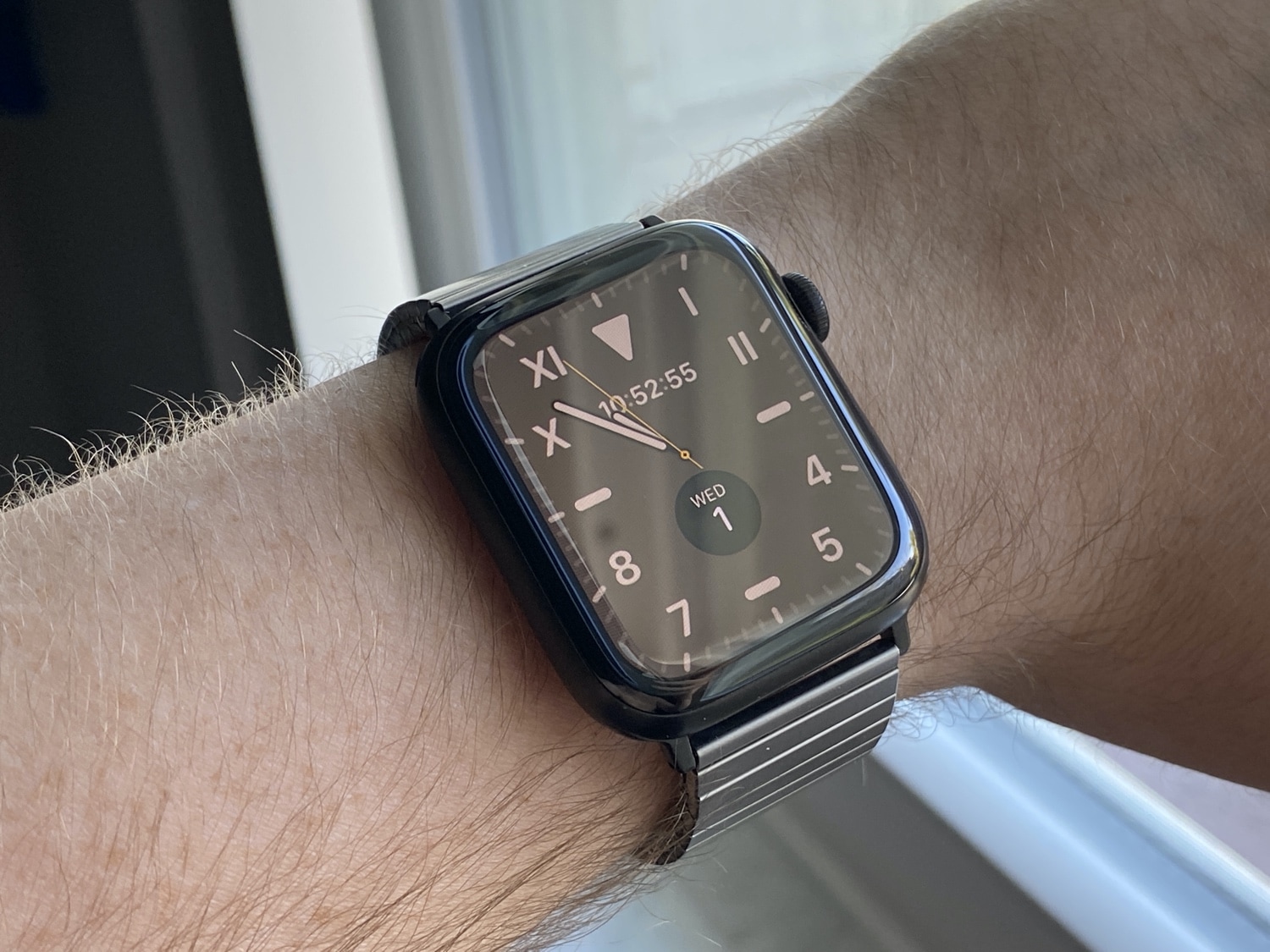
While Apple embraces Face ID for its top-of-the-line products, Touch ID still exists, and it doesn’t look like Apple is moving away from that biometric security measure soon.
So, perhaps, it’s possible that Apple is even considering bringing the feature to its smartwatch lineup. Apparently that’s exactly what is happening, at least based on the latest report from iUpdate and The Verifier (via 9to5Mac). If all things go according to plan, the report indicates we could see Touch ID in an Apple Watch by the time the Series 7 arrives. And if Apple keeps to its refresh cycle, that could mean late 2021.
Based on the information at hand, Apple is weighing two options for including Touch ID with the Apple Watch. The more exciting element would be to include an under-screen fingerprint scanner with the smartwatch, making the display itself (considering its small size) the fingerprint reader when needed. The other option, and probably the one that feels more reasonable, is including a fingerprint reader with the Digital Crown.
The inclusion of a fingerprint scanner under the display isn’t unfamiliar to Apple products as a whole. There have been grumblings for quite some time now that Apple is planning to launch an under-screen fingerprint reader for the iPhone, in at least one model, as an alternative to Face ID. Some of those rumors have suggested this device could launch in 2020, but, up to this point, it doesn’t feel like the stars are aligning on that possibility.
Meanwhile, we’ve also heard that Apple could be considering putting a fingerprint reader in the power button on some low-cost iPhone models at some point in the future. Analyst Ming-Chi Kuo has spearheaded that rumor earlier this year, suggesting we could see it in 2021.
Basically, we’ve heard the iPhone alternatives to this report in the past. Apple may be considering integrating Touch ID into its high-end iPhones with in-display fingerprint readers, or could move the feature to the power button in low-cost models. So we could see the same thing happen with the Apple Watch in the relatively near future.
Meanwhile, the report today also corroborates earlier stories that Apple is planning to include sleep tracking and blood oxygen tracking in the Apple Watch via watchOS 7. The potential bad news here is that the report says the Apple Watch Series 2 will not be supported for watchOS 7 — which suggests the Apple Watch Series 1 will not be, either.
The Verifier believes we shouldn’t expect a major hardware refresh for the Apple Watch Series 6, rumored to launch later this year. Apple may boost overall battery life, and WiFi 6 may be a prominent feature on the bullet list, but, the design of the new watch will probably look very similar to the wearable it will replace. So it sounds like software will be the focus this year. That includes improvements to Siri and perhaps a UI refresh as well.
While we won’t see the new Apple Watch at the upcoming all-digital Worldwide Developers Conference in June, we will most certainly see watchOS 7. That means we don’t have long to wait before we find out the gritty details.
Source: iDB









