 NEWS
NEWS
Apple Released WatchOS2.1 for Apple Watch Supporting New Languages
 09/28/2016
 12756
12756
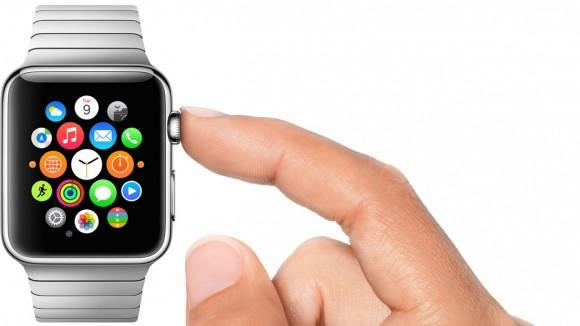
After iOS 9.2 was released, Apple also updated the Watch OS for Apple watch to fix a variety of bugs, improve performance, and support news languages, including Arabic, Czech, Greek, Hebrew, Hungarian, Malay and Vietnamese.
And then, it was good news that Best Buy reduced all Apple watch models in price with 100 dollars off. Many users would like to treat Apple watch as a good Christmas gift, and this is a great change to purchases them with such a big discount.
Obviously it is rare that the consumers can get a thirty percent discount to buy an Apple device. If history is any guide, Apple’s devices can always be hot sellers during the important shopping sea. However, on the other side, some media even doubted that it was a sign that Apple watches met with a decrease in market requirements.
Up to now the Apple has never unveiled the sales volume of Apple Watch, and the current sales data about that particular device is mostly predications from analysts. Previously some market researches showed that users lost interest in it fast after using it for a certain period.
The truth is that Apple watches can never become a life necessity like a mobile phone. That’s to say you can’t go anywhere without iPhone or Android phones, but it’s not required to take a so-so device. A small screen makes it difficult to operate and browse a variety of kinds of information, for example, photos, texts and etc. What’s more, Apple watch could act as a burden to the customers as the battery life is too short. Despite of these aspects, the watch OS doesn’t operate as smoothly as the users expect, and at the same time the particular OS lacks of a killer feature which can attract the mass of consumers to own.










