 NEWS
NEWS
A12Z Bionic Chip in iPad Pro Allegedly a Renamed A12X With Extra GPU Core Enabled
 03/27/2020
 3257
3257
Apple's new 2020 iPad Pro models are equipped with an A12Z Bionic processor that's remarkably similar to the A12X chip in the 2018 iPad Pro models, offering little in the way of performance improvements.
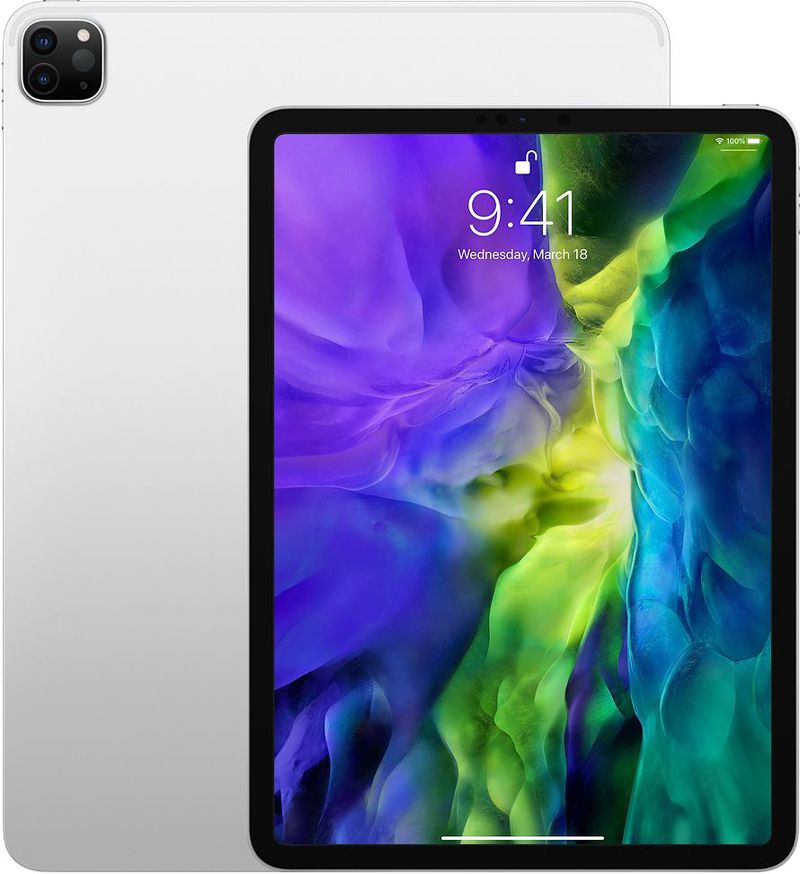
The A12Z does, however, feature an 8-core GPU while the A12X includes a 7-core GPU, which sets them apart, but new evidence shared by NotebookCheck suggests that the A12Z Bionic is simply a renamed A12X chip with a latent GPU core enabled.
According to NotebookCheck, teardown site TechInsights confirmed that the 2018 A12X chip physically has 8 GPU cores and not the 7 GPU cores that Apple includes in tech specs. One of the cores of the A12X is disabled.
The A12X and the A12Z appear to be the same physical chip on the surface, with the same number of physical CPU and GPU cores rather, suggesting the A12Z is not a new design. AnandTech has also speculated that the A12Z is a re-binned variant of the A12X.
There can be several speculative reasons as to why Apple chose to do this. It is not uncommon to see chip makers disabling physical cores and enabling them in higher SKUs. For instance, the NVIDIA Titan RTX has all 4,608 CUDA cores enabled while the RTX 2080 Ti offers only 4,352 cores despite both using the TU102 GPU.
The other likely explanation is that Apple's decision to disable one GPU core in the A12X could have been deliberate. Enabling the latent core in an interim refresh like the A12Z would save them from having to develop an A13X and instead, directly focus on the (5 nm?) A14X that is slated to debut with the 5G iPad Pro later this year.
In the future, TechInsights is planning to conduct a floorplan analysis to determine for certain whether there are any differences between the A12X and the A12Z in the new iPad Pro models.
NotebookCheck speculates that Apple is saving an updated chip design for future iPad Pro models, and there are indeed rumors of a second iPad Pro refresh this fall that could bring mini-LED displays and 5G connectivity.
Source: Macrumors









