 NEWS
NEWS
AirPods and AirPods Pro Manufacturing Could Be Impacted by Coronavirus
 02/07/2020
 2212
2212
Apple has been working to ramp up production of the ever-popular AirPods and AirPods Pro, and its efforts to meet supply/demand balance could be in jeopardy due to the coronavirus outbreak in China.
According to Nikkei, Apple's major AirPods suppliers Luxshare-ICT, Goertek, and Inventec have been shut down since the beginning of the Lunar New Year and even when work on AirPods resumes next Monday, components could be in short supply because factories all across China have been shuttered due to virus fears.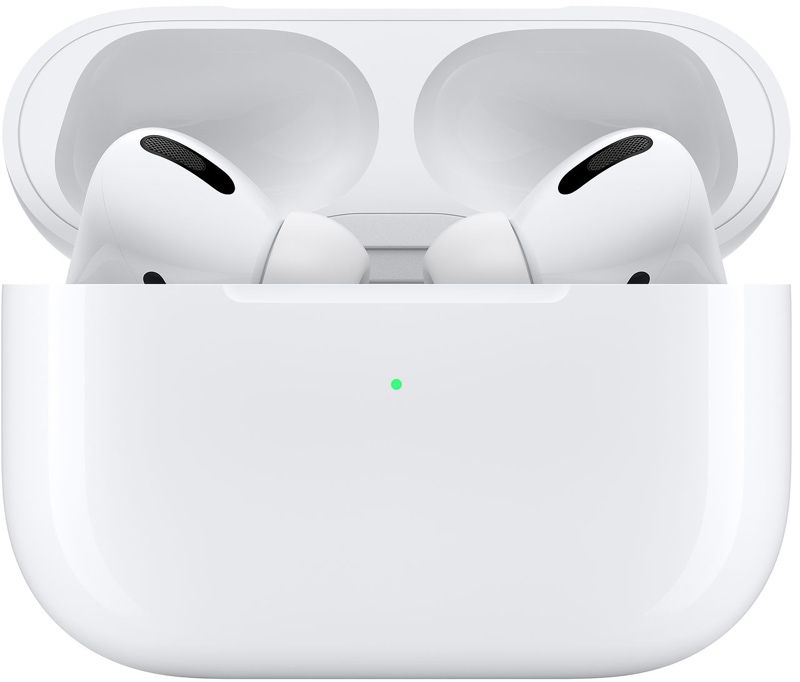
The AirPods manufacturers have "at most" two weeks worth of materials and components needed for AirPods assembly, and for fresh supplies, they will need to wait for component makers in China to restart operations. Given current conditions, product utilization rates could reach just 50 percent when work on the AirPods resumes.
A person who spoke to Nikkei says that it's unclear if parts suppliers in China will be able to "smoothly resume work" to create enough parts for assembly. "We really have to wait and see how things play out next week. If the assemblers could not get enough supply of parts in two weeks, it will be a big problem," said the source.
Travel restrictions from certain regions in China are likely to create labor shortages at factories, and companies are balancing restarting production while also dealing with fears an employee could bring the virus back to the factory. Foxconn, for example, has already said that workers returning from the Henan province will be sequestered for two weeks, while other staff will be isolated for a week.
Apple was aiming to produce up to 45 million AirPods units in the first half of 2020, but the current AirPods stock is running low and is reserved for Apple's stores. Right now, the regular AirPods remain in stock, but the AirPods Pro are still backordered, as they have been since launch.
Source: Macrumors









