NEWS

Is the MacBook Pro a Better buy Than the Air?

12/27/2019

2132

Is the MacBook Pro a Better buy Than the Air?


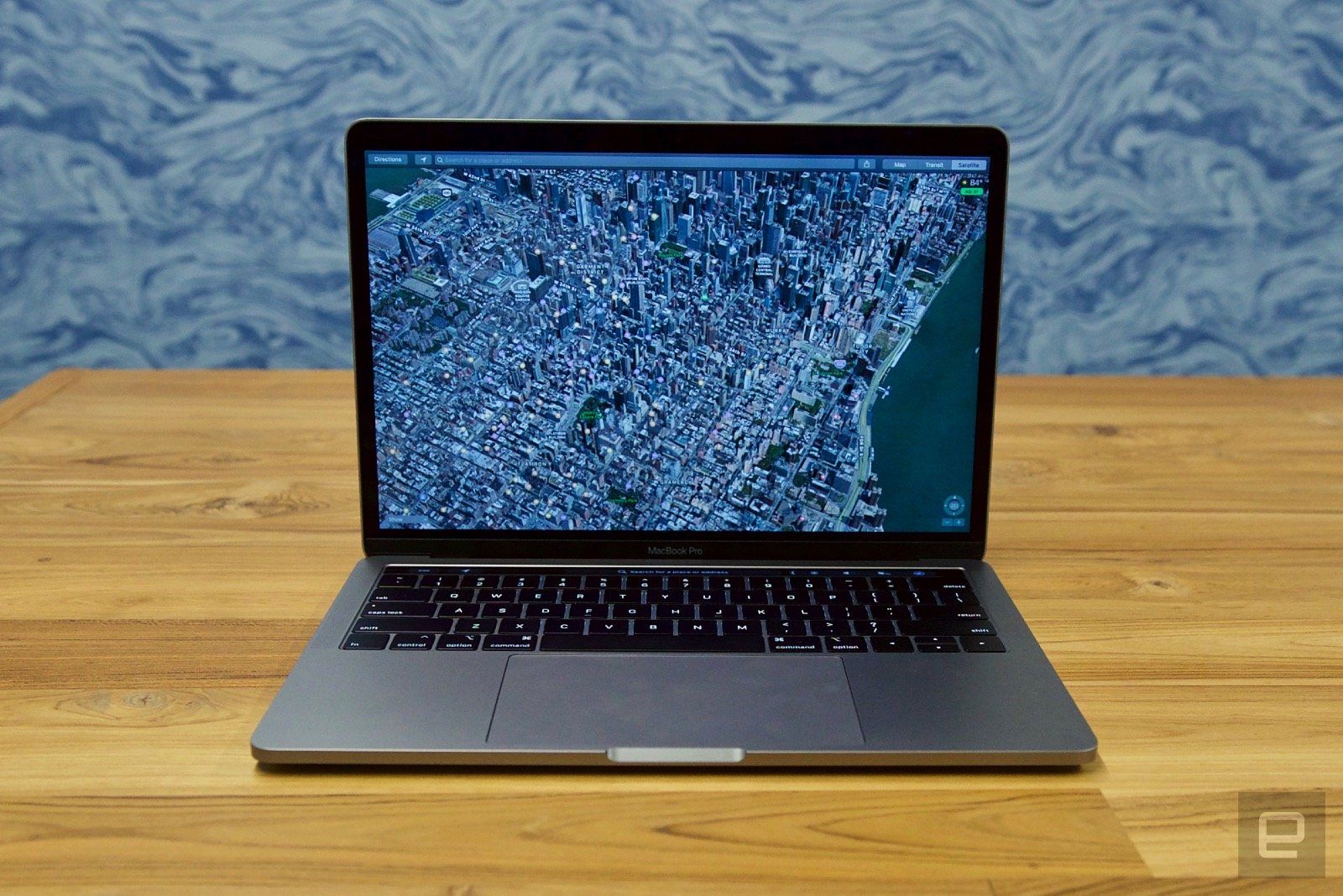
This year, Apple made some moves to simplify its laptop lineup, including an upgrade to the MacBook Pro which included an eighth-gen Intel quad-core processor, better speakers and a True Tone display. At $1,299 (to start), the newest model of Pro is now only $200 more than the Air. Deputy Managing Editor Nathan Ingraham found the slight price upgrade was well worth it for users who intended to push their machines performance-wise. He wound up awarding the device a respectable score of 86.


If you opted for a Pro over an Air, head over to our Apple MacBook Pro (2019) product page and tell us why! Did you really want or need the increase in processor power? 


Did the base 128GB of storage give you any pause? And how do you feel about the heavily-debated butterfly keyboard? We want to hear all the details about your favorite features of this laptop -- and your biggest annoyances. Remember, your review helps other readers make their own buying decisions, and could be included in an upcoming user review roundup article!


Source: Engadget

Windows
Mac OS
iOS
Linux
3uTools
Win 64-bit For this device
V9.0 2025-11-11
Download
Win 32-bit For this device
V9.0 2025-11-11
Download
3uTools
Intel Chip How to Identify Chip Type
V9.0 2025-12-02
Download
Apple Chip
V9.0 2025-12-02
Download
How to Identify Chip Type
1.  Click the Apple icon in the top-left corner of the screen and select About This Mac.
2.  Check the Processor or Chip field to determine if it is "Intel" or "Apple".
Please use the 3uTools PC client to install the iOS client:
1、 Install either the Windows or Mac version of 3uTools on your computer
2、 Open the PC client and connect your device to the computer via USB cable
3、 After the connection is successful, wait for the computer to automatically install the mobile app for the device, or locate “Install Mobile App” on the computer and manually click to install.
3uTools
deb file
V3.01 2025-11-20
Download
rpm file
V3.01 2025-11-20
Download
Windows
Windows
iOS
iOS
Android
Android
TV
TV
3uAirPlayer
Win 64-bit For this device
V6.0.2 2025-11-19
Download
Win 32-bit For this device
V6.0.2 2025-11-19
Download
iOS Device Mirroring (No App Required)
1、 Install 3uAirPlayer on the Windows PC
2、 Open Control Center and select Screen Mirroring
3、 From the list, choose your PC to start mirroring
4、 Or connect your iOS device to the PC via USB to begin mirroring
Scan to get "3uAirPlayer" App
3uAirPlayer TV V1.0.18
2025-11-28
TV System Requirements: Android 7.0 or later
Download the TV installation package, copy it to a USB drive, insert it into your TV or set-top box, then select the file from the home screen to install.