 NEWS
NEWS
Personal Computer CPU Pioneer Chuck Peddle Dies at 82
 12/27/2019
 3007
3007
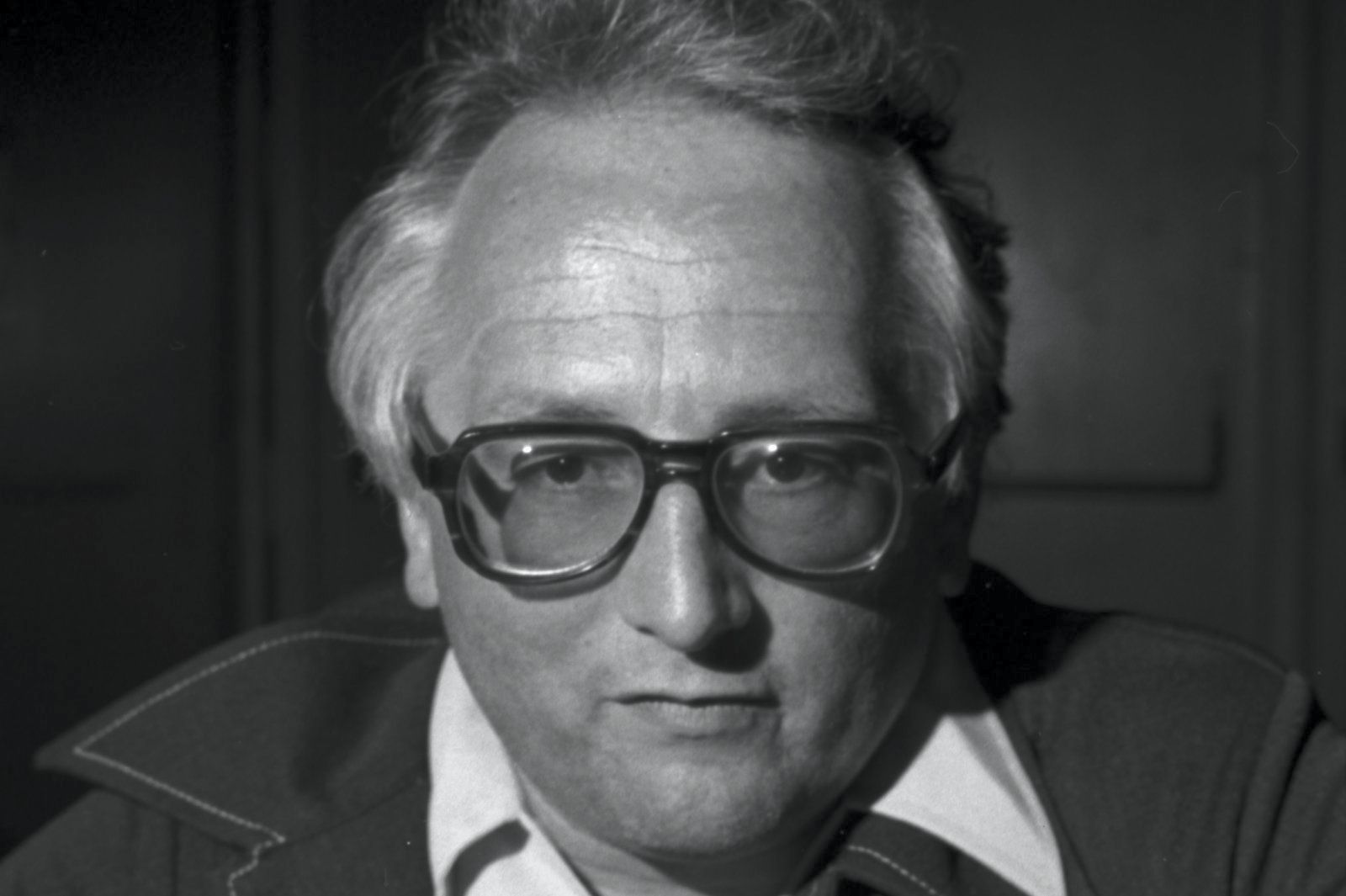
Chuck Peddle, one of the most important engineers of the early home computing era, has died from pancreatic cancer at the age of 82. He's best known as the lead designer for MOS Technology's 6502, a low-cost processor (just $25 in 1975) that found its way into first-wave home computers like the Apple II and Commodore PET. Variants of that core design found their way into influential consoles like the Atari 2600 and NES. If you have nostalgia for the days when 8-bit computers were cutting edge, you likely owe a debt of gratitude to Peddle.
The 6502 almost didn't happen. Peddle wanted to design his more affordable chip at Motorola, which was struggling to sell its 6800 CPU design kits for a then-costly $300. When Motorola was unresponsive to the proposal (it saw the proposal as internal competition), Peddle and six team members jumped to MOS Technology. Even after the 6502 shipped, it was in danger -- Motorola sued months later to try and halt sales, forcing MOS to settle in 1976. Commodore swooped in to buy MOS soon after, making Peddle its chief engineer and changing the computing landscape with the $495 PET.
Peddle left the MOS team in 1980 and worked on lower-key projects like Sirius Systems Technology's Victor PC and removable hard drives that were precursors to external drives and USB sticks. By then, though, his legacy was well-established. He helped democratize computing by making home PCs affordable. And to some extent, he ushered in the notion of ubiquitous computing, where technology spread everywhere instead of sitting in monolithic servers. In that sense, smartphones and connected homes have roots in the ideas Peddle formulated 45 years ago.
Source: Engadget









