 NEWS
NEWS
AirPods Pro Offer Major Improvement in Bluetooth Latency, New Testing Shows
 12/23/2019
 3748
3748
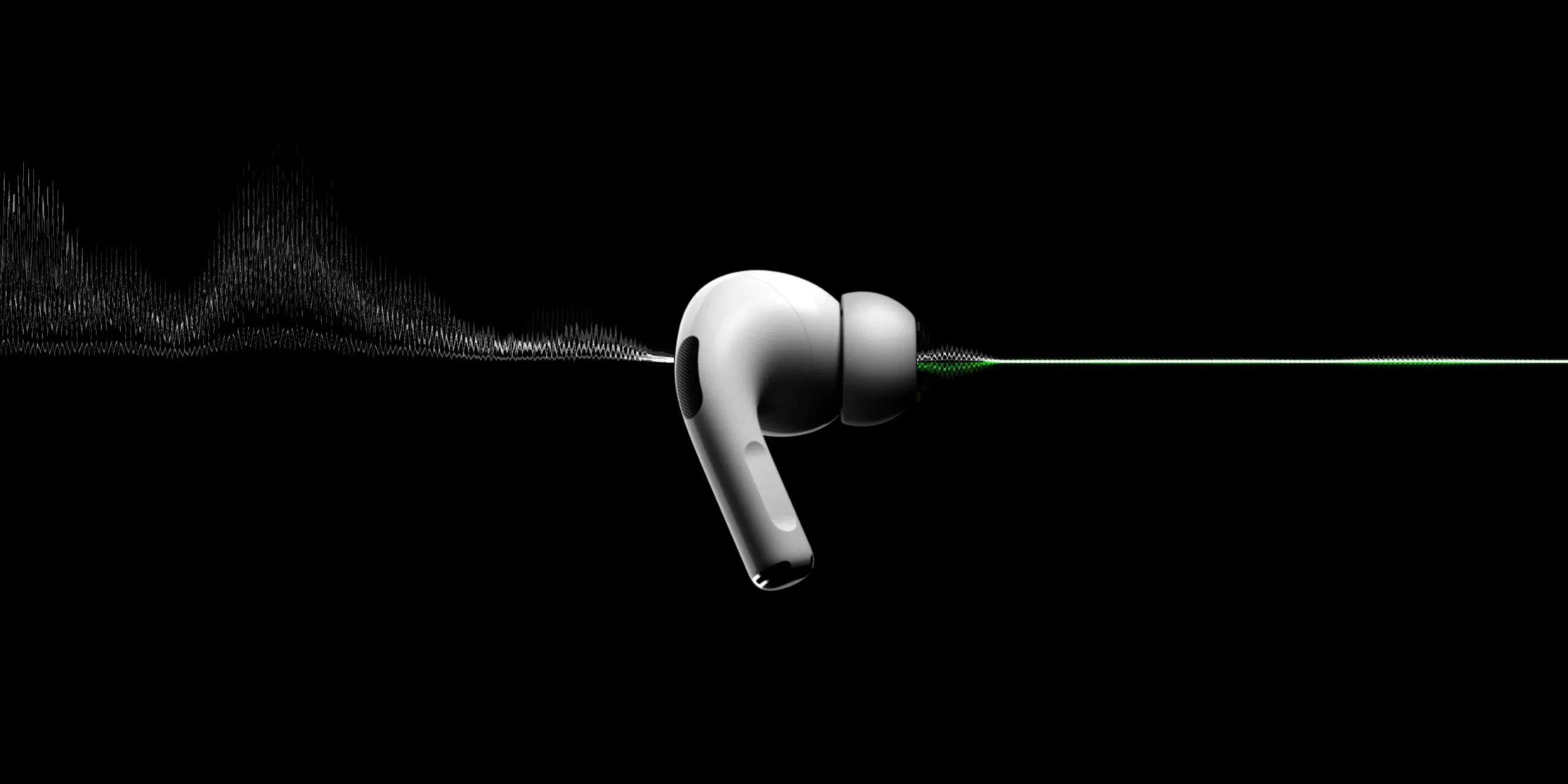
AirPods Pro offer notable improvements compared to previous AirPods, such as noise cancellation and Transparency mode. Another benefit that has gone slightly under the radar is improved latency. A new blog post from Stephen Coyle, a musician and software developer, explores that improvement.
One thing to note, as Coyle does, is that latency is not a problem for video playback. This is because the video playback can be delayed slightly in order to ensure the audio is correctly lined up. Latency is a problem for sounds which are “unpredictable,” Coyle says. This includes user-initiated sounds, sound effects in games, and more.
To measure latency, Coyle has two different tests: I use two pieces of software to play the audio I’m measuring. First, the default iOS Keyboard as it’s probably the most common place people encounter this issue. Second, a game I developed called Tapt. This is a good benchmark because I’ve written the game with a specific need for low audio latency, and I’m familiar with its technical underpinnings.
The different between his game and the iOS keyboard is that the former starts and keeps an “audio session” continuously, but the latter does not. With his app and the keyboard, Coyle has a series of sounds: With each combination of device and software, I trigger 10 sounds in a row, using a metronome set to 90 bpm to keep things consistent. For the keyboard run, I discard the first tap for the reasons given above (in a context where latency really matters, developers can easily do what I’ve done with Tapt). Finally, averaging these 19 measurements gives the latency figures, which I quote below.
What about results? The first-generation AirPods, which use Apple’s W1 chip, measure latency of 274 ms. Second-generation AirPods, released earlier this year and powered by Apple’s newer H1 chip, drop the latency to 178 ms. And AirPods Pro, which use the same H1 chip, are even better at 144 ms.
The 130 ms improvement from the first-generation AirPods to the AirPods Pro might not seem like a lot on paper, Coyle acknowledges, but “the perceptual difference from this makes the AirPods Pro tantalizingly close to seamless.”
What’s also notable is the improvement between the second-generation AirPods and AirPods Pro, even though they use the same H1 chip for connectivity. This means Apple has found new ways to improve latency with the same chip.
Outside of AirPods, Beats Studio 3 measured in with just over 250 ms latency, followed by the Sony WH-CH700N at just under 250 ms latency.
Source: 9to5mac









