
NEWS

Apple Investigating 16-Inch MacBook Pro Popping Sound Issue, Fix Planned in Future Software Updates

12/09/2019

2501

Apple is investigating a popping sound issue with the new 16-inch MacBook Pro and plans to make a fix available in future software updates, the company has indicated in an internal document obtained by MacRumors. 
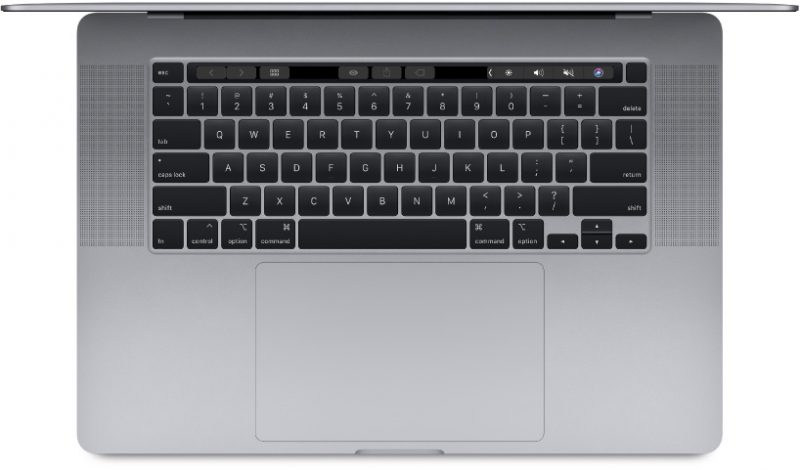
Apple Investigating 16-Inch MacBook Pro Popping Sound Issue, Fix Planned in Future Software Updates
The memo shared with Apple Authorized Service Providers reads as follows: If a customer hears a popping sound when playback is stopped on their MacBook Pro (16-inch, 2019) 


When using Final Cut Pro X, Logic Pro X, QuickTime Player, Music, Movies, or other applications to play audio, users may hear a pop come from the speakers after playback has ended. Apple is investigating the issue. A fix is planned in future software updates. Do not set up service, or replace the user's computer, as this is a software-related issue.


Shortly following the launch of the 16-inch MacBook Pro last month, some customers began to voice concerns about the popping sound issue across the MacRumors forums, Apple Support Communities, Reddit, and elsewhere. The exact cause is unclear, but Apple confirms it is a software issue, not a hardware issue.


Apple seeded the fourth beta of macOS Catalina 10.15.2 to developers for testing today. It is unclear when the fix will be implemented.


Source: Macrumors

Windows
Mac OS
iOS
Linux
3uTools
Win 64-bit For this device
V9.0 2025-11-11
Download
Win 32-bit For this device
V9.0 2025-11-11
Download
3uTools
Intel Chip How to Identify Chip Type
V9.0 2025-12-02
Download
Apple Chip
V9.0 2025-12-02
Download
How to Identify Chip Type
1.  Click the Apple icon in the top-left corner of the screen and select About This Mac.
2.  Check the Processor or Chip field to determine if it is "Intel" or "Apple".
Please use the 3uTools PC client to install the iOS client:
1、 Install either the Windows or Mac version of 3uTools on your computer
2、 Open the PC client and connect your device to the computer via USB cable
3、 After the connection is successful, wait for the computer to automatically install the mobile app for the device, or locate “Install Mobile App” on the computer and manually click to install.
3uTools
deb file
V3.01 2025-11-20
Download
rpm file
V3.01 2025-11-20
Download
Windows
Windows
iOS
iOS
Android
Android
TV
TV
3uAirPlayer
Win 64-bit For this device
V6.0.2 2025-11-19
Download
Win 32-bit For this device
V6.0.2 2025-11-19
Download
iOS Device Mirroring (No App Required)
1、 Install 3uAirPlayer on the Windows PC
2、 Open Control Center and select Screen Mirroring
3、 From the list, choose your PC to start mirroring
4、 Or connect your iOS device to the PC via USB to begin mirroring
Scan to get "3uAirPlayer" App
3uAirPlayer TV V1.0.18
2025-11-28
TV System Requirements: Android 7.0 or later
Download the TV installation package, copy it to a USB drive, insert it into your TV or set-top box, then select the file from the home screen to install.




