NEWS

Apple Will Reportedly Introduce 16-inch MacBook Pro as Soon as Tomorrow

11/13/2019

2144

Apple Will Reportedly Introduce 16-inch MacBook Pro as Soon as Tomorrow


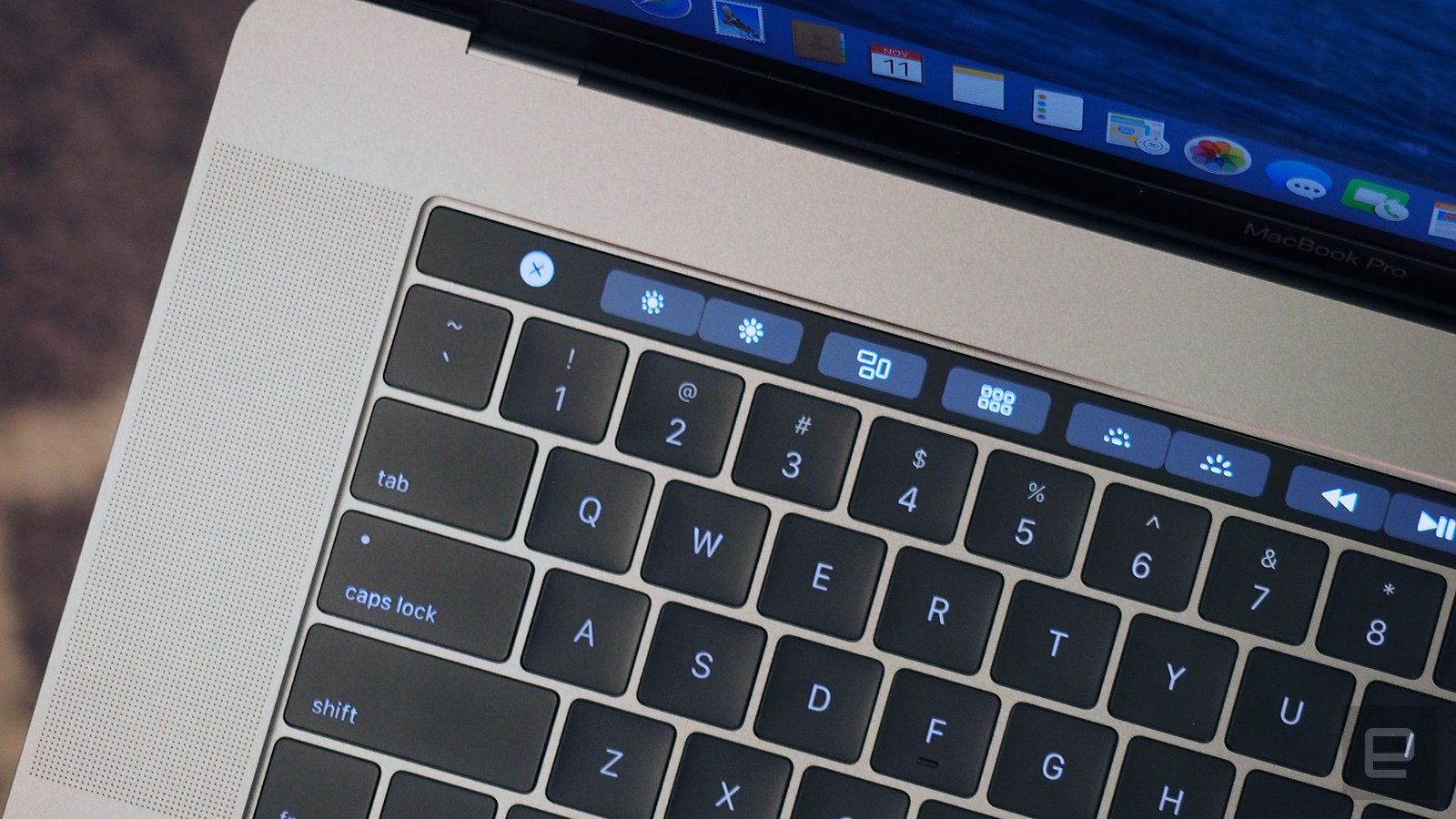
The long-rumored 16-inch MacBook Pro is due for an imminent release, according to Bloomberg. Mark Gurman reports that Apple could launch the machine as early as tomorrow, with sales immediately kicking off this week.


The new MacBook Pro is expected to cost “about the same” as the 15-inch model, which starts at $2,399. That’s because, according to Gurman, it’s going to fully replace the classic 15-inch MacBook Pro in Apple’s laptop lineup. I think some people were expecting it to slot in above the existing options as a premium choice, but apparently not.


Aside from its larger display, the 16-inch MacBook Pro will mark the debut of a “revamped” keyboard that’s “designed to be more reliable” than the butterfly-mechanism keyboards featured on MacBooks since 2016. Despite several revisions and tweaks, the butterfly keyboard has tarnished the reputation of Apple’s notebook line due to stuck keys, repeated keystrokes, and other problems.


Bloomberg also notes that the high-end Mac Pro is set for release sometime in December, so after launching the iPhone 11, 11 Pro, and 11 Pro Max earlier in the fall — followed by new AirPods late last month — Apple is ending 2019 with a focus on the Mac.


Source: The Verge

Windows
Mac OS
iOS
Linux
3uTools
Win 64-bit For this device
V9.0 2025-11-11
Download
Win 32-bit For this device
V9.0 2025-11-11
Download
3uTools
Intel Chip How to Identify Chip Type
V9.0 2025-12-02
Download
Apple Chip
V9.0 2025-12-02
Download
How to Identify Chip Type
1.  Click the Apple icon in the top-left corner of the screen and select About This Mac.
2.  Check the Processor or Chip field to determine if it is "Intel" or "Apple".
Please use the 3uTools PC client to install the iOS client:
1、 Install either the Windows or Mac version of 3uTools on your computer
2、 Open the PC client and connect your device to the computer via USB cable
3、 After the connection is successful, wait for the computer to automatically install the mobile app for the device, or locate “Install Mobile App” on the computer and manually click to install.
3uTools
deb file
V3.01 2025-11-20
Download
rpm file
V3.01 2025-11-20
Download
Windows
Windows
iOS
iOS
Android
Android
TV
TV
3uAirPlayer
Win 64-bit For this device
V6.0.2 2025-11-19
Download
Win 32-bit For this device
V6.0.2 2025-11-19
Download
iOS Device Mirroring (No App Required)
1、 Install 3uAirPlayer on the Windows PC
2、 Open Control Center and select Screen Mirroring
3、 From the list, choose your PC to start mirroring
4、 Or connect your iOS device to the PC via USB to begin mirroring
Scan to get "3uAirPlayer" App
3uAirPlayer TV V1.0.18
2025-11-28
TV System Requirements: Android 7.0 or later
Download the TV installation package, copy it to a USB drive, insert it into your TV or set-top box, then select the file from the home screen to install.