 NEWS
NEWS
Apple Seeks Tariff Waivers on iPhone Components, Apple Watch, AirPods and More
 11/04/2019
 2808
2808
Apple has asked the United States government to exclude Apple Watch, AirPods, HomePod, iPhone components, and other devices and parts imported from China from the 15 percent tariff that went into effect on September 1, reports Bloomberg.
Apple filed for exclusions on 11 products or components on Thursday, which was the first day that companies were able to ask for relief from tariffs. 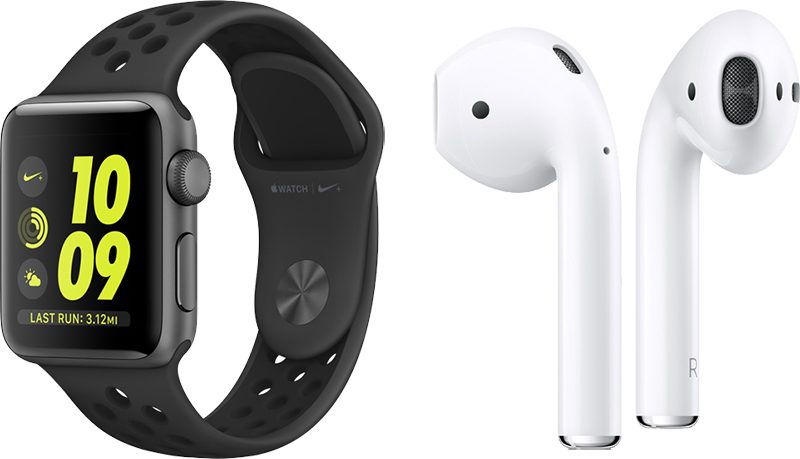
During Apple's earnings call earlier this week, Apple CEO Tim Cook confirmed that Apple is already paying tariffs on some of its products. Cook also said that Apple is hopeful the United States and China will resolve the trade dispute.
"I don't know every chapter of the book, but I think that will eventually happen," Cook said. "I certainly hope it happens during the quarter, but we'll see about that."
In its request for tariff waivers, Apple said that it has been unable to find a source outside of China able to meet the U.S. demand for products or components in the coming year.
Apple asked for tariff exemption for Mac Pro components earlier this year, and though Trump initially said Apple would not be granted tariff relief, Apple did indeed receive exemptions for some of the Chinese made components, and in turn agreed to manufacture the new Mac Pro in Texas.
Note: Due to the political nature of the discussion regarding this topic, the discussion thread is located in our Politics, Religion, Social Issues forum. All forum members and site visitors are welcome to read and follow the thread, but posting is limited to forum members with at least 100 posts.
Source: 9to5mac









