 NEWS
NEWS
Apple Reports Q4 2019 Revenue of $64 Billion
 10/31/2019
 2851
2851
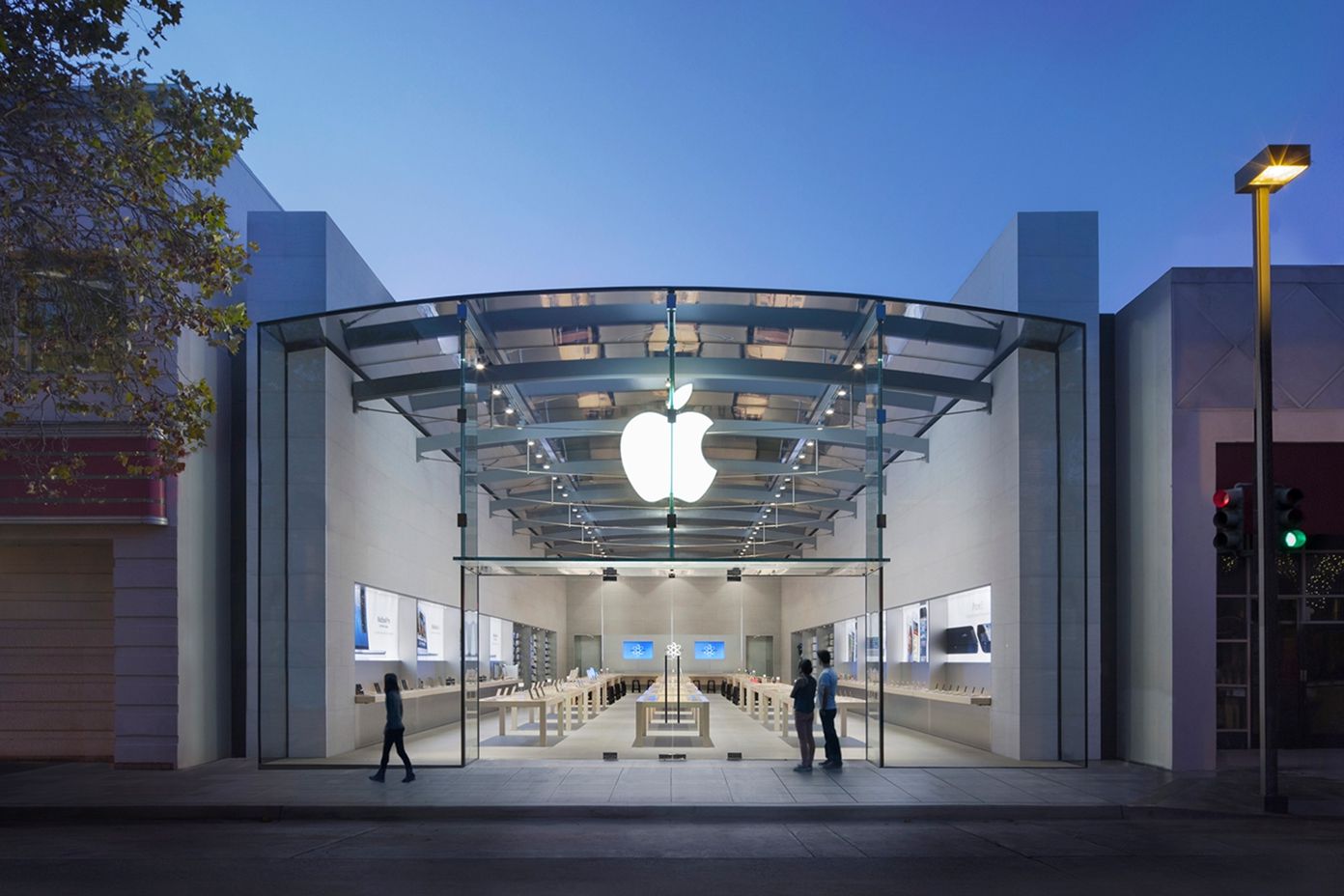
It has been three months since Apple last reported a quarterly earnings, so here we are again just as expected, with the company revealing fiscal fourth quarter results for this year.
On Wednesday, Apple announced its fiscal fourth quarter earnings for 2019. The total revenue for the company over the three month stretch was $64 billion. Compare that to the $62.9 billion in revenue it made in the fiscal fourth quarter of 2018. The company earned a total profit of $13.69 billion.
Apple made a change to its quarterly earnings so that it will not divulge any specific numbers for iPhones, iPads, or Macs, and that trend continues this year as well.
However, Apple confirmed that iPhone revenue was set at $33 billion, with $7 billion in revenue from the Mac lineup. Apple said that it saw 17% growth in the iPad lineup, driven by the iPad Pro.
Here’s Apple’s official statement on the earnings: Apple today announced financial results for its fiscal 2019 fourth quarter ended September 28, 2019. The Company posted quarterly revenue of $64 billion, an increase of 2 percent from the year-ago quarter, and quarterly earnings per diluted share of $3.03, up 4 percent. International sales accounted for 60 percent of the quarter’s revenue.
And here’s Apple’s CEO, Tim Cook, weighing in on the results: We concluded a groundbreaking fiscal 2019 with our highest Q4 revenue ever, fueled by accelerating growth from Services, Wearables and iPad,” said Tim Cook, Apple’s CEO. “With customers and reviewers raving about the new generation of iPhones, today’s debut of new, noise-cancelling AirPods Pro, the hotly-anticipated arrival of Apple TV+ just two days away, and our best lineup of products and services ever, we’re very optimistic about what the holiday quarter has in store.
Apple’s CFO, Luca Maestri, also had something to add, as usual: Our strong business performance drove record Q4 EPS of $3.03 and record Q4 operating cash flow of $19.9 billion,” said Luca Maestri, Apple’s CFO. “We also returned over $21 billion to shareholders, including almost $18 billion in share repurchases and $3.5 billion in dividends and equivalents, as we continue on our path to reaching a net cash neutral position over time.
This is the first time that Apple has had any amount of time to include the brand new iPhone 11, iPhone 11 Pro, and iPhone 11 Pro Max, but it’s a shame we can’t see how many iPhones Apple sold overall since July. Still, the phones appear to be pretty popular so far, so maybe the first fiscal quarter of 2020 will give us a better idea of how the devices are doing.
Meanwhile, Apple is looking ahead and offering projections for the next quarterly earnings report:
revenue between $85.5 billion and $89.5 billion
gross margin between 37.5 percent and 38.5 percent
operating expenses between $9.6 billion and $9.8 billion
other income/(expense) of $200 million
tax rate of approximately 16.5 percent
Apple is following up the earnings report with its standard conference call to go over the earnings. We’ll have more to come.
Source: IDB









