
NEWS

Apple Watch Gets Over-the-Air Software Update Mechanism, But iPhone Still Required For Now

06/19/2019

2490

Apple appears to be in the process of decoupling the iPhone from the watchOS update process on the Apple Watch. 
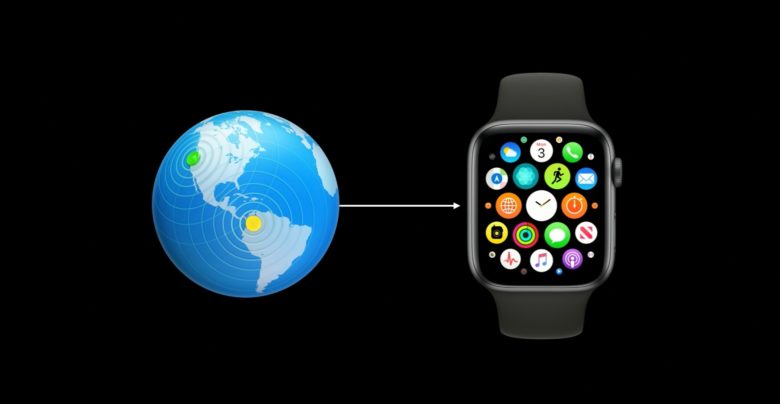
Apple Watch Gets Over-the-Air Software Update Mechanism, But iPhone Still Required For Now


In the first beta of watchOS 6, the Apple Watch gained its own over-the-air software update mechanism under Settings > General > Software Update. As on the iPhone, the mechanism checks for any available watchOS update and, if prompted, downloads the update directly to the Apple Watch. 

The mechanism became functional on Monday when Apple seeded the second beta of watchOS 6 to developers. 

As noted by Jeremy Horwitz, however, users still must review and accept the watchOS terms and conditions using an iPhone. Hopefully this is a temporary step that Apple removes before watchOS 6 is publicly released in September. 


Updating an Apple Watch's software previously required using the Apple Watch app on an iPhone for the entire process. 

This change is in line with the Apple Watch gradually becoming more independent from the iPhone. In 2017, for example, Apple Watch Series 3 models launched with cellular capabilities for making phone calls and more without an iPhone. And in watchOS 6, the Apple Watch received its own on-wrist App Store.


Source: MacRumors

Windows
Mac OS
iOS
Linux
3uTools
Win 64-bit For this device
V9.0 2025-11-11
Download
Win 32-bit For this device
V9.0 2025-11-11
Download
3uTools V3.18
2025-09-18
Please use the 3uTools PC client to install the iOS client:
1、 Install either the Windows or Mac version of 3uTools on your computer
2、 Open the PC client and connect your device to the computer via USB cable
3、 After the connection is successful, wait for the computer to automatically install the mobile app for the device, or locate “Install Mobile App” on the computer and manually click to install.
3uTools
deb file
V3.01 2025-11-20
Download
rpm file
V3.01 2025-11-20
Download
Windows
Windows
iOS
iOS
Android
Android
TV
TV
3uAirPlayer
Win 64-bit For this device
V6.0.2 2025-11-19
Download
Win 32-bit For this device
V6.0.2 2025-11-19
Download
iOS Device Mirroring (No App Required)
1、 Install 3uAirPlayer on the Windows PC
2、 Open Control Center and select Screen Mirroring
3、 From the list, choose your PC to start mirroring
4、 Or connect your iOS device to the PC via USB to begin mirroring
Scan to get "3uAirPlayer" App
3uAirPlayer TV V1.0.18
2025-11-28
TV System Requirements: Android 7.0 or later
Download the TV installation package, copy it to a USB drive, insert it into your TV or set-top box, then select the file from the home screen to install.




