
NEWS

Apple Watch ECG is Coming to Canada 'as Quickly as Possible'

05/27/2019

2850

Canucks won't have to sit on the sidelines while their Apple Watch-toting friends in the US, Europe and Hong Kong perform electrocardiograms. Apple has confirmed that it's bringing the Watch Series 4's ECG app and irregular heart rhythm detection to Canada "as quickly as possible" following an approval by Health Canada on May 16th. While the company hasn't narrowed down a time frame, the most likely candidates for a debut are either watchOS 5.3 (which entered beta testing in mid-May) or the expected watchOS 6 release in September.
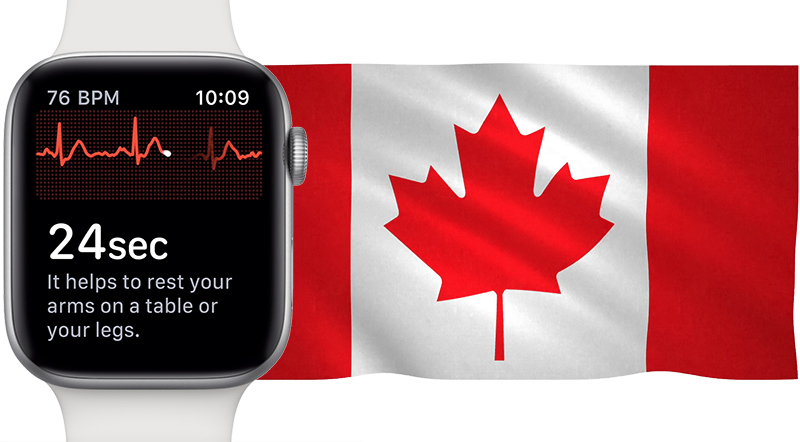

Apple Watch ECG is Coming to Canada 'as Quickly as Possible'


Apple has so far been content to bring the feature to more countries through minor software updates, like watchOS 5.2 in March and 5.2.1 earlier in May.
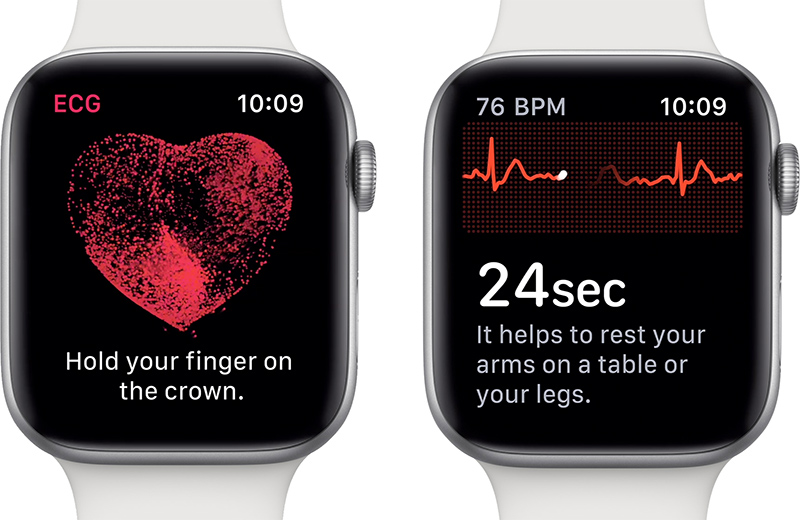

Apple Watch ECG is Coming to Canada 'as Quickly as Possible'


The technology typically requires approval on a country-by-country basis due to the medical implications. It's meant to detect atrial fibrillation, and officials typically want to ensure that it's providing a sufficiently accurate reading. Apple and others have stressed that the Watch's ECG app isn't a substitute for a professional diagnosis with a multi-lead ECG -- it just serves as an alert that could prompt a doctor's visit.


Source: engadget

Windows
Mac OS
iOS
Linux
3uTools
Win 64-bit For this device
V9.0 2025-11-11
Download
Win 32-bit For this device
V9.0 2025-11-11
Download
3uTools V3.18
2025-09-18
Please use the 3uTools PC client to install the iOS client:
1、 Install either the Windows or Mac version of 3uTools on your computer
2、 Open the PC client and connect your device to the computer via USB cable
3、 After the connection is successful, wait for the computer to automatically install the mobile app for the device, or locate “Install Mobile App” on the computer and manually click to install.
3uTools
deb file
V3.01 2025-11-20
Download
rpm file
V3.01 2025-11-20
Download
Windows
Windows
iOS
iOS
Android
Android
TV
TV
3uAirPlayer
Win 64-bit For this device
V6.0.2 2025-11-19
Download
Win 32-bit For this device
V6.0.2 2025-11-19
Download
iOS Device Mirroring (No App Required)
1、 Install 3uAirPlayer on the Windows PC
2、 Open Control Center and select Screen Mirroring
3、 From the list, choose your PC to start mirroring
4、 Or connect your iOS device to the PC via USB to begin mirroring
Scan to get "3uAirPlayer" App
3uAirPlayer TV V1.0.18
2025-11-28
TV System Requirements: Android 7.0 or later
Download the TV installation package, copy it to a USB drive, insert it into your TV or set-top box, then select the file from the home screen to install.





