 NEWS
NEWS
A Report Suggests Most iPhones in China Bought by the ‘Invisible Poor’
 11/23/2018
 2868
2868
A local research agency claims that most iPhones sold in China are bought by the ‘invisible poor’ – people who are struggling financially but hide the fact.
It claims that iPhone owners earn less, are less likely to own their own homes, and are less well educated …
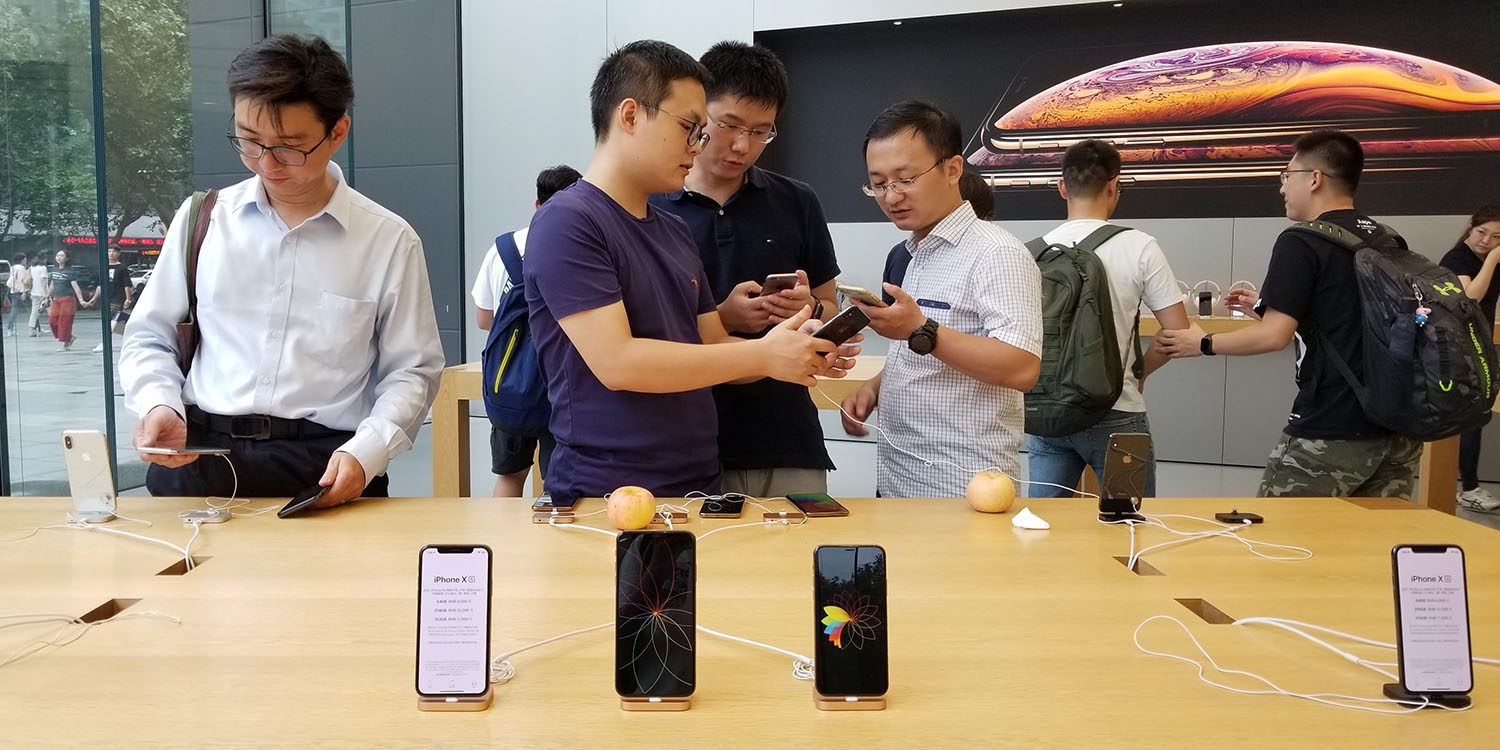
South China Morning Post says the claims are made by research agency MobData.
The Shanghai-based firm also found that most iPhone users are unmarried females aged between 18 and 34, who graduated with just a high-school certificate and earn a monthly income of below 3,000 yuan (HK$3,800) […]
College graduates and those who earn more than 20,000 yuan a month prefer Huawei and Xiaomi phones and more than half of Oppo and Vivo phone users earn between 3,000 and 10,000 yuan per month. iPhone users earned the least monthly – about 3,000 yuan and below.
It’s not disclosed who funded the study, but one might be tempted to guess.
[In contrast], Huawei phone users are generally married males aged between 25 and 34, hold a diploma or bachelor’s degree and whose monthly incomes register between 5,000 yuan and 20,000 yuan. The research also found that a large proportion of Huawei users own flats and cars while Apple users do not.
The SCMP itself suggests that Chinese brands are more likely to be bought by those who can’t afford iPhone prices.
Apple, the third-largest smartphone vendor after Samsung Electronics and Huawei Technologies, typically raise the price of its signature iPhones with each yearly launch. The expensive handsets have pushed many consumers, particularly those in emerging markets such as India, to cheaper alternatives, such as China’s OnePlus or Huawei’s Honor series.
It says that, for those whose budget doesn’t stretch to the latest iPhone models, older models are a popular choice.
The older versions of iPhone and second-hand iPhones remain popular in China. The iPhone 6 launched by Apple in 2014 remains a favourite among Chinese users while later versions such as the iPhone 6S and iPhone 6S Plus, both released a year later, come in second and third place.
There have been multiple supply-chain reports of late suggesting that Apple is having to cut back on orders for the iPhone XS and XR, one this morning even claiming that Apple has had to restart iPhone X production to hit agreed order levels for the OLED screen used in the iPhone X and XS.
It’s certainly true that Chinese brands dominate the market – the latest Counterpoint data suggests that the four largest local brands have almost 80% market share between them, while Apple sits at around 9% – but the idea that the poorest people are buying the most expensive phones seems … unlikely.
Source: 9to5mac










