 NEWS
NEWS
Apple Watch Fall Detection Works Perfectly after Swedish Man Collapses
 10/29/2018
 2794
2794
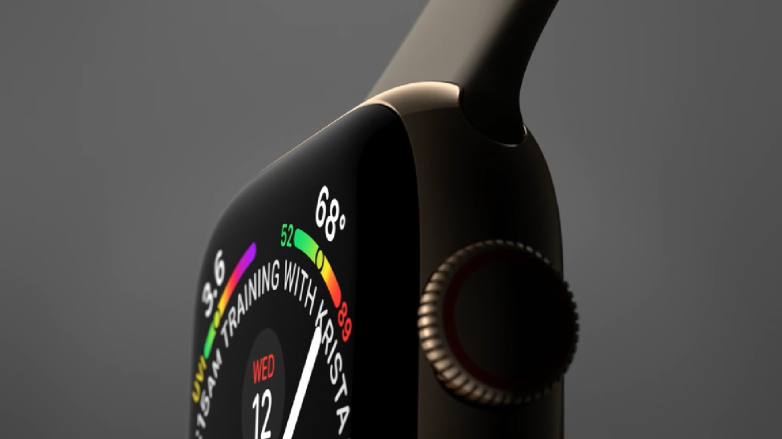
One of the centerpiece features of the new Apple Watch Series 4 is its fall detection, the ability it has to know when, say, its wearer has taken a tumble or collapsed for whatever reason. The fall detection kicks in, recognizes something potentially bad has happened, and helpfully offers to call emergency responders. If you don’t answer, of course, maybe because a loss of consciousness has accompanied the fall, an automatic call from the watch for help comes next. Except for that last part, which thankfully wasn’t necessary, all of the preceding steps happened exactly as they were supposed to recently for a 34-year-old man, who credits his Apple Watch with coming to his rescue after crippling back pain led him to collapse near his stove.
The episode is recounted in the Swedish publication Aftonbladet, which notes that Gustavo Rodriguez had been cooking with his stove when back pain led him to suddenly collapse to the floor. Gustavo told the publication the tension felt like a knife had been stuck in his back. On the floor, he couldn’t really move, but he noticed fall detection on his Apple Watch — which had begun the familiar tapping on his wrist — immediately kicked in and offered to call emergency services. Which was a good thing, since his phone was in another room.
Based on a translation of that news account, though fall detection worked as intended it sounds like Gustavo instead decided to use the watch to call a relative after crawling on the floor to the living room and pulling himself up on the couch. He called his mother-in-law, who lived nearby. She came and turned off the stove, and Gustavo was taken to the hospital where he got a shot of morphine for the pain.
This will certainly be welcome news for Apple Watch owners, who’ll be glad to hear this potentially live-saving feature worked as intended in this case. As a reminder, fall detection is turned on automatically in the Series 4 for customers aged 65 and older, and you can manually turn it on if you’re younger than that. From Apple’s description, “By analyzing wrist trajectory and impact acceleration, Apple Watch sends the user an alert after a fall, which can be dismissed or used to initiate a call to emergency services. If Apple Watch senses immobility for 60 seconds after the notification, it will automatically call emergency services and send a message along with location to emergency contacts.”
Source: bgr









