 NEWS
NEWS
iPhone XS Max Comes Out on Top in New Battery Test
 10/16/2018
 3362
3362
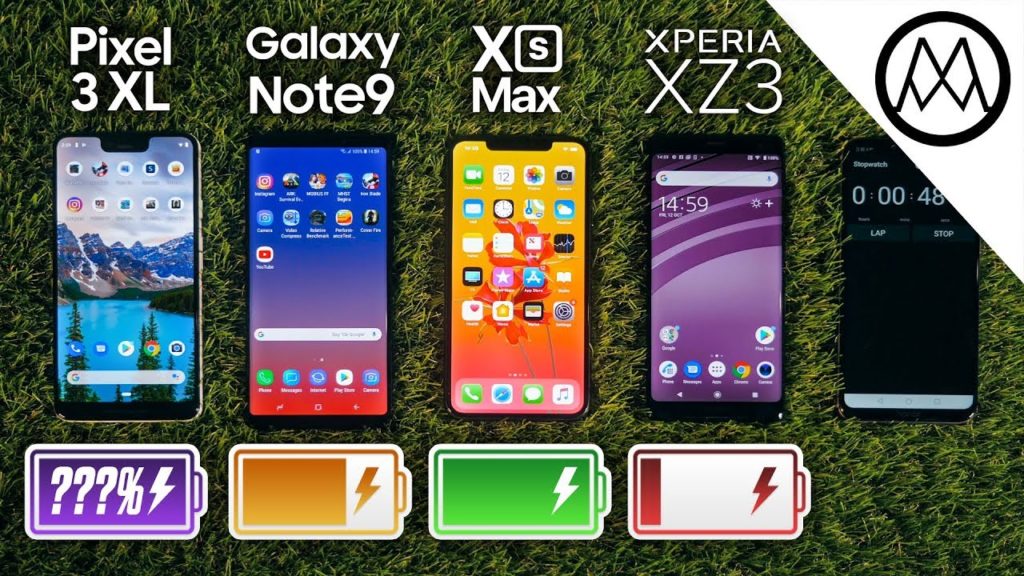
If you haven’t already had your fill of battery life tests, then there’s another one that shows Apple’s biggest iPhone to date is certainly no slouch.
To be fair, despite the fact that we’ve seen previous battery tests indicate that while the iPhone XS Max may not beat out some other big smartphones with Android on board, it certainly lasts quite a long time. This latest battery test, courtesy of YouTuber Mrwhosetheboss, makes some important changes to make the playing field a bit more even across the board between devices, and the results show Apple’s big iPhone coming in on top.
This test includes the iPhone XS Max, the Samsung Galaxy Note 9, Google’s Pixel 3 XL (which just got rave reviews), and Sony’s Xperia XZ3. It’s worth noting here that Apple’s iPhone XS Max actually has the smallest battery out of the bunch (iPhone XS Max: 3174mAh; Galaxy Note 9: 4000mAh; Pixel 3 XL: 3430mAh; Xperia XZ3: 3300mAh), and that screen resolutions between phones should be the same for a proper test. That’s the case here with Mrwhosetheboss, which made sure to set the Galaxy Note 9’s display to the resolution of 2960×1440, rather than the 1080p HD resolution it can be set at.
With the resolutions set and the phone’s fully charged, Mrwhosetheboss went to work on the test. The iPhone XS Max came in at just over six hours, while the Galaxy Note 9 fell about 12 minutes shorter. In third place? Google’s Pixel 3 XL, which lasted about five hours. And the Xperia XZ3 finished out the bottom, finishing up under four hours before dying.
Here’s the test, which you can watch for yourself:
Source: iphonehacks










