
NEWS

Apple Shares New Apple Watch Series 4 How-to Videos

10/15/2018

2260

Apple this weekend has shared a pair of short Apple Watch how to videos on its YouTube channel. The videos are relatively basic, covering the Workout application and using Emergency SOS mode. Watch them below.
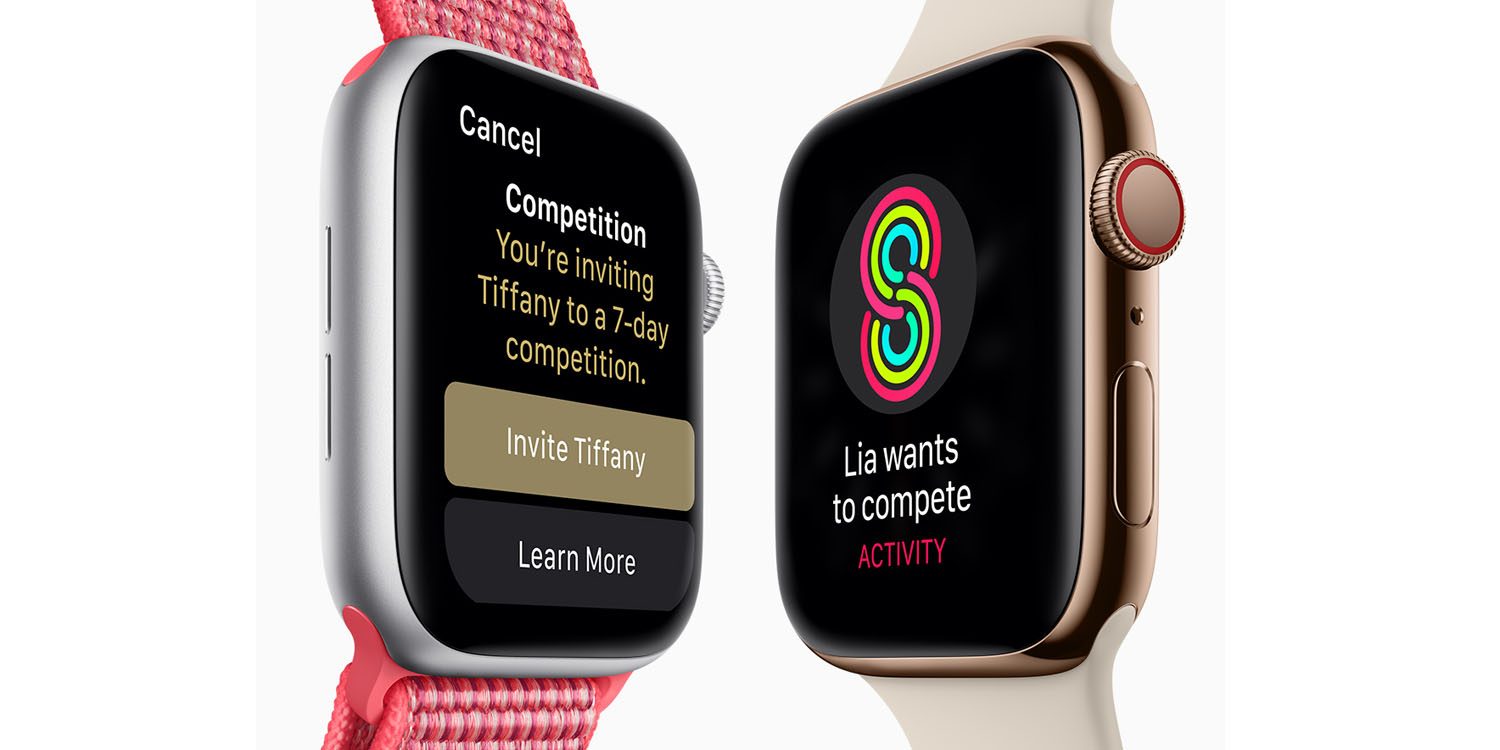

 Apple Shares New Apple Watch Series 4 How-to Videos


The first Apple Watch how to simply covers how to start a Workout on the device. Apple touts that it “only takes a couple taps to kickstart your workout” when you’re using an Apple Watch. The video highlights how to use an open gaol running workout and track your progress, and use the post-Workout summary features.


Next up, the second new Apple Watch how to video highlights the device’s Emergency SOS feature. Apple explains that you simply press and hold the side button, and slide the Emergency SOS slider to place an immediate call to emergency services. Apple also shows off that you can easily access your Medical ID this same way.


Apple has regularly shared how to videos on its YouTube channel over the last several product releases, and the Apple Watch Series 4 is no different. While the company touts these features using an Apple Watch Series 4, it’s worth noting that the same steps apply on older models of the wearable, as well.


Source: 9to5mac


Windows
Mac OS
iOS
Linux
3uTools
Win 64-bit For this device
V9.01 2025-12-27
Download
Win 32-bit For this device
V9.01 2025-12-27
Download
3uTools
Intel Chip How to Identify Chip Type
V9.01 2025-12-31
Download
Apple Silicon
V9.01 2025-12-31
Download
How to Identify Chip Type
1.  Click the Apple icon in the top-left corner of the screen and select About This Mac.
2.  Check the Processor or Chip field to determine if it is "Intel" or "Apple".
Please use the 3uTools PC client to install the iOS client:
1、 Install either the Windows or Mac version of 3uTools on your computer
2、 Open the PC client and connect your device to the computer via USB cable
3、 After the connection is successful, wait for the computer to automatically install the mobile app for the device, or locate “Install Mobile App” on the computer and manually click to install.
3uTools
deb file
V3.01 2025-11-20
Download
rpm file
V3.01 2025-11-20
Download
Windows
Windows
iOS
iOS
Android
Android
TV
TV
3uAirPlayer
Win 64-bit For this device
V6.0.2 2025-11-19
Download
Win 32-bit For this device
V6.0.2 2025-11-19
Download
iOS Device Mirroring (No App Required)
1、 Install 3uAirPlayer on the Windows PC
2、 Open Control Center and select Screen Mirroring
3、 From the list, choose your PC to start mirroring
4、 Or connect your iOS device to the PC via USB to begin mirroring
Scan to get "3uAirPlayer" App
3uAirPlayer TV V1.0.18
2025-11-28
TV System Requirements: Android 7.0 or later
Download the TV installation package, copy it to a USB drive, insert it into your TV or set-top box, then select the file from the home screen to install.




