 NEWS
NEWS
Apple Watch and Other Hardware Reportedly Spared by New Trump Tariffs
 09/18/2018
 2843
2843
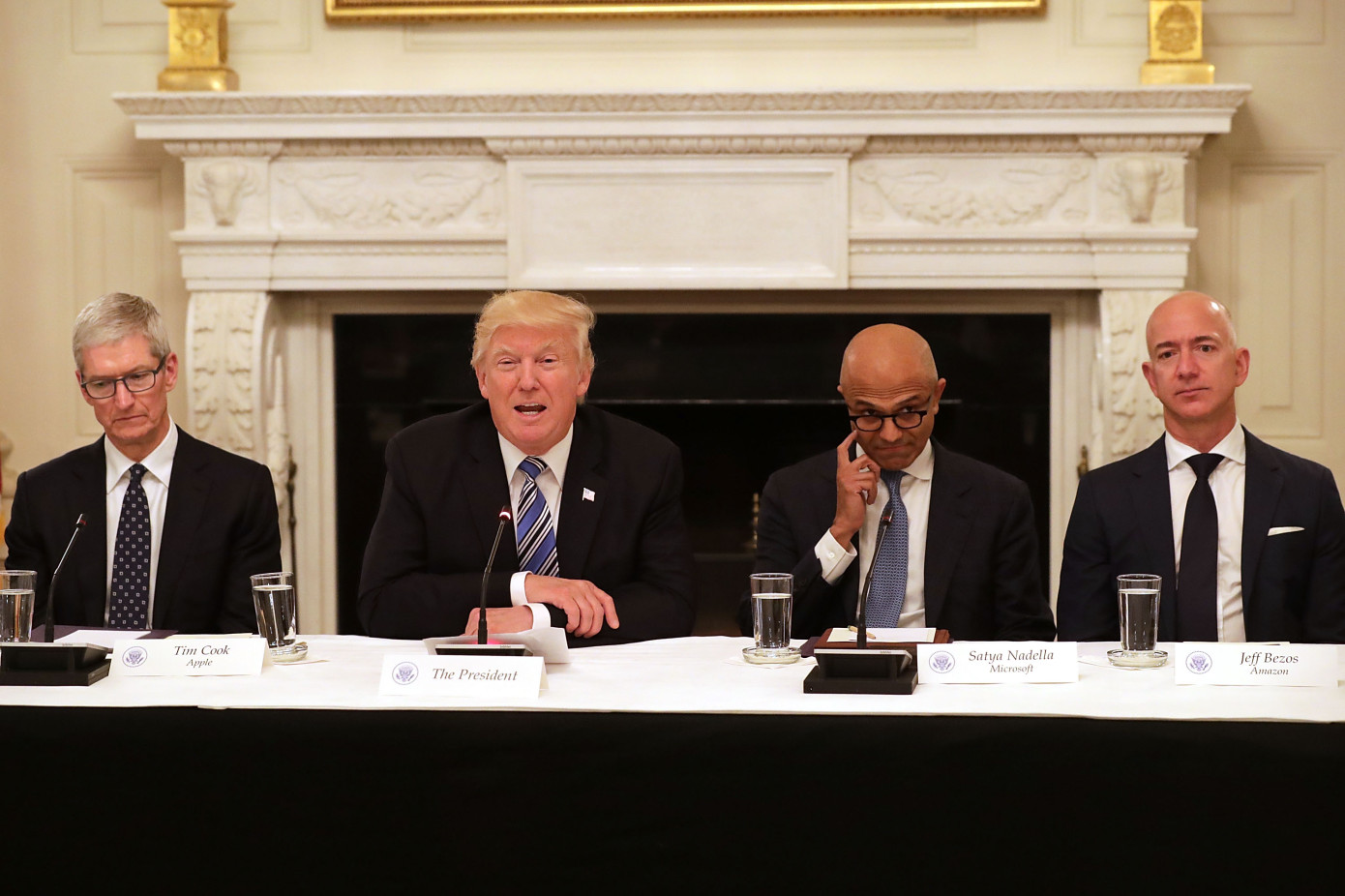
The latest round of Trump administration tariffs is set to affect a number of different industries. At least one category previously expected to be impacted, however, is likely to be spared.
According to anonymous sources, the tariffs impacting a slew of consumer electronics, running the gamut from the Apple Watch to Fitbit trackers to Sonos speakers, has not made it into the final language. That means, for this round at least, those products should be spared the tax that would drive up the cost of such imports.
Trump administration tariffs have been the centerpiece of a looming trade war between the U.S. and China. Earlier today, China was reportedly set to cancel further trade talks, should the U.S. announce additional tariffs. They’ve been a domestic issue as well, as companies like Harley-Davidson have announced plans to move some production overseas to avoid the fee.
Apple has been a vocal critic of the tariffs, noting the resulting price hike. Earlier this month, the company wrote a letter to the Office of the United States Trade Representative, noting, “Tariffs increase the cost of our US operations, divert our resources, and disadvantage Apple compared to foreign competitors. More broadly, tariffs will lead to higher US consumer prices, lower overall US economic growth, and other unintended economic consequences.”
CEO Tim Cook also met with the president and first lady at their New Jersey golf resort earlier this month, in what much have been one of the more awkward meals in recent memory.
The new tariffs are expected to be announced as early as today.
Source: techcrunch










