NEWS

Apple Invites Heart Study Participants to Complete Survey as Apple Watch Medical Study Wraps Up

09/03/2018

2848

Apple Invites Heart Study Participants to Complete Survey as Apple Watch Medical Study Wraps Up


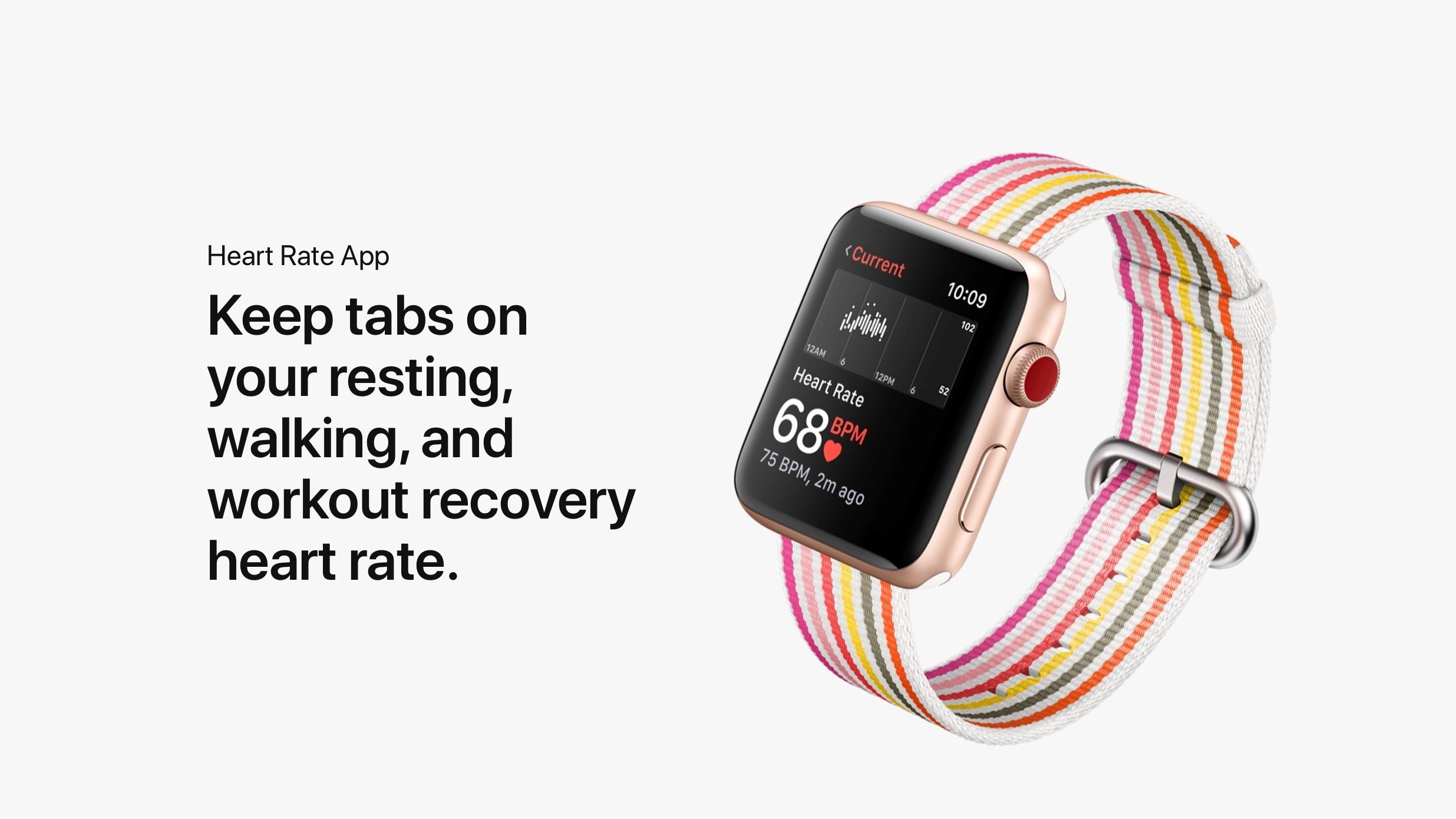
After closing the Heart Study to new participants last month, Apple today has started sending notifications to participants informing them that their participation is nearly completed.


When Heart Study participants launch the program’s application, they’ll see a new “Complete Survey” button along the top. Clicking through this link, users are taken to the Stanford Medicine website where they are informed their participation is “very close to completion.” The survey was first spotted by Nate Gorby on Twitter.


The message on Stanford’s website reads:

"Congratulations and thank you for participating in the Apple Heart Study. You are very close to completion of your study participation. We would like to collect your responses to help measure important outcomes in the study. Please complete this survey in one sitting (approximately 5-7 minutes of your time)."


Not everyone will see the message for the survey; the last people to sign up for the program will participate until January 31st, 2019.


Apple and Stanford Medicine first launched the Heart Study back in November of 2017. The program was open to anyone with an Apple Watch Series 1 or later and an iPhone 5s or later. 


Source: 9to5mac

Windows
Mac OS
iOS
Linux
3uTools
Win 64-bit For this device
V9.0 2025-11-11
Download
Win 32-bit For this device
V9.0 2025-11-11
Download
3uTools
Intel Chip How to Identify Chip Type
V9.0 2025-12-02
Download
Apple Chip
V9.0 2025-12-02
Download
How to Identify Chip Type
1.  Click the Apple icon in the top-left corner of the screen and select About This Mac.
2.  Check the Processor or Chip field to determine if it is "Intel" or "Apple".
Please use the 3uTools PC client to install the iOS client:
1、 Install either the Windows or Mac version of 3uTools on your computer
2、 Open the PC client and connect your device to the computer via USB cable
3、 After the connection is successful, wait for the computer to automatically install the mobile app for the device, or locate “Install Mobile App” on the computer and manually click to install.
3uTools
deb file
V3.01 2025-11-20
Download
rpm file
V3.01 2025-11-20
Download
Windows
Windows
iOS
iOS
Android
Android
TV
TV
3uAirPlayer
Win 64-bit For this device
V6.0.2 2025-11-19
Download
Win 32-bit For this device
V6.0.2 2025-11-19
Download
iOS Device Mirroring (No App Required)
1、 Install 3uAirPlayer on the Windows PC
2、 Open Control Center and select Screen Mirroring
3、 From the list, choose your PC to start mirroring
4、 Or connect your iOS device to the PC via USB to begin mirroring
Scan to get "3uAirPlayer" App
3uAirPlayer TV V1.0.18
2025-11-28
TV System Requirements: Android 7.0 or later
Download the TV installation package, copy it to a USB drive, insert it into your TV or set-top box, then select the file from the home screen to install.