NEWS

Apple to Celebrate ‘National Fitness Day’ in China with Apple Watch Activity Challenge

07/26/2018

2221

Apple to Celebrate ‘National Fitness Day’ in China with Apple Watch Activity Challenge


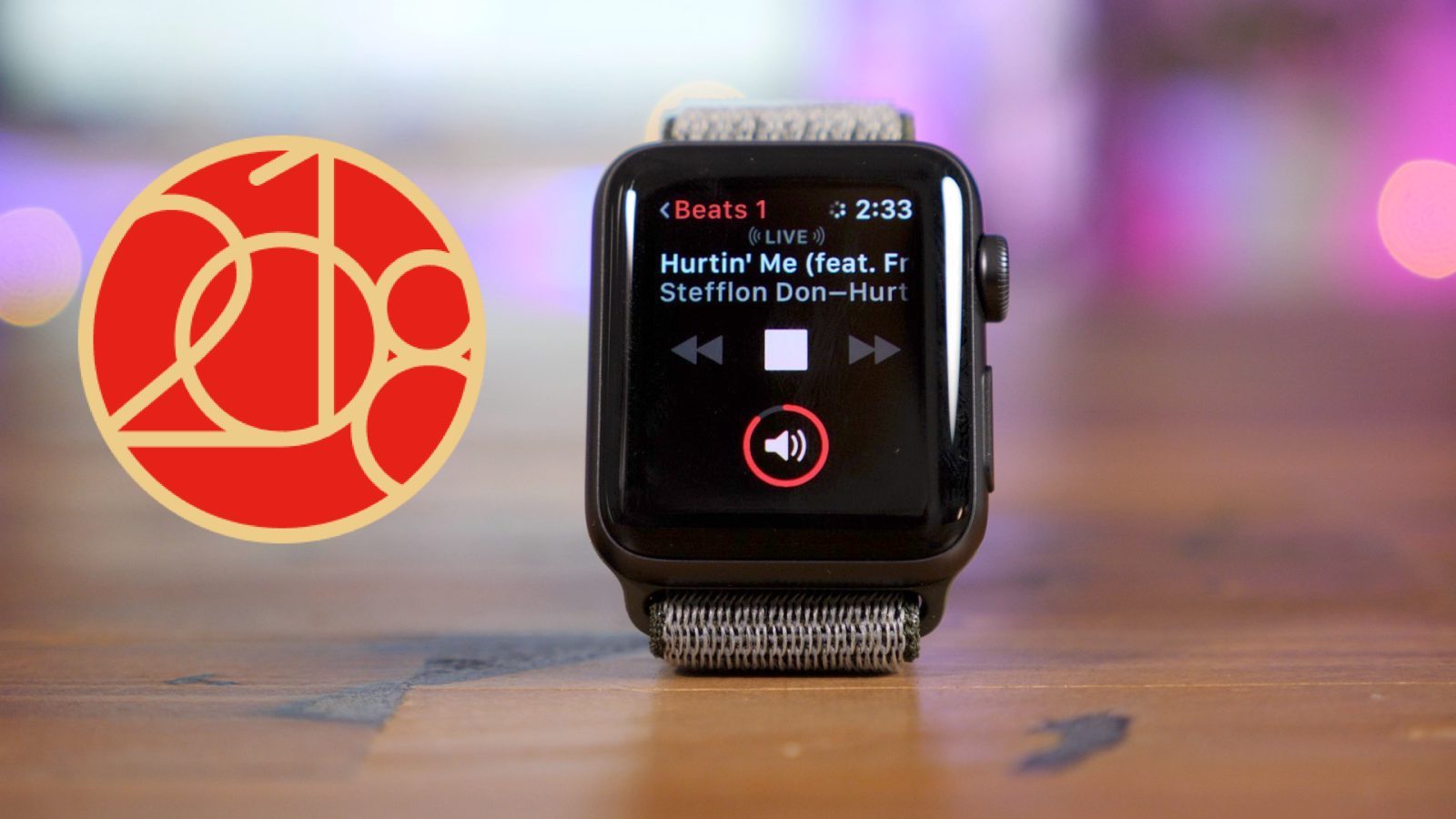
Apple is continuing its trend of offering holding Apple Watch Activity Challenges in celebration of major events and holidays. This time around, Apple is holding an Activity Challenge exclusive to China in celebration of the country’s “National Fitness Day.”


As spotted by Kyle Seth Gray on Twitter and shared with 9to5Mac, Apple is offering Apple Watch users exclusive reward badges in the Activity app for completing a workout of 30 minutes or longer on August 8th. The workout can be of any sort. As Apple explains:

"August 8 is the perfect day to be active. Earn this award by recording a workout of 30 minutes or more with your Apple Watch on National Fitness Day."


This is seemingly the first time Apple has held region-exclusive Activity Challenge in China. The company has, however, held a slew of Activity Challenges over the last couple of years in an effort to encourage fitness and activity with Apple Watch.


Most recently, Apple held an Apple Watch Activity Challenge on Earth Day, with a 30 minute workout unlocking a set of eco-friendly animated stickers. Other such events have occurred on Thanksgiving, International Women’s Day, and much more.


Source: 9to5mac

Windows
Mac OS
iOS
Linux
3uTools
Win 64-bit For this device
V9.0 2025-11-11
Download
Win 32-bit For this device
V9.0 2025-11-11
Download
3uTools
Intel Chip How to Identify Chip Type
V9.0 2025-12-02
Download
Apple Silicon
V9.0 2025-12-02
Download
How to Identify Chip Type
1.  Click the Apple icon in the top-left corner of the screen and select About This Mac.
2.  Check the Processor or Chip field to determine if it is "Intel" or "Apple".
Please use the 3uTools PC client to install the iOS client:
1、 Install either the Windows or Mac version of 3uTools on your computer
2、 Open the PC client and connect your device to the computer via USB cable
3、 After the connection is successful, wait for the computer to automatically install the mobile app for the device, or locate “Install Mobile App” on the computer and manually click to install.
3uTools
deb file
V3.01 2025-11-20
Download
rpm file
V3.01 2025-11-20
Download
Windows
Windows
iOS
iOS
Android
Android
TV
TV
3uAirPlayer
Win 64-bit For this device
V6.0.2 2025-11-19
Download
Win 32-bit For this device
V6.0.2 2025-11-19
Download
iOS Device Mirroring (No App Required)
1、 Install 3uAirPlayer on the Windows PC
2、 Open Control Center and select Screen Mirroring
3、 From the list, choose your PC to start mirroring
4、 Or connect your iOS device to the PC via USB to begin mirroring
Scan to get "3uAirPlayer" App
3uAirPlayer TV V1.0.18
2025-11-28
TV System Requirements: Android 7.0 or later
Download the TV installation package, copy it to a USB drive, insert it into your TV or set-top box, then select the file from the home screen to install.