 NEWS
NEWS
Verizon Eyes Apple as a Partner for 5G TV Rollout
 07/24/2018
 2202
2202
The communications giant is considering either Apple or Google to serve as its provider for 5G video, according to a new report.
Verizon Communications is in talks with Apple and Google as potential partners when it launches home 5G service in a pair of California markets later this year, Bloomberg News reported Monday.
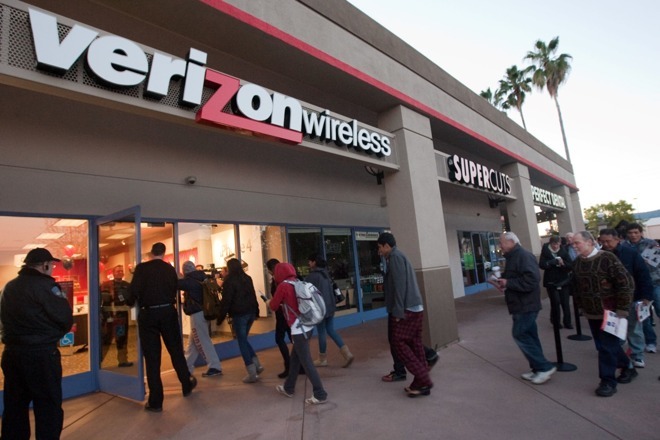
The report, citing "a person familiar with the situation," says that Verizon is expected to update its 5G plans during the company's quarterly earnings announcement on Tuesday. The partnership would be either with Apple TV or Google's YouTube TV and may function as a temporary "showcase" for the technology until Verizon is able to launch a video service itself.
Verizon's plan, according to the report, is to "beam online services to home receivers" at 5G speeds, and later compete with Comcast and AT&T's landline services. The service is expected to launch in Los Angeles and Sacramento, as well as two other cities, later this year.
Verizon had been working on an OTT TV service as of last year but appears to have pulled back on that, according to the Bloomberg report.
The next stage in wireless networking, 5G, is beginning its rollout this year, although it is not expected to be available on the 2018 iPhone generation.
Source: appleinsider











