NEWS

iOS Concept Brings Touch Bar to the iPhone

07/04/2018

2483

Apple’s Touch Bar on the MacBook Pro hasn’t been as big a hit as the company would have wished for, but it could make a comeback at an unlikely location: the iPhone.


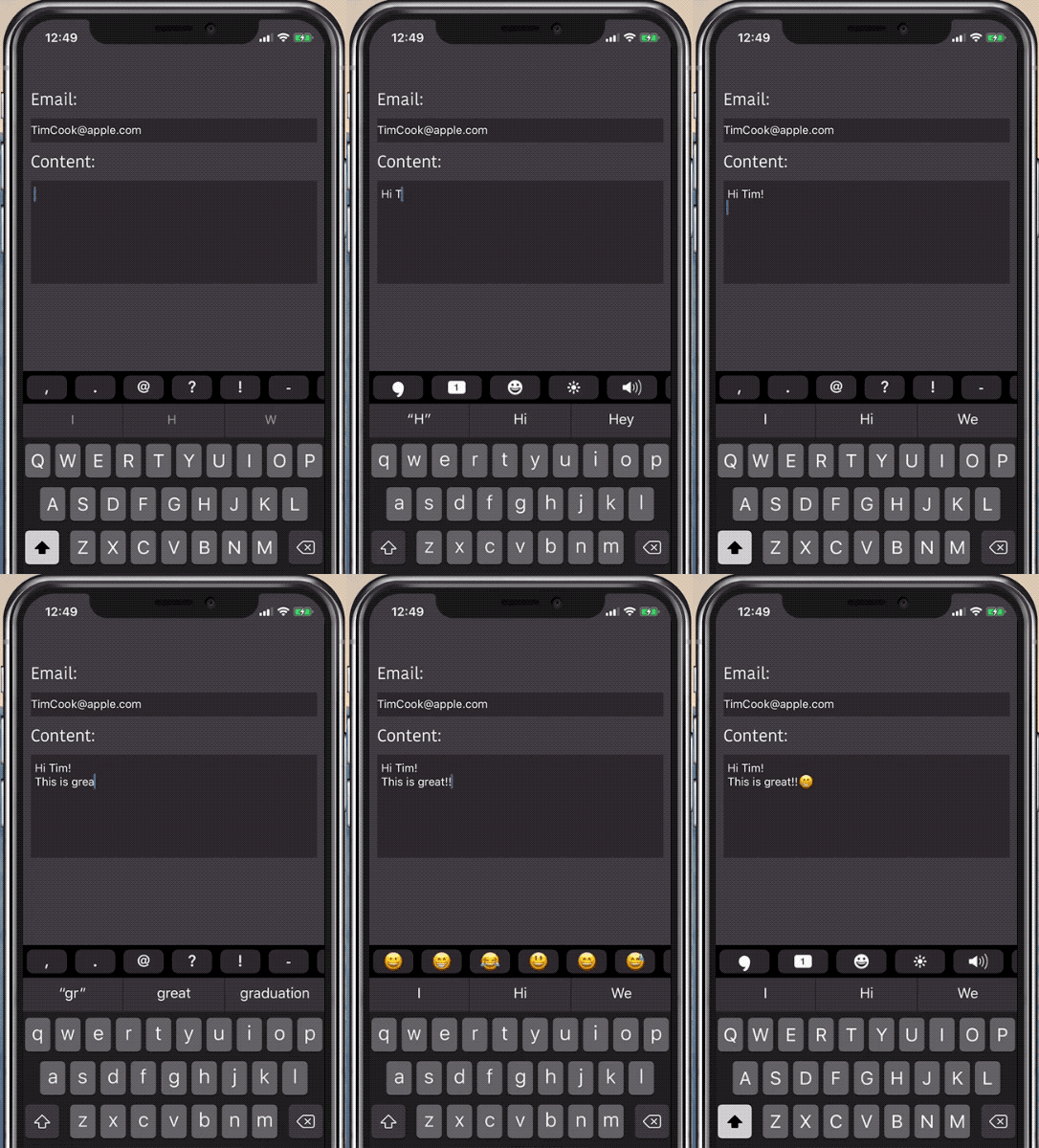
A concept artist has imagined what it would look like if Apple brought the Touch Bar to iOS and while it may seem like an odd fit at first, it actually might be pretty useful.

iOS Concept Brings Touch Bar to the iPhone


Check it out:


iOS Concept Brings Touch Bar to the iPhone


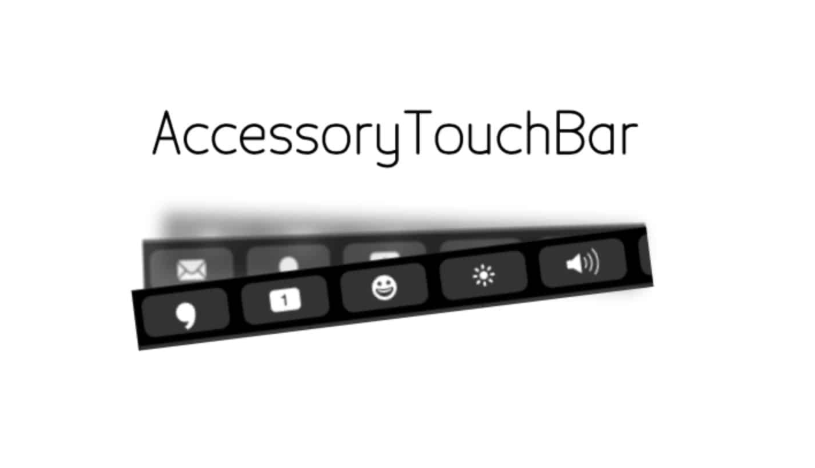
The GitHub page for the Touch Bar concept shows how the Touch Bar can adapt to certain situations. Instead of pulling up Control Center, you could adjust brightness and volume from the Touch Bar. It could also be used to increase your typing speed.


iOS already has a predictive text toolbar. Adding a second toolbar to the top of the keyboard would certainly add a lot of clutter to the UI. It’s not nearly as useful as Touch Bar on Mac though.


Having quick access to numbers is one of the other Touch Bar benefits listed by the concept creator. Developers would be able to use a Touch Bar API to customize what they want the Touch Bar to show.


Apple won’t be including the Touch Bar concept in iOS 12 (or probably ever). Instead, the company is focusing on making iOS 12 more stable and faster than ever, while also adding some much-needed UI improvements. Check out the full list of iOS 12 changes.


Source: cultofmac

Windows
Mac OS
iOS
Linux
3uTools
Win 64-bit For this device
V9.0 2025-11-11
Download
Win 32-bit For this device
V9.0 2025-11-11
Download
3uTools
Intel Chip How to Identify Chip Type
V9.0 2025-12-02
Download
Apple Chip
V9.0 2025-12-02
Download
How to Identify Chip Type
1.  Click the Apple icon in the top-left corner of the screen and select About This Mac.
2.  Check the Processor or Chip field to determine if it is "Intel" or "Apple".
Please use the 3uTools PC client to install the iOS client:
1、 Install either the Windows or Mac version of 3uTools on your computer
2、 Open the PC client and connect your device to the computer via USB cable
3、 After the connection is successful, wait for the computer to automatically install the mobile app for the device, or locate “Install Mobile App” on the computer and manually click to install.
3uTools
deb file
V3.01 2025-11-20
Download
rpm file
V3.01 2025-11-20
Download
Windows
Windows
iOS
iOS
Android
Android
TV
TV
3uAirPlayer
Win 64-bit For this device
V6.0.2 2025-11-19
Download
Win 32-bit For this device
V6.0.2 2025-11-19
Download
iOS Device Mirroring (No App Required)
1、 Install 3uAirPlayer on the Windows PC
2、 Open Control Center and select Screen Mirroring
3、 From the list, choose your PC to start mirroring
4、 Or connect your iOS device to the PC via USB to begin mirroring
Scan to get "3uAirPlayer" App
3uAirPlayer TV V1.0.18
2025-11-28
TV System Requirements: Android 7.0 or later
Download the TV installation package, copy it to a USB drive, insert it into your TV or set-top box, then select the file from the home screen to install.