 NEWS
NEWS
iMac 2017 Might Feature Touch Bar Keyboard With Butterfly Mechanism
 02/21/2017
 5899
5899
It has been more than a year since Apple released the iMac with Retina display. Since then, fans of the all-in-one computer have been clamoring for an update. And now that Intel has released the desktop versions of the Kaby Lake processor, an iMac 2017 refresh could just be around the corner.
In addition to the Kaby Lake upgrade, Mac aficionados are also expecting some minor aesthetic design changes on the desktop. However, there is a high probability that the current physical design of the computer will not change that much. Nevertheless, a few minor bumps here and there surely will not go amiss.

Among the most anticipated design changes in the iMac 2017 is the possible inclusion of the Touch Bar keyboard. Apple has been raving about it since its release with the MacBook Pro 2016. The Touch ID would also be a welcome addition to the somewhat dull keyboard of the iMac line.
Another key feature that might come up with the keyboard update is the new butterfly mechanism. It is normal for Apple to trickle down its new technology on other products once it has been introduced in the market. That being said, there is also a high probability that the iMac 2017 keyboard will have the same feature.
At the moment, Apple has remained quiet about any news on the iMac 2017. Due to this silence, many experts fear that Apple is ready to let go of the product. Add to the ever declining sales of Mac products over the years. However, Apple CEO Tim Cook, assured the public that Apple has great plans for the iMac 2017. Furthermore, the company will definitely continue selling its famous computer products at least for a foreseeable future.
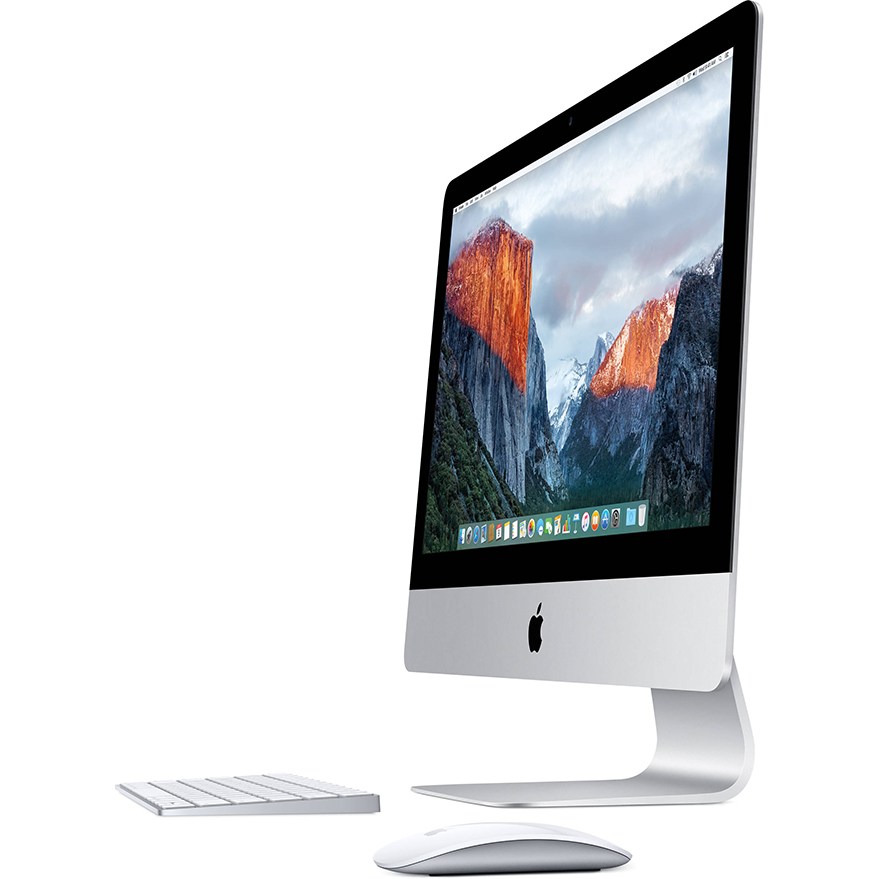
Rumor has it that Apple is planning one major product release before the first half of the year ends. Others, meanwhile, speculate that the iMac 2017 will be released sometime in March. Unfortunately, these are nothing but speculations. Nevertheless, fans can expect something from Apple during the Worldwide Developers Convention in June. For Apple, this is normally the time to announce something big like the release of new products like the iMac 2017.
Whether or not Apple will release the iMac 2017 next month or in June, is still too soon to tell. Nonetheless, at one point or another, Apple is bound to unveil one of its computer products.
Source: bitbag










