NEWS

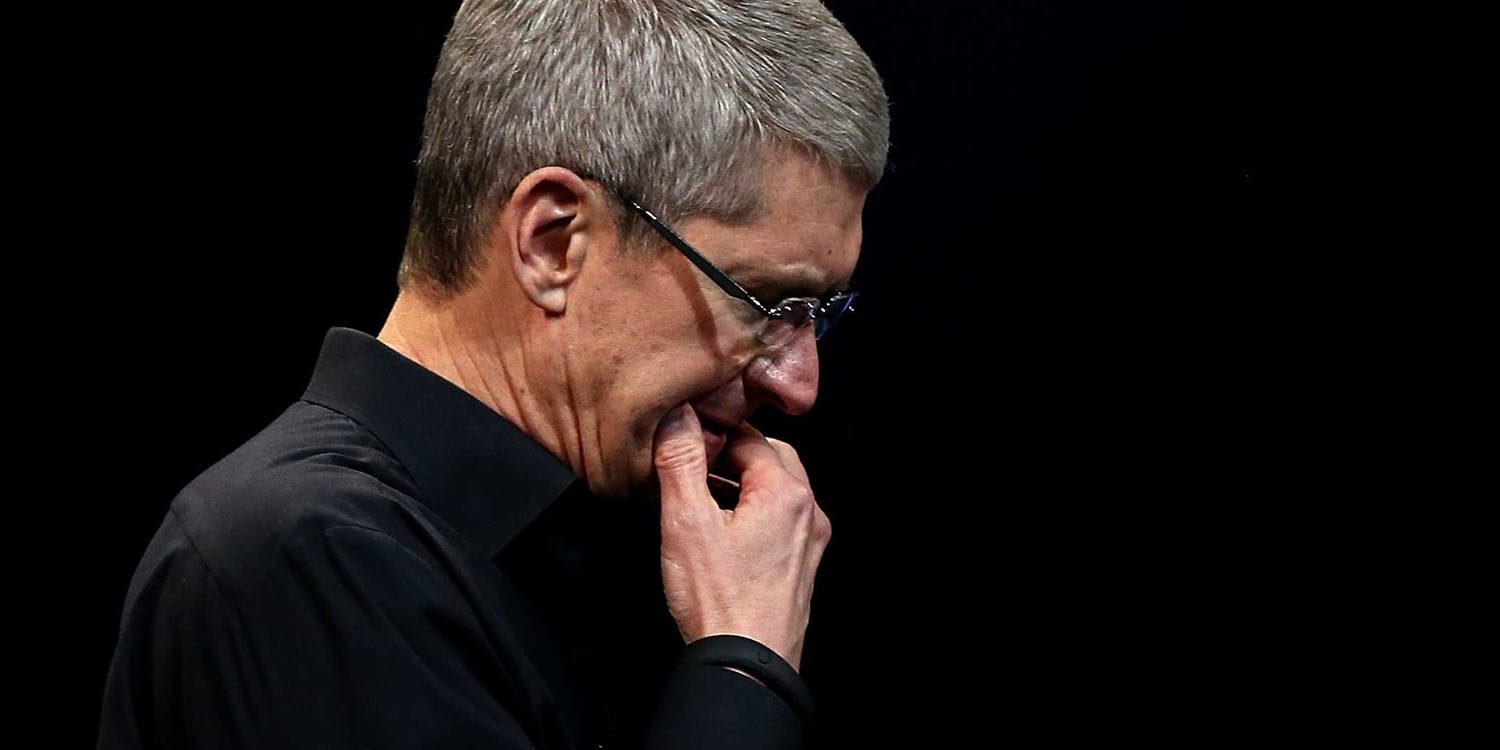
Tim Cook Drops 43 Places in Employee Approval Ratings of CEOs

06/21/2018

2346

Tim Cook Drops 43 Places in Employee Approval Ratings of CEOs


The latest Glassdoor report on the 100 Highest-Rated CEOs is out, and Apple’s Tim Cook has dropped 43 places to #96 in the rankings – based on employee reviews – only just remaining on the list at all …


It follows another huge drop last year, when he fell from #8 to #53. This year’s drop is the biggest of any CEO on the list.


Employees of companies are asked to state whether or not they approve of their CEO as part of reviews of their company as a place to work. Although Cook has fallen dramatically in the ratings over the two-year period, it should be said that a full 91% of employees approve of him as a leader. The average CEO approval rating across all companies reviewed on Glassdoor is just 67%.


Glassdoor told Business Insider that there were three reasons for employee dissatisfaction.

  • The culture of secrecy

  • High stress

  • A strict chain of command


However, none of these factors are new, all being long-established parts of Apple’s culture as a workplace, so it’s hard to blame any of these for the fall.


On the plus side, employees cited great people, good benefits and a fun environment as the main benefits to working for Apple. It’s worth noting that retail employees greatly outnumber corporate ones, so the majority of comments will reflect the in-store experience.


Source: 9to5mac

Windows
Mac OS
iOS
Linux
3uTools
Win 64-bit For this device
V9.01 2025-12-27
Download
Win 32-bit For this device
V9.01 2025-12-27
Download
3uTools
Intel Chip How to Identify Chip Type
V9.0 2025-12-02
Download
Apple Silicon
V9.0 2025-12-02
Download
How to Identify Chip Type
1.  Click the Apple icon in the top-left corner of the screen and select About This Mac.
2.  Check the Processor or Chip field to determine if it is "Intel" or "Apple".
Please use the 3uTools PC client to install the iOS client:
1、 Install either the Windows or Mac version of 3uTools on your computer
2、 Open the PC client and connect your device to the computer via USB cable
3、 After the connection is successful, wait for the computer to automatically install the mobile app for the device, or locate “Install Mobile App” on the computer and manually click to install.
3uTools
deb file
V3.01 2025-11-20
Download
rpm file
V3.01 2025-11-20
Download
Windows
Windows
iOS
iOS
Android
Android
TV
TV
3uAirPlayer
Win 64-bit For this device
V6.0.2 2025-11-19
Download
Win 32-bit For this device
V6.0.2 2025-11-19
Download
iOS Device Mirroring (No App Required)
1、 Install 3uAirPlayer on the Windows PC
2、 Open Control Center and select Screen Mirroring
3、 From the list, choose your PC to start mirroring
4、 Or connect your iOS device to the PC via USB to begin mirroring
Scan to get "3uAirPlayer" App
3uAirPlayer TV V1.0.18
2025-11-28
TV System Requirements: Android 7.0 or later
Download the TV installation package, copy it to a USB drive, insert it into your TV or set-top box, then select the file from the home screen to install.