 NEWS
NEWS
Next-gen Apple Watch Design May Feature Solid State Buttons and a Bigger Display
 06/11/2018
 2427
2427
An upcoming version of the Apple Watch will feature solid state buttons with haptic feedback courtesy of Apple’s Taptic Engine, according to a new report from Fast Company. Citing a source familiar with Apple’s plans, the report claims that both the side button and the digital crown on the Apple Watch will vibrate when pressed, thus providing the illusion of a physical button. Apple’s plans in this regard shouldn’t come as much of a surprise given that both the iPhone and Apple’s line of notebooks implement similar haptic-oriented designs.
“Apple will stick with the Watch’s current button configuration, with a button and a digital crown situated on one side of the device, but neither will physically click as before,” the report reads in part. “Rather than reacting to the user’s touch by physically moving back and forth, the new buttons will vibrate slightly under the fingertip, using the haptic effect Apple calls the Taptic Engine. (The digital crown will still physically rotate to navigate through content.)”
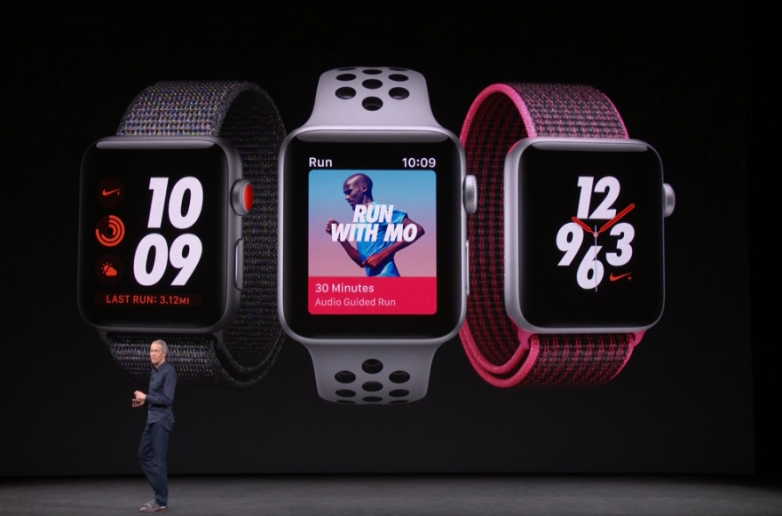
The report isn’t clear as to when this new Apple Watch design might be released, though it mentions that it will arrive by 2019 at the latest. The upside to the new design is that it will improve water resistance and could free up room internally for new sensors or, perhaps, a bigger battery. Interestingly, the report adds that the Apple Watch designs later on down the line may not feature any buttons at all.
Whether or not an Apple Watch featuring solid state buttons is released this year or next, there are other rumored changes to look forward to. Just a few weeks ago, a report surfaced claiming that Apple has been working on a new Apple Watch design featuring an edge to edge display that would not increase the overall size of the casing. More specifically, analyst Ming-Chi Kuo a few months back said that upcoming Apple Watch models will boast much improved battery life and a “15% bigger display size.” If true, the next-gen Apple Watch will represent the biggest redesign to Apple’s wearable since the device first launched back in 2015.
All told, the Apple Watch continues to grow in popularity with each passing year. This past January, for example, Apple revealed that Apple Watch sales during the 2017 holiday quarter were record-breaking. Not to be outdone, Tim Cook during Apple’s most recent earnings conference call said that the Apple Watch sales are growing and that the entirety of Apple’s wearables division is now the size of a Fortune 300 company.
Source: bgr









